10 Best WordPress Backup Plugins


When it comes to protecting a WordPress website, a reliable backup plugin is non-negotiable. Sites run into trouble at unpredictable times, whether that is a hacking attempt, a bad plugin update, an accidental deletion, or a server that simply falls over. A solid backup plugin means you can restore your site to its previous state instead of starting over from nothing.

This category has gone through more consolidation than most WordPress plugin categories over the past couple of years. Automattic folded VaultPress directly into Jetpack Backup, and iThemes rebranded to SolidWP before its product line was absorbed into the Kadence family under Nexcess and Liquid Web. If you have bookmarked an older comparison of backup plugins, some of the names in it may no longer point where you expect, and we have corrected those changes below rather than repeating outdated brand names as if nothing had moved.
What Makes a Backup Plugin Worth Paying For?
Free backup plugins exist and some of them are genuinely fine for a small blog, but a paid plugin earns its keep on a store, a client site, or anything where downtime costs money. The best WordPress backup plugin combines dependable automatic scheduling, encrypted off-site storage on a service like Google Drive, Dropbox, or Amazon S3, and a restore process that actually works when you are stressed and the site is down. Reliability under pressure matters more than any single feature on a spec sheet, because the entire point of a backup plugin is performing correctly on the one day you did not expect to need it.
Why You Need a Backup Plugin, Not Just a Backup
Imagine spending months building and customizing a WordPress site, then losing it in an afternoon to a hack, a bad update, or an accidental deletion. Without a proper backup system, that work can disappear for good. A backup plugin automates the part that people forget to do manually: taking a fresh copy on a schedule, storing it somewhere other than the same server, and making the restore process something you can actually execute under pressure instead of a multi-hour recovery project.
A reliable plugin saves you from downtime, lost revenue, and the work of rebuilding a site from scratch. It also changes how you operate day to day. Once backups are automatic and verified, you can update plugins, test new features, or let a junior team member make changes without the fear that one mistake will be unrecoverable.
Key Features to Look for in a WordPress Backup Plugin
- Automatic Backups: The plugin should schedule backups at regular intervals (daily, weekly, or in real time) without you needing to remember to run them manually.
- Cloud Storage Integration: The ability to store backups remotely on platforms like Dropbox, Google Drive, or Amazon S3 protects you if the server itself is compromised or destroyed.
- One-Click Restore: When something goes wrong, you want to restore the site quickly, not decode a manual, multi-step recovery process while your site is down.
- Incremental Backups: Many plugins back up only the changes made since the last backup after the initial full backup, which saves time, bandwidth, and storage space.
- Multisite Support: If you manage a WordPress multisite network, confirm the plugin explicitly supports multisite before you buy, rather than assuming it does.
- Encryption: Backups should be encrypted both in transit and at rest, since a backup file is effectively a full copy of your database, including customer and order data on an EDD or WooCommerce store.
- Customer Support: When a restore goes wrong, responsive support is the difference between a short outage and a long one.
10 Backup Plugins Worth Considering, Corrected for 2026
Here is the current state of the category, including the mergers and rebrands that have reshaped it recently.
1. BlogVault
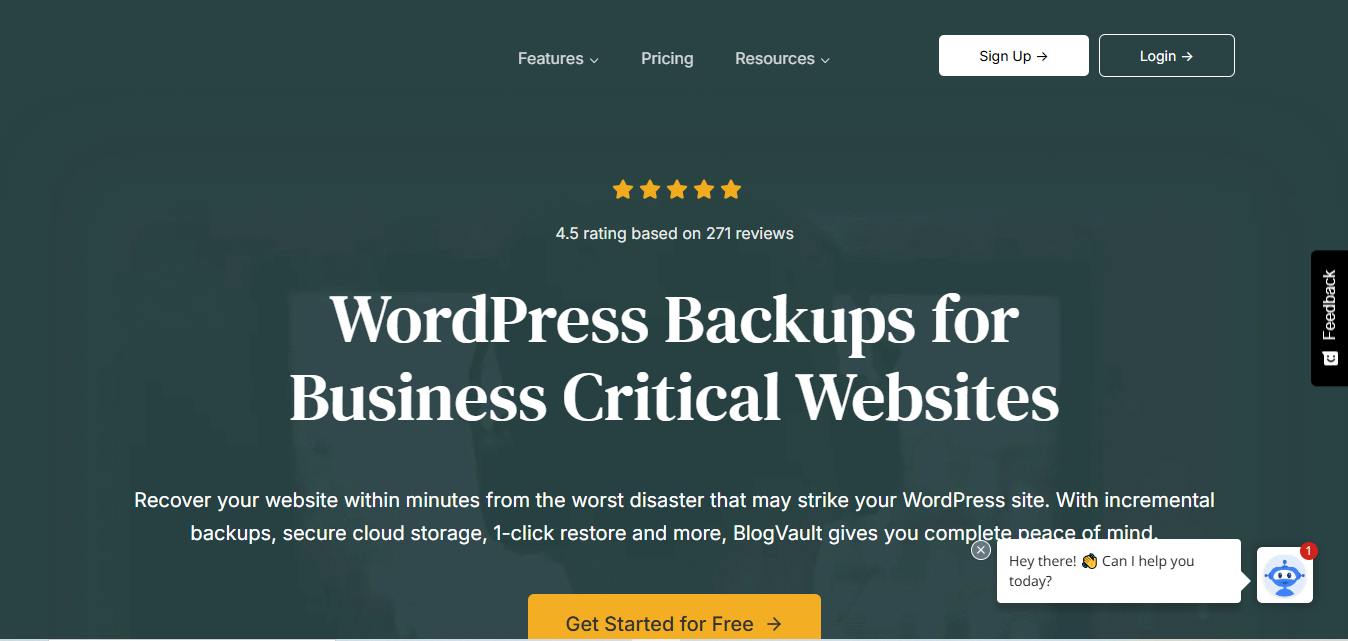
BlogVault takes incremental backups, meaning it only backs up new changes after the first full backup. That saves bandwidth and storage space and keeps backups running fast even on large, media-heavy sites. It also includes a staging environment for testing updates and changes before pushing them live.
Key Features
- Incremental backups
- Off-site storage separate from your host
- One-click restore
- Staging environment for testing
Pros
- Saves time and storage with incremental backups
- Genuinely useful staging feature, not a bolted-on afterthought
- Responsive customer support
Cons
- Priced higher than several alternatives on this list
Why It Stands Out: The incremental backup system keeps backups efficient on large sites, and the staging environment lets you test risky changes without touching the live site.
Also Read: 10 Best Plugins for WordPress Security
2. BackupBuddy (Now Part of the Kadence Backups / SolidWP Family)
BackupBuddy was originally sold directly by iThemes and built a reputation for full-site backups plus migration tools in one plugin. iThemes has since rebranded as SolidWP, and its backup product now ships under the wider Kadence and Nexcess product family from Liquid Web. If you are shopping for it today, search for the current backup offering from that family rather than assuming the old iThemes storefront and pricing page are still the right place to buy, since the brand has changed hands more than once in a short period and the exact current name and tier structure are worth confirming directly before you pay.
Key Features
- Full-site backups (themes, plugins, and databases)
- Cloud and FTP storage options
- One-click restore
- Migration tooling for moving a site between hosts
Pros
- Comprehensive backup coverage
- Migration tools bundled in rather than sold separately
Cons
- Brand and pricing have moved around recently, so double-check you are buying the current product before renewing an old subscription blind
Why It Stands Out: Even under new branding, the combination of full-site backup and migration tooling in one plugin remains useful for anyone who needs both.
3. Jetpack Backup (Includes What Used to Be VaultPress)
Jetpack Backup, from Automattic, is worth calling out specifically because it now absorbs a product that used to be listed separately in roundups like this one: VaultPress. Automattic has merged VaultPress into Jetpack, and the VaultPress website itself now redirects visitors to “Jetpack VaultPress Backup.” If you see VaultPress mentioned anywhere as a standalone purchase option today, treat that as outdated information, because new customers sign up through Jetpack.
Jetpack Backup offers real-time backups and straightforward site restoration. The premium tier includes expanded storage and priority support, which is worth the money for any site that cannot tolerate losing changes made between scheduled backup windows.
Key Features
- Real-time backups
- Automatic daily backups as a fallback
- One-click restore
- Security scanning inherited from the former VaultPress feature set
Pros
- Reliable, well-tested infrastructure backed by Automattic
- Easy one-click restore
- Real-time backup functionality protects changes between scheduled runs
Cons
- The free Jetpack plan offers little in the way of real backup protection; you need the paid tier for anything beyond basic coverage
Why It Stands Out: Real-time backup protects your data instantly as changes happen, rather than waiting for the next scheduled run, and folding in the former VaultPress security scanning gives it more than a typical backup-only tool.
4. UpdraftPlus Premium
UpdraftPlus Premium remains one of the most widely used backup plugins for WordPress, valued for its straightforward interface and broad feature set. It supports both manual and scheduled automatic backups and stores them on cloud services including Google Drive, Dropbox, and Amazon S3. The team behind it now operates primarily under the Team Updraft brand, though the plugin itself is still called UpdraftPlus.
Key Features
- Automatic scheduled backups
- Incremental backups
- Remote storage options (Google Drive, Dropbox, S3, and more)
- One-click restore
Pros
- Easy-to-use interface, approachable for beginners
- Fast, dependable backups
- Wide range of cloud storage integrations
Cons
- Some advanced features are locked to the premium tier
Why It Stands Out: The free version is genuinely usable, which makes the jump to premium an easy decision once a site needs the extra storage destinations and scheduling flexibility.
5. WP Time Capsule
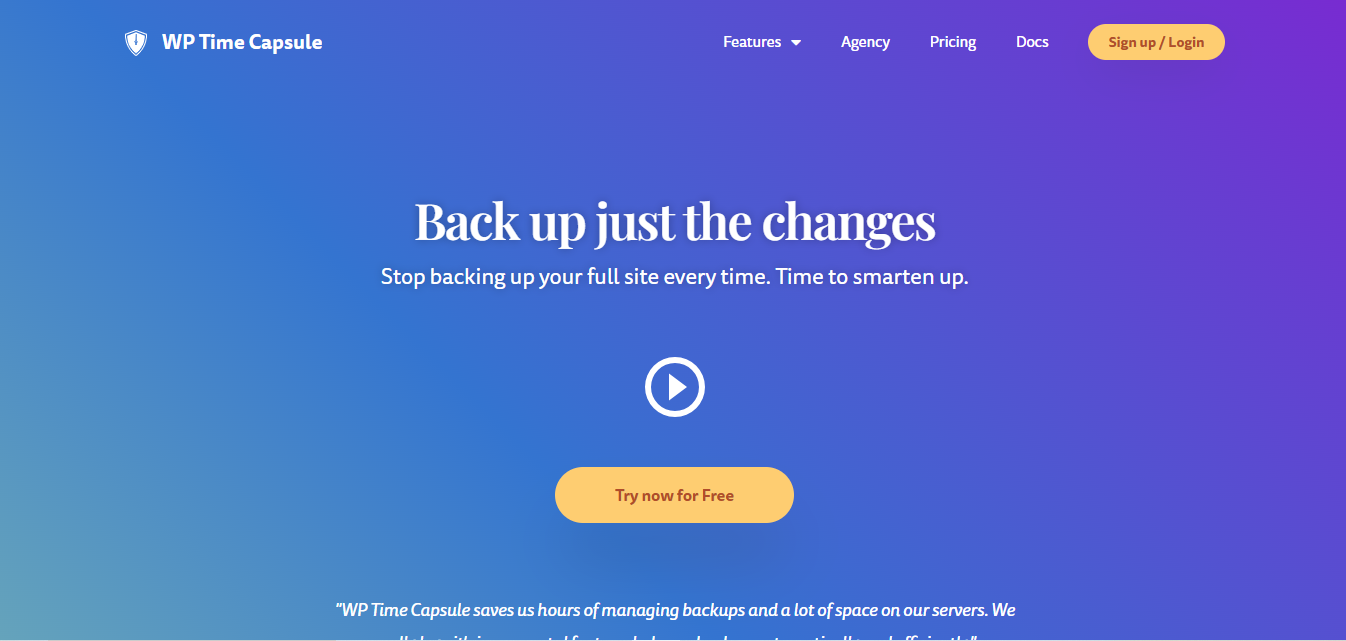
WP Time Capsule specializes in incremental backups, meaning it backs up only the files that changed since the last run rather than a full copy every time. It supports common cloud storage destinations and keeps the scheduling interface simple.
Key Features
- Incremental backups
- Cloud storage integration
- One-click restore
- Flexible backup scheduling
Pros
- Incremental backups save both space and time
- Simple, intuitive interface
- Dependable cloud storage options
Cons
- Some functionality is reserved for higher-tier plans
Why It Stands Out: The incremental-only approach makes it an efficient pick for anyone who wants frequent backups without the storage bill that comes with full copies every time.
Also Read: 10 Best Software for Scheduling Squarespace
6. All-in-One WP Migration & Backup
We swapped this entry in to replace VaultPress, since VaultPress no longer exists as a separate product from Jetpack Backup, covered above. All-in-One WP Migration & Backup, from ServMask, is one of the most widely installed backup and migration tools in the WordPress ecosystem, known for packaging an entire site, database, media, plugins, and themes, into a single exportable file.
Key Features
- Full-site export to a single portable file
- Backup and migration handled by the same tool
- Cloud storage extensions for Google Drive, Dropbox, OneDrive, and more
- Automatic scheduled backups on the premium tier
Pros
- Extremely large install base, which means broad host compatibility and community troubleshooting resources
- Doubles as a migration tool without needing a separate plugin
- Straightforward for beginners
Cons
- Cloud storage destinations are sold as separate add-ons rather than bundled in a single plan
Why It Stands Out: Few tools handle both backup and full-site migration this cleanly in one file format, which makes it a practical choice for anyone who expects to change hosts at some point.
7. Duplicator Pro
Duplicator Pro, owned by Snap Creek and affiliated with Awesome Motive, is both a backup plugin and a migration tool. It packages a full-site backup that can be used either for disaster recovery or to move a WordPress site between servers or domains.
Key Features
- Full-site backups
- Migration tools for site transfers
- Scheduled backups
Pros
- Excellent for site migration specifically
- Reliable backup and restore process
- Backed by an established company with a large existing plugin portfolio
Cons
- Fewer backup-specific bells and whistles than dedicated backup-only plugins
Why It Stands Out: If migration is as important to you as backup, Duplicator Pro handles both in one plugin instead of requiring a second purchase.
8. WPVivid Backup Plugin
WPVivid offers backup, restoration, and migration in one plugin, with support for incremental backups and multiple cloud storage destinations, including Google Drive, Dropbox, and FTP.
Key Features
- Incremental backups
- Cloud storage support
- One-click restore
- Migration built in
Pros
- Useful for both backup and migration in one place
- Dependable cloud integration
- Approachable interface
Cons
- The free version is limited compared to the paid plans
Why It Stands Out: The combination of backup and migration in a genuinely free-to-start plugin makes it a reasonable starting point before committing to a paid tool.
9. BackWPup Pro

BackWPup Pro, maintained by Inpsyde, offers both automatic and manual backup options with support for multiple cloud storage services and a flexible scheduling system.
Key Features
- Automatic backups
- Cloud storage support
- Flexible backup scheduling
Pros
- Simple, intuitive interface
- Multiple storage destinations supported
- Reasonably priced premium tier
Cons
- The free version lacks several premium features
Why It Stands Out: A straightforward, affordable option for sites that need dependable scheduled backups without a large feature list to configure.
Also Read: 10 Best WordPress Migration Plugins
10. Site Management Tools from the Former iThemes Sync
iThemes Sync was a multi-site management tool that let agencies and developers manage backups and updates across many WordPress installs from one dashboard. Like BackupBuddy, it followed iThemes through the rebrand to SolidWP and the subsequent move into the Kadence and Nexcess product family. If centralized management of backups across a portfolio of client sites is what you actually need, look at the current generation of multi-site management tools from that same family, or consider a dedicated tool like ManageWP or MainWP, both of which remain independently sold and actively maintained multi-site dashboards as of this writing.
Key Features
- Multi-site management
- Automatic backups across a portfolio of sites
- Scheduled backup options
Pros
- Useful for developers and agencies managing many sites
- Centralizes what would otherwise be repetitive, per-site work
Cons
- The brand and product name you find today may not match what an older article describes, so confirm current naming and pricing before you commit an agency workflow to it
Why It Stands Out: For anyone managing more than a handful of WordPress sites, a centralized dashboard saves enough time to be worth the learning curve, regardless of which specific brand you land on.
Comparison table
| Name of Tool | Best For | Standout Feature | Pricing |
|---|---|---|---|
| BlogVault | Efficient incremental backups | Incremental backups with staging environment | Premium, higher pricing |
| BackupBuddy | Full-site backups and migrations | Backup and migration in one plugin | Premium; brand recently changed, confirm current pricing |
| Jetpack Backup | Real-time backup solution | Real-time backups, now includes former VaultPress features | Premium, limited free version |
| UpdraftPlus Premium | User-friendly and cloud integration | Cloud storage options with incremental backups | Freemium, advanced features in premium |
| WP Time Capsule | Incremental backups and cloud storage | Space-saving incremental backups | Freemium, limited features in free |
| All-in-One WP Migration & Backup | Combined backup and migration | Single-file full-site export | Freemium; storage destinations sold as add-ons |
| Duplicator Pro | Site migration and backups | Reliable site migration | Premium |
| WPVivid Backup Plugin | All-in-one backup and migration | Incremental backups with migration support | Freemium, some premium features |
| BackWPup Pro | Affordable and easy backup solution | Flexible scheduling with cloud storage | Affordable premium |
| Site Management (formerly iThemes Sync) | Managing multiple client sites | Centralized multi-site backup management | Brand recently changed, confirm current pricing |

Backup Frequency: How Often Is Actually Enough?
A daily backup is the common baseline, and it is fine for a blog or a brochure site that changes slowly. It is not enough for a store. If your EDD or WooCommerce shop takes orders around the clock, losing everything since last night’s backup means losing real transactions, customer accounts, and order history, not just some blog drafts. For a store, real-time or hourly backups, the kind BlogVault, Jetpack Backup, and WP Time Capsule are built around, are worth the extra cost because the alternative is reconstructing sales data by hand from payment processor records.
It is also worth testing your restore process at least once, on a staging site, before you actually need it in an emergency. A backup you have never restored is a backup you are only assuming works. Several of the tools above, including BlogVault and All-in-One WP Migration & Backup, make this easy because staging or a portable export file is already part of the workflow rather than a separate step you have to engineer yourself.
A Few Questions Worth Answering Before You Buy
Do I need both a backup plugin and my host’s built-in backups? Yes, in most cases. Host-level backups are convenient, but they usually live on the same infrastructure as your site, which means a server-wide failure or a hosting account issue can take both your site and its backups down together. A plugin that stores copies on a separate cloud service gives you a genuinely independent recovery path.
How many backup copies should I keep? More than one. Malware and hacks are not always caught immediately, and restoring from yesterday’s backup does no good if the compromise happened three weeks ago. Look for a plugin that retains several historical versions rather than overwriting the previous backup every time a new one runs.
Will a backup plugin slow down my site? A poorly timed full backup can add load, which is why most plugins let you schedule runs during low-traffic hours and why incremental backups exist in the first place, since they move far less data than a full backup every time.
What happens to my backups if I cancel a premium plugin? This varies by vendor, and it is worth checking before you subscribe. Some tools let you keep and restore from existing backups stored in your own cloud account after cancellation; others tie the restore functionality itself to an active subscription. Read the cancellation terms, not just the sign-up page.
Should a store specifically test its restore process? Yes, on a staging copy, at least once a quarter. An EDD or WooCommerce store carries order history and customer payment records that a blog does not, and discovering a restore problem for the first time during a live outage is the worst possible moment to learn your backup plan has a gap.
Choosing the Right Backup Plugin for Your Site
A dependable backup plugin is essential for every WordPress site owner, but “best” depends heavily on what you are actually protecting. A store that cannot afford to lose a single order needs real-time backups and off-site storage as a baseline, not a nice-to-have. An agency managing dozens of client sites needs centralized management more than it needs any single feature on one plugin’s spec sheet. And a site that changes hosts occasionally benefits more from a tool that treats backup and migration as the same job, rather than two separate purchases.
Whichever plugin you pick, confirm current pricing and product names directly on the vendor’s site before you buy or renew. This category has changed hands and brand names more than most in the past two years, and an old bookmark is not a reliable source for what you are actually paying for today.
Interesting Reads