WordPress vs Wix : Which Is the Best Platform for Your Business Website?

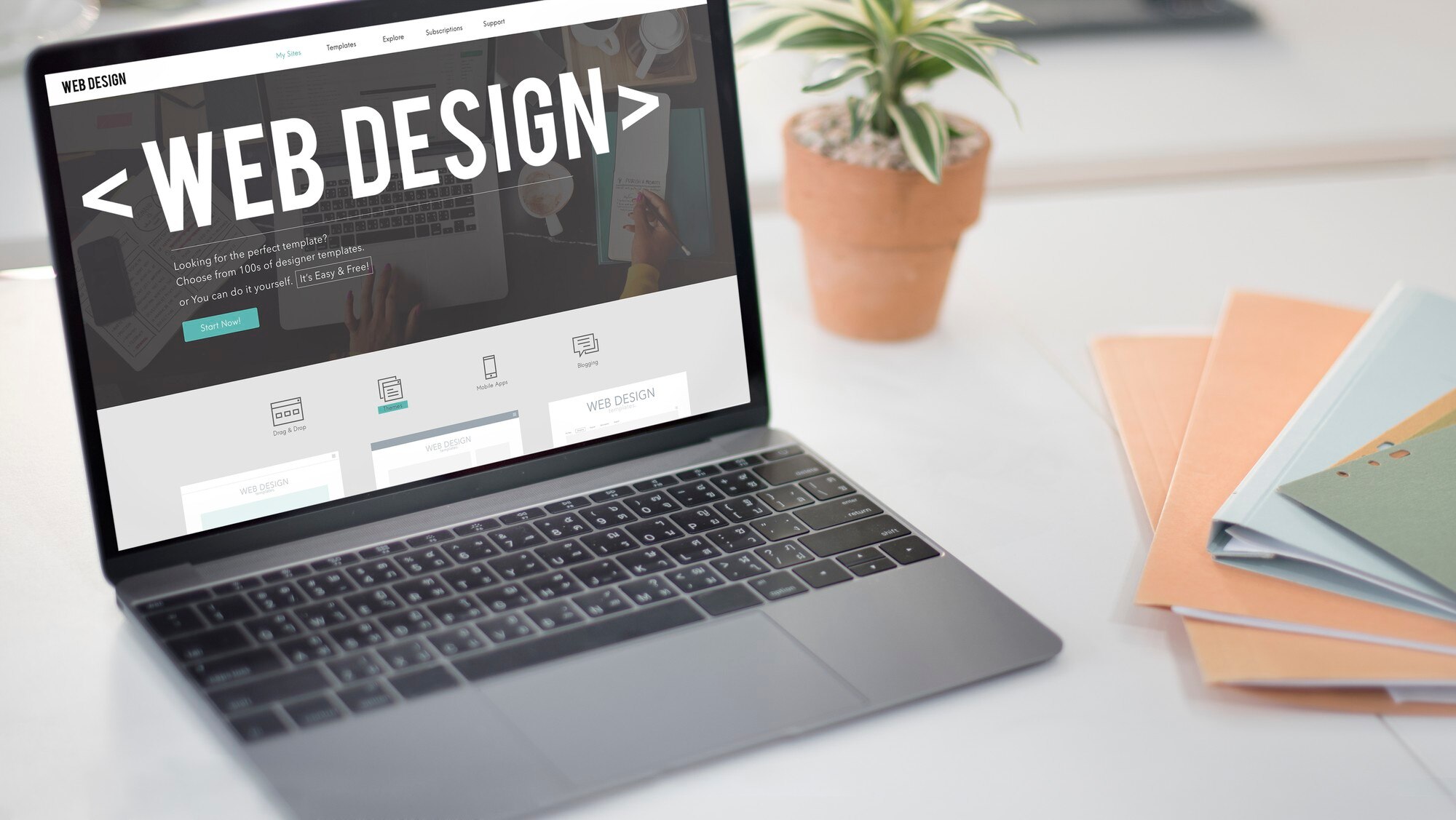
The WordPress vs. Wix debate gets framed as a simple binary online, but the honest answer depends entirely on what you’re building and who’s going to maintain it. WordPress gives you real ownership and near-unlimited customization at the cost of a steeper setup and more moving parts to manage. Wix trades that flexibility for a genuinely fast, guided path to a working website, with a subscription that keeps hosting, security, and updates off your plate entirely.
Both are legitimate choices used by millions of live businesses. The mistake most comparison articles make is treating one as objectively better rather than helping you match the platform to your actual situation. This guide walks through both in enough detail to make that call with confidence.

WordPress: Full Control, With the Responsibility That Comes With It
WordPress is open-source software that powers a large share of the web, and that scale isn’t an accident. It got there by giving businesses something closed platforms structurally can’t: real ownership of the code, content, and design running your site. You’re not renting space inside someone else’s system; you’re running your own, which means no company can suddenly change pricing, restrict a feature, or shut down and take your site with it.
That control comes with tradeoffs worth being honest about. You choose and manage your own hosting, which means you’re responsible for making sure it performs well and stays secure. Updates to WordPress core, your theme, and every plugin need attention on an ongoing basis. None of this is difficult once you have a routine, but it’s real work that Wix handles for you automatically.
Open Source and Genuinely Customizable
Because you have direct access to the underlying code, there’s effectively no ceiling on how far you can customize a WordPress site, from small layout tweaks to a fully custom theme built from scratch. Businesses with specific functional needs, a booking system with unusual rules, a custom membership structure, a non-standard product catalog, routinely find that WordPress can be shaped to fit rather than forcing the business to adapt to the software’s limits.
An Enormous Theme and Plugin Ecosystem
Tens of thousands of plugins exist covering nearly every function a business site might need, from contact forms to advanced analytics to full membership systems. This ecosystem is WordPress’s biggest practical advantage: instead of waiting for a platform vendor to build a feature, there’s usually already a plugin, often several competing ones, that does exactly what you need.
Serious SEO Control
WordPress pairs well with dedicated SEO plugins like Rank Math and All in One SEO, both of which give granular control over meta tags, schema markup, sitemaps, and technical SEO settings that go well beyond what most builder platforms expose. For businesses depending on organic search traffic, that level of control is often the deciding factor on its own.
Scales With the Business, Not Against It
A WordPress site that starts as a five-page brochure site can grow into a full content hub, a membership community, or a high-volume online store without switching platforms. That growth path matters more than it sounds like it should: migrating a business off a platform that’s outgrown its limits, mid-growth, is disruptive and expensive in a way that planning ahead avoids.
WooCommerce for Serious Online Selling
WooCommerce, the dominant eCommerce plugin for WordPress, supports complex product catalogs, flexible shipping rules, subscription products, and deep payment gateway integrations. Stores that outgrow a builder’s basic shopping cart tend to land on WooCommerce specifically because there’s very little it can’t be configured or extended to do.
Hosting Freedom
Because WordPress isn’t tied to a single hosting company, you can choose a host that matches your actual performance, budget, and support needs, and switch later if your needs change. That flexibility is a real cost-control lever Wix doesn’t offer, since Wix hosting is bundled and non-negotiable.
A Massive, Active Community
When something goes wrong or you need to figure out how to do something unusual, the odds that someone has already documented the answer are extremely high. Forums, tutorials, and a large pool of freelance and agency developers mean help is rarely far away, even for problems well outside WordPress’s default feature set.
Wix: A Faster Path to a Working Website
Wix takes a fundamentally different approach: a fully hosted, all-in-one platform where the drag-and-drop editor, hosting, security, and updates are bundled together and handled for you. That bundling is the entire value proposition. Someone with zero technical background can go from nothing to a published, functional website in an afternoon, with none of the setup decisions WordPress requires upfront.
The tradeoff mirrors WordPress’s in reverse: less control in exchange for less responsibility. You can’t access the underlying code, you’re limited to what the platform’s editor and app marketplace support, and you’re on Wix’s pricing and policies indefinitely rather than owning a portable, exportable site.
An Editor Built for Non-Technical Users
Wix’s drag-and-drop editor is genuinely well designed for people with no web design background. Elements snap into place, changes preview instantly, and there’s very little risk of accidentally breaking something in a way that takes technical knowledge to fix, which is a meaningfully different experience than a WordPress site where a bad plugin update can take a site down.
Hundreds of Ready-Made Templates
Wix maintains a large library of professionally designed templates across most common business categories, which gets a new site to a polished starting point fast without hiring a designer. The tradeoff is that customization beyond the template’s built-in options is more limited than what a custom WordPress theme allows.
SEO Tools That Cover the Basics Well
Wix’s built-in SEO features, meta tag editing, structured data support, and a guided SEO setup wizard, cover what most small business sites actually need without requiring a plugin. It’s a real step up from where Wix’s SEO capability used to be, though businesses with aggressive organic growth goals still tend to find WordPress’s plugin-based SEO tools offer finer control.
Hosting Handled Entirely for You
Hosting, SSL certificates, security patching, and platform updates are all bundled into your subscription with zero separate setup. There’s no server to choose, no update to schedule, and no backup plugin to configure, which removes an entire category of decisions and maintenance that WordPress site owners have to handle themselves.
Built-In Online Selling
Wix’s store builder supports product listings, payment processing, and order management out of the box. It’s genuinely capable for a small to mid-size catalog, though it doesn’t match WooCommerce’s depth for businesses needing complex product variations, advanced shipping logic, or heavy third-party integrations.
Direct Customer Support
Because Wix is a single company running a closed platform, support is centralized: one point of contact rather than piecing together help from forums, documentation, and third-party developers the way WordPress site owners often do. For a business owner without technical staff, having someone to call directly is a real, practical advantage.
Built-In Business Tools
Wix bundles extras like email marketing, appointment booking, and a logo maker directly into the platform, which can reduce the number of separate tools and subscriptions a small business needs to juggle in its early stages.
WordPress vs. Wix at a Glance
| Feature | WordPress | Wix |
| Customization | Highly flexible with themes and plugins | Limited to what templates and the app market support |
| Ease of Use | Real learning curve, especially early on | Extremely beginner-friendly |
| SEO Tools | Advanced, granular control via plugins | Solid basics with guided setup |
| Pricing | Free core software; hosting and premium plugins vary | Fixed monthly subscription tiers |
| Scalability | Scales to very large, complex sites | Best suited to small and mid-size sites |
| eCommerce | WooCommerce handles complex catalogs and logic | Solid for straightforward stores |
| Hosting | Choose and manage your own provider | Bundled in, zero setup required |
| Support | Community, forums, and third-party developers | Direct platform support |
| Security | Depends on hosting and configuration choices | Handled automatically by the platform |
| Maintenance | Manual updates and backups (or a care plan) | Fully automatic |
Making the Call for Your Business
The decision usually comes down to how much you value control versus how much you value convenience, and those aren’t equally weighted for every business. There’s no wrong answer in the abstract, only a wrong fit for your specific situation.
WordPress Fits When…
You need a site that can grow into something more complex than it is today: a content-heavy blog, a membership community, or an online store with real catalog depth. It also fits when organic search is a serious growth channel, since the SEO plugin ecosystem gives you finer control than any builder platform currently offers. Expect a real learning curve, or budget for a developer, but the payoff is a site with no functional ceiling.
WordPress is also the more cost-predictable option over a multi-year horizon in many cases, since you’re not locked into an ever-increasing subscription tier as your needs grow. Choosing your own hosting means you can scale spend up or down independently of the software itself.
Wix Fits When…
You need a professional-looking site live fast, without hiring anyone or learning new tools, and your needs are unlikely to outgrow a template-based structure. It’s a strong fit for solo entrepreneurs, local service businesses, and anyone who values not having a maintenance task list attached to their website. The built-in support line matters too: for a business owner without in-house technical help, having a direct point of contact when something breaks is worth real money.

What Switching Later Actually Costs
Worth factoring into the decision upfront: moving off Wix later is harder than moving off WordPress. Wix doesn’t let you export your design or code, so switching platforms down the road usually means rebuilding the site from scratch, content included, on the new platform. WordPress content, by contrast, lives in a standard, portable format, so switching hosts, themes, or even significantly restructuring the site later doesn’t mean starting over.
That asymmetry doesn’t make Wix the wrong choice, plenty of businesses never need to switch and get years of value from the convenience. But it’s worth weighing honestly if there’s any real chance your needs will outgrow a builder platform within the next few years, since that migration cost lands entirely on you later rather than being avoidable now.
Cost Over Time, Not Just at Signup
Wix’s pricing is predictable and bundled: one subscription covers hosting, security, and the builder itself, which makes budgeting simple, especially for a first-time business owner. WordPress’s costs are more variable and depend on choices you make: a budget host might run a few dollars a month, while a premium theme, several paid plugins, and managed hosting can add up to a comparable or higher monthly cost than Wix once everything is accounted for.
The real cost difference tends to show up at scale rather than at the starting price. A growing WordPress site’s costs grow roughly in proportion to what it actually needs, since you’re only paying for the specific plugins and hosting tier your traffic requires. A growing Wix site often means upgrading to a higher subscription tier to unlock features that were previously locked, regardless of whether you use everything that tier includes.
Design Flexibility in Practice, Not Just in Theory
It’s easy to say WordPress offers “unlimited customization” without explaining what that actually looks like day to day. In practice, it means a designer or developer can adjust page structure, spacing, typography, and interactive elements at a level of precision that template-based platforms simply don’t expose. Need a product page with a non-standard layout for a specific category, or a homepage section that behaves differently on scroll? A WordPress theme built with a modern page builder or custom code can do it. On Wix, you’re working within the boundaries the platform’s editor allows, which covers the vast majority of common layouts well but hits a wall the moment a request falls outside what the drag-and-drop tools anticipated.
This distinction matters most for businesses with a strong existing brand identity that needs to be replicated precisely online, or for anyone building something genuinely unconventional. A generic small business site rarely bumps into Wix’s ceiling. A business with specific interactive requirements, a custom configurator, an unusual booking flow, a heavily branded interactive experience, usually does.
Team Workflows and Multi-User Access
As a business grows past a single person managing the website, how a platform handles multiple users starts to matter. WordPress has granular, built-in user roles, administrator, editor, author, contributor, that let you control exactly what each team member can touch, from someone who can only draft blog posts to a developer with full site access. That granularity gets even deeper with role-management plugins for larger teams with complex approval workflows.
Wix’s collaboration tools have improved but remain simpler by comparison, generally offering broader roles rather than the fine-grained permission structure WordPress supports natively. For a solo business owner this difference is irrelevant. For a marketing team with multiple contributors, an agency managing the site on a client’s behalf, or a business that wants strict separation between who can publish and who can only draft, WordPress’s role system is a meaningful practical advantage.
Frequently Asked Questions
Can I move a Wix site to WordPress later if I outgrow it?
Yes, but expect to rebuild rather than migrate directly. Content can usually be exported and re-imported, but design and layout typically need to be recreated in WordPress from scratch.
Is WordPress actually free?
The WordPress software itself is free and open source. You’ll still pay for hosting, a domain name, and optionally premium themes or plugins, so “free” refers to the core software, not the total cost of running a site.
Which platform is better for SEO?
Both can rank well. Wix covers the fundamentals adequately for most small business needs. WordPress, paired with a plugin like Rank Math, gives more granular technical control, which tends to matter more as a site’s content volume and competitive keywords grow.
Is Wix a bad choice if I might grow into an online store?
Not necessarily, since Wix’s store builder handles straightforward catalogs reasonably well. It becomes a limiting factor once a store needs complex variations, advanced shipping rules, subscriptions, or deep third-party integrations, at which point WooCommerce’s flexibility becomes the more practical long-term foundation.
A Realistic Middle Path: WordPress With a Care Plan
The ongoing-maintenance argument against WordPress assumes you have to do all of it yourself, which isn’t actually true. Managed WordPress hosting and dedicated care plans exist specifically to close that gap, handling core and plugin updates, security monitoring, and backups the same way Wix handles them automatically, while you keep WordPress’s design and functional flexibility. For a business that wants WordPress’s ceiling without personally babysitting updates, this middle path is worth pricing out before assuming Wix is the only low-maintenance option available.
The cost of a care plan is a real line item, so it’s not free maintenance, just outsourced maintenance. But for a business owner whose time is better spent running the business than patching plugins, paying someone else to handle it often works out cheaper than the hours it would otherwise take, or the cost of cleaning up after a missed update causes a problem.
Making the Right Choice
Both platforms are capable of running a genuinely successful business website; the difference is in what you’re trading for what. WordPress asks for more upfront learning and ongoing maintenance in exchange for control that has no practical ceiling. Wix asks for less flexibility in exchange for speed and zero maintenance overhead.
Think past the first few months. A site you expect to still be actively growing in three years benefits more from WordPress’s headroom. A site meant to get a business online quickly with minimal ongoing attention is often better served by Wix’s simplicity. Either way, the platform should serve the business, not the other way around, so match the choice to where you actually expect to be, not just where you’re starting.
Interesting Reads
10 Best AI Tools for Creative Writing