10 Best AI Image Generator Tools

A few years ago, generating a usable piece of artwork without hiring a designer meant stitching together stock photos and hoping nobody noticed the seams. That changed fast. AI image generators now turn a plain sentence into a finished visual in seconds, and the output quality has gotten good enough that marketing teams, indie game studios, and solo bloggers all lean on the same handful of tools for very different jobs.
The catch is that this space moves quickly. Tools get acquired, rebranded, or folded into bigger platforms every few months, and a roundup written even a year ago can point readers toward a dead link or the wrong company name. Below are ten AI image generators worth knowing in 2026, what each one actually does well, and where they fall short so you can pick the right one instead of the most hyped one.

What AI Image Generators Actually Do
These tools run on diffusion models, a type of machine learning system trained on enormous sets of image-and-caption pairs. Type a description, and the model works backward from random noise toward a coherent picture that matches what you asked for. The technical details vary between platforms, but the workflow is nearly identical everywhere: write a prompt, wait a few seconds, get several variations, pick one or regenerate.
What separates the good tools from the mediocre ones isn’t the underlying math. It’s prompt understanding, output consistency, licensing terms, and how much control you get after the first draft comes back. A tool that nails photorealism but locks every image behind a restrictive commercial license isn’t much use to an agency. A tool with gorgeous stylized output but no upscaling isn’t going to cut it for print.
Why Teams Are Adopting These Tools
Budget is usually the first reason. A single custom illustration from a freelance artist can run well past what a month of an AI image subscription costs, and for blog headers, ad creative, or early concept work, the gap in quality has narrowed enough that it’s hard to justify the freelance rate every time.
Speed matters just as much. A marketing team that needs six variations of a product mockup by end of day can’t wait a week for revisions. Generate a batch, pick the two that work, move on.
There’s also a real creative upside that gets overlooked. Typing an odd combination of ideas into a prompt box and seeing what comes back is a genuinely useful way to break out of a stale visual direction, even for people who end up hand-finishing the result in Photoshop or Illustrator afterward.
The 10 Best AI Image Generator Tools
1. DALL-E 3 (OpenAI)
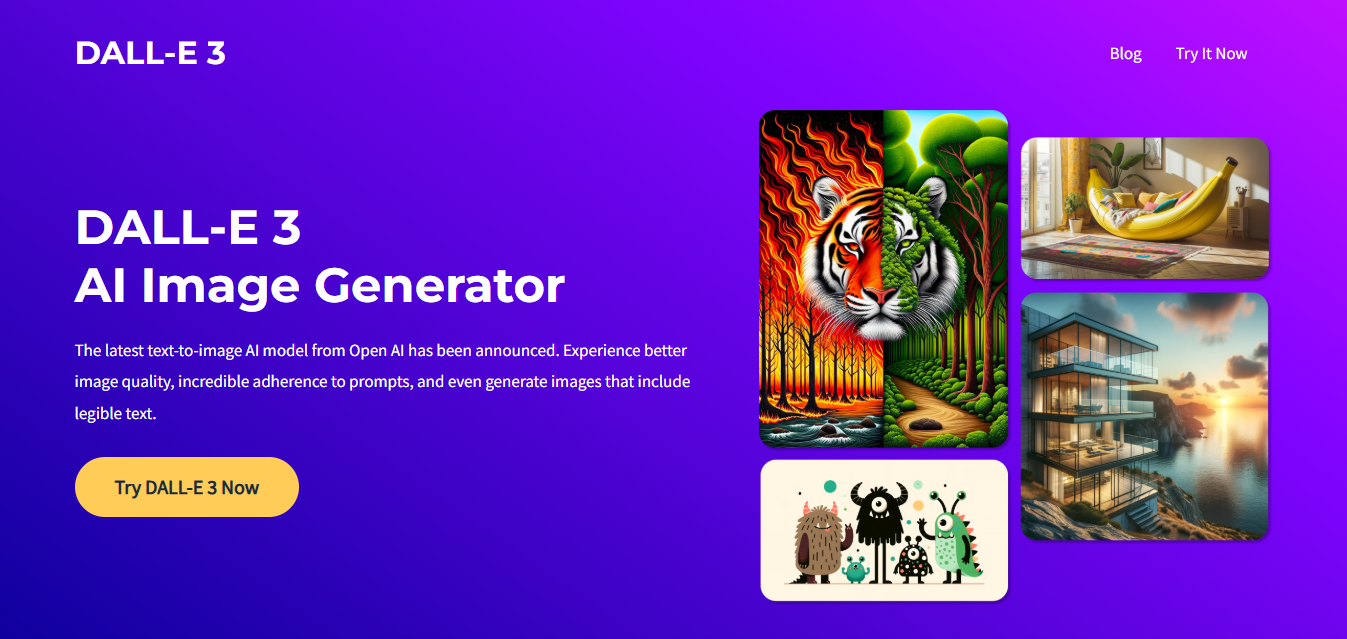
DALL-E 3 is OpenAI’s image model, and it’s built into ChatGPT rather than sold as a standalone app the way it used to be. That integration is actually its biggest strength: you can describe an image, get feedback on the result in plain language, and ask ChatGPT to adjust specific elements without retyping the whole prompt from scratch.
Prompt adherence is where DALL-E 3 pulls ahead of a lot of competitors. It’s genuinely good at following detailed, multi-part instructions rather than picking one or two elements and ignoring the rest. Text rendering inside images has improved a lot too, which used to be a weak point for every model in this category.
The tradeoff is stylistic range. DALL-E 3 leans toward a clean, slightly illustrative default look, and pushing it toward gritty photorealism or painterly abstraction takes more prompt engineering than some rivals need.
2. Midjourney
Midjourney still has the most distinctive house style in the industry. Ask it for almost anything and you get something that looks intentional and art-directed, with lighting and composition choices that would take a human illustrator real skill to pull off. It’s why concept artists, book cover designers, and album art creators keep coming back to it even when other tools are technically more flexible.
The platform has moved well past its Discord-only origins. There’s now a full web app with a proper gallery, editing tools, and version history, though the Discord community is still where a lot of the prompt-sharing culture lives. Midjourney ships new model versions frequently, and each jump tends to bring a noticeable quality improvement rather than a marginal one.
It’s a paid-only service with no meaningful free tier at this point, which is worth knowing before you commit to a workflow around it.
3. Stable Diffusion
Stable Diffusion, maintained by Stability AI, is the one entry on this list you can run entirely on your own hardware if you’ve got a decent GPU. That local-first option matters for studios and developers who need full control over licensing, want to fine-tune a model on their own image sets, or simply don’t want their prompts and outputs sitting on someone else’s server.
Because it’s open-source at the core, an enormous ecosystem of community-trained checkpoints, LoRAs, and custom interfaces (Automatic1111, ComfyUI, and others) has grown up around it. That’s a double-edged sword: the flexibility is unmatched, but the learning curve for anyone who isn’t already comfortable installing and configuring software is steeper than a hosted tool like Midjourney or DALL-E 3.
Stability AI also offers hosted versions through its own API and partner platforms for teams that want the model’s output without managing the infrastructure themselves.
4. Leonardo AI
Leonardo AI built its reputation on game asset and concept art generation, with fine-tuned models trained specifically for fantasy characters, environments, and sci-fi design work. It gives users a level of control over consistency between generations that’s genuinely useful for anyone building out a cohesive visual world rather than one-off images.
The notable update: Canva acquired Leonardo AI in 2024. Leonardo has continued operating as its own platform rather than being absorbed and shut down, and its underlying Phoenix model has been folded into Canva’s Magic Studio tools as well, so Canva subscribers may already be touching Leonardo’s technology without realizing it. For studios and illustrators who relied on Leonardo specifically for its game-art fine-tunes, the standalone platform is still there.
5. Deep Dream Generator
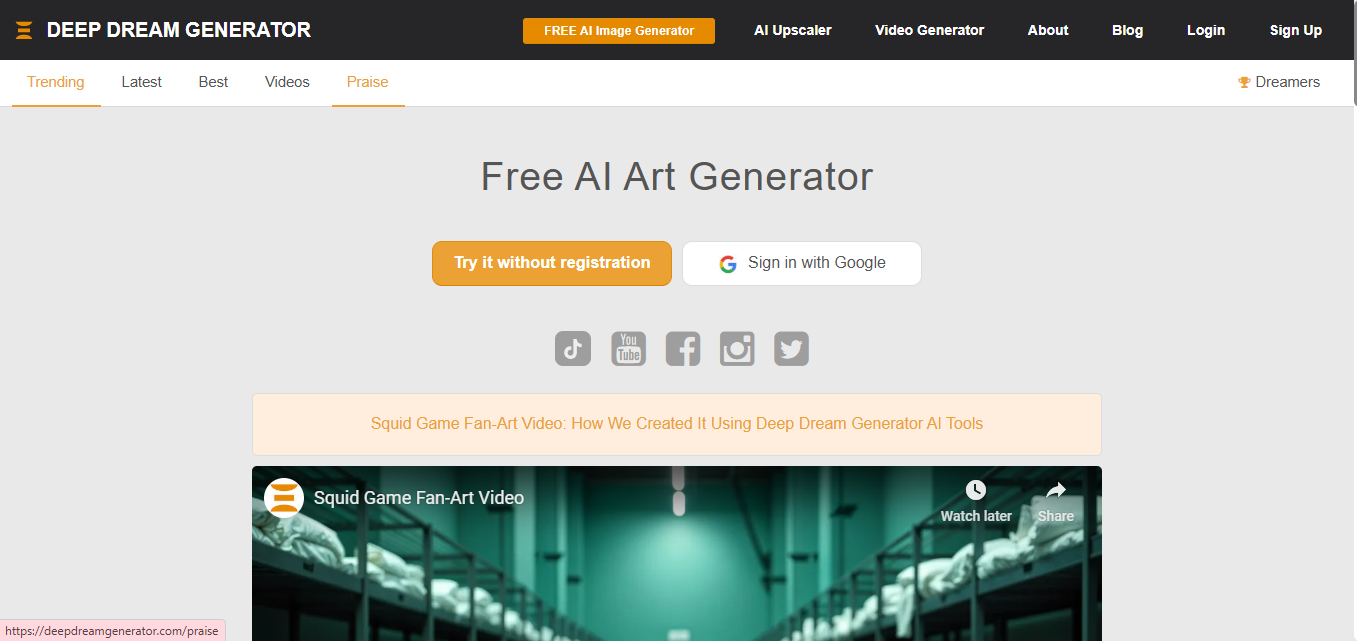
One correction worth making here: Deep Dream Generator was not built by Google. It was created independently by Kaloyan Chernev in 2015, inspired by Google’s original DeepDream neural network research from around the same period, but it has always been a third-party site with no corporate affiliation to Google. It’s actually one of the oldest generative art platforms still running, predating both Midjourney and DALL-E by several years.
The tool is still active, and it now offers more than the trippy, hallucinatory style that made it famous. It supports text-to-image generation and even short video clips across a growing set of models, but that original deep-dream aesthetic (swirling, dream-like distortions layered over a base photo) remains its signature move and the reason artists who want a genuinely surreal look still keep it bookmarked.
6. Runway
Runway (formerly branded Runway ML) has grown well beyond a simple image generator into a full creative suite spanning video, image, and audio generation in one workspace. Its Gen series of video models has become a serious tool for filmmakers and motion designers, not just a novelty for short social clips.
For image work specifically, Runway is strong at background removal, inpainting, and motion-adjacent tasks like turning a still frame into a short animated clip. Marketing teams producing a mix of static and video assets from the same campaign brief get real value from having both in one place instead of juggling separate subscriptions.
7. NightCafe Studio
NightCafe leans into community and variety more than any other tool on this list. It gives users access to a stack of different underlying models (including some by other providers) inside one interface, and it wraps that around daily art challenges and a genuinely active social feed where creators comment on and remix each other’s work.
For anyone who wants to experiment with a wide range of artistic styles, watercolor to cyberpunk to oil painting, without learning a separate prompt syntax for each engine, NightCafe’s unified interface is one of the more approachable entry points into AI art. It runs on a daily free-credit system with paid tiers for heavier use.
8. Artbreeder
Artbreeder takes a genuinely different approach than everything else on this list. Instead of generating an image fresh from a text prompt, it lets users blend, mix, and evolve existing images using sliders that control traits like age, expression, and style. It grew out of earlier GAN research and still carries that DNA in how it works.
Character designers and writers building visual references for fictional people tend to get the most out of it. Nudging sliders to combine two portraits into a believable third face is something few other tools handle as gracefully, and the collaborative “family tree” of remixed images that Artbreeder tracks is a genuinely unique feature in this space.
9. Fotor AI
Fotor started as a general photo editor and added AI image generation as one feature inside a broader toolkit that also covers background removal, retouching, and basic design templates. That makes it a sensible pick for small business owners and social media managers who want one subscription that covers image generation and finishing work instead of stitching together a generator plus a separate editor.
It’s not going to out-perform Midjourney on pure artistic output, but for someone producing quick product shots, social graphics, or thumbnail images who doesn’t want a steep learning curve, Fotor’s simplicity is the actual selling point.
10. Dream by WOMBO
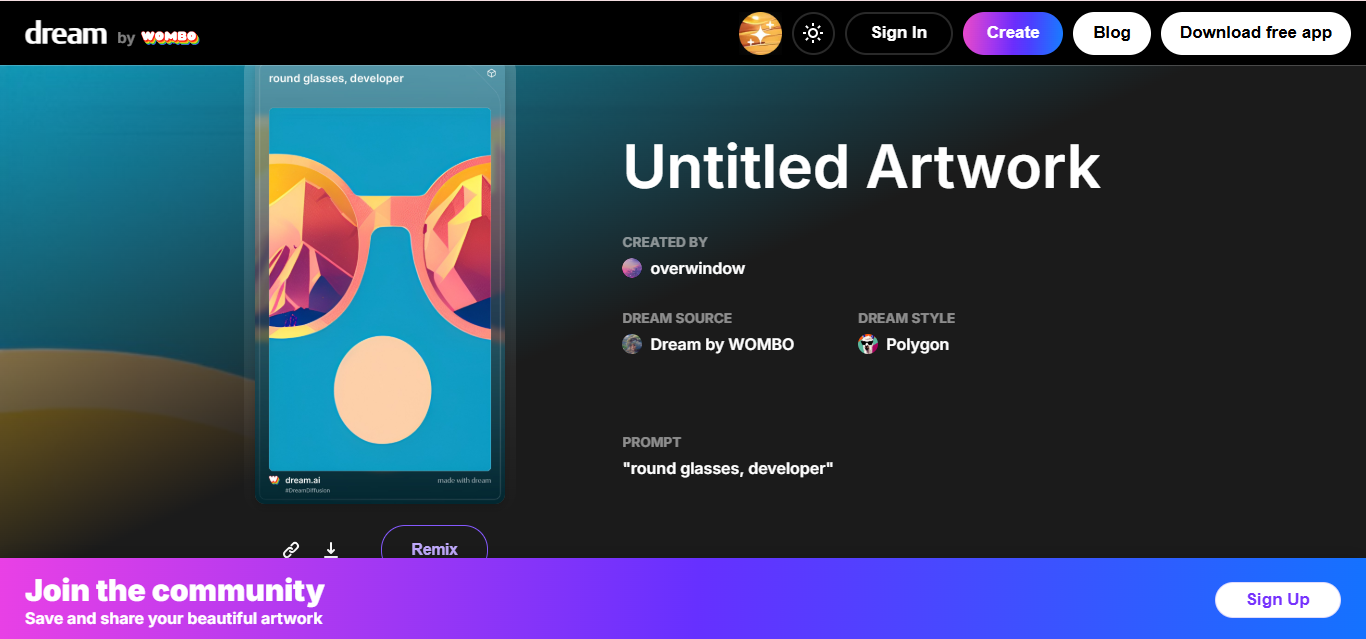
Dream by WOMBO remains one of the most downloaded AI art apps for phones, and it’s still built and operated by WOMBO rather than licensed from another AI lab, its output comes from the company’s own models. It’s the easiest tool on this list to hand to someone who’s never touched an AI generator before: pick a style, type a phrase, get an image in well under a minute, right from a phone.
It won’t replace Stable Diffusion for fine-grained control or Midjourney for gallery-worthy output, but for quick, shareable art on the go, it still does exactly what it set out to do a few years ago.

How to Pick the Right One
Match the tool to the job instead of chasing whichever one is trending. A few practical starting points:
- Marketing and social graphics: DALL-E 3 (via ChatGPT) or Fotor for speed, clear prompt following, and built-in editing.
- Concept art and game assets: Leonardo AI for its fine-tuned models and generation consistency.
- Gallery-quality, art-directed images: Midjourney, still the benchmark for aesthetic polish.
- Full control, offline, or fine-tuning your own model: Stable Diffusion, if you have the hardware and patience to set it up.
- Video and motion alongside stills: Runway, for teams that need both from one workspace.
Licensing terms deserve a real read before any of this goes into commercial work. Some platforms grant full commercial rights on paid plans only; others attach different terms depending on whether the output came from a free or paid generation. Skimming the terms of service once, before a client deadline forces the issue, saves a genuinely painful conversation later.
Getting Better Results Out of Any of These Tools
The single biggest difference between a mediocre AI image and a genuinely usable one usually comes down to prompt specificity, not the platform. A prompt like “a cat” gives the model almost nothing to work with, so it fills in the gaps with whatever it’s seen most often in training, which tends to produce generic, forgettable output. A prompt like “an orange tabby cat sitting on a rain-streaked windowsill at dusk, soft interior lighting, shallow depth of field” gives the model concrete details to anchor on, and the difference in output quality is dramatic.
A few habits carry across every tool on this list:
- Describe the scene, not just the subject. Lighting, camera angle, and mood do more work than most people expect.
- Reference a medium or style when you want something specific, oil painting, 35mm film photo, flat vector illustration, rather than leaving it to the model’s default interpretation.
- Iterate instead of starting over. Most platforms let you regenerate variations or refine a specific region of an image rather than rewriting the whole prompt from scratch.
- Negative prompts matter on tools that support them (Stable Diffusion in particular). Telling the model what to avoid, extra limbs, warped text, cluttered background, cuts down on regeneration cycles.
None of this is complicated, but it’s the difference between burning through a day’s credits on unusable output and getting a client-ready image on the second or third try.
A Word on Copyright and Attribution
AI-generated images sit in a legally unsettled space in most countries. US Copyright Office guidance, as of this writing, treats purely AI-generated output as generally not eligible for copyright protection on its own, though human-authored edits or arrangements layered on top of AI output can sometimes qualify. If a project needs airtight, exclusive ownership, for a logo or trademark-adjacent asset, run that specific use case past someone who tracks the current legal guidance rather than assuming any platform’s terms of service settle the question for you.
Where AI Image Generators Fit Into a Bigger Workflow
None of these tools need to replace a design process end to end. The more common pattern is using AI generation for the first 60 to 80 percent of a visual, then finishing it by hand in Photoshop, Affinity, or a similar editor for color correction, compositing, or client-specific brand tweaks. A blog might run entirely on AI-generated featured images with zero manual editing, since the bar for “good enough” is lower and the volume of images needed is high. A product launch campaign is the opposite case: AI handles early concept exploration, then a designer takes the strongest direction and builds the final asset by hand to match exact brand colors and typography. Knowing which end of that spectrum a given project sits on saves time deciding how much post-processing to budget for upfront. If your current toolkit needs a refresh, our roundup of free Photoshop alternatives covers solid options for that finishing stage without an Adobe subscription.
For teams producing written content alongside visuals, pairing an image generator with a solid writing assistant closes the loop on a full content pipeline. Our guide to the best AI writing tools breaks down which platforms are worth pairing with your image workflow. And if the goal is vector-based branding work rather than raster art, the tools in our best AI tools to create vector art guide handle that job better than any of the diffusion-based generators listed here.
Frequently Asked Questions
Are AI image generators free to use?
Most offer a limited free tier, usually a small daily or monthly credit allowance, with paid plans unlocking higher resolution, commercial licensing, and faster generation. Stable Diffusion is the exception if you run it locally, since there’s no subscription cost beyond your own hardware.
Can I use AI-generated images commercially?
It depends entirely on the platform and the specific plan you’re on. Check the current terms of service for whichever tool you’re using rather than assuming a free-tier image carries the same rights as a paid one.
Which tool is best for beginners?
Dream by WOMBO and Fotor AI both have the shortest learning curve. DALL-E 3 through ChatGPT is also approachable since you can describe changes in plain language instead of learning prompt syntax.
Do these tools replace human designers?
For a lot of quick-turnaround work, yes, they cover it. For brand-critical assets, trademarks, or anything needing precise, repeatable output across a campaign, a human designer with AI tools in their kit still outperforms a fully automated pipeline.
Final Thoughts
The gap between AI-generated and hand-crafted visuals keeps narrowing, but each of these ten tools still has a distinct personality and a distinct set of tradeoffs. Midjourney for polish, Stable Diffusion for control, Leonardo for game and concept work, DALL-E 3 for prompt accuracy and conversational editing. Pick based on the actual output you need for your next project rather than whichever name shows up most often in your feed, and double-check licensing before anything generated goes in front of a client.
Interesting Reads:
10 Best Online Image to Text Converter Tools
Best AI Fanfic Generators in 2025 | Create Your Own Stories Instantly