10 Best AI Software for Cover Letter Editing


In a competitive job market, a well-written cover letter is often what separates an application that gets a callback from one that sits in a pile unread. Writing that letter, and getting the tone, grammar, and structure right under a deadline, is where AI-powered editing tools have become genuinely useful. Rather than replacing your voice, the better tools in this category catch the mistakes you’d miss on your own read-through and flag phrasing that reads as stiff or generic. This guide walks through ten tools worth trying, what each one actually does well, and where it falls short.

What Counts as AI Software for Cover Letter Editing?
These are tools powered by natural language processing that help job seekers polish a cover letter beyond a basic spell-check. The best ones correct grammar and spelling, flag awkward phrasing, adjust tone, and in some cases run a plagiarism check to confirm your letter isn’t accidentally echoing a template you found online. They analyze your draft for readability, structure, and tone, then surface specific, actionable suggestions rather than a vague “this could be better.”
Why Use One?
A hiring manager often spends less than a minute on a first pass of a cover letter. A typo, a run-on sentence, or a tone that swings too casual (or too stiff) can knock you out of consideration before your actual qualifications get read. AI editing tools give you a second set of eyes, available at 11pm the night before a deadline, that catches the kind of errors your own brain tends to skip over because it already knows what you meant to say.
There’s also a practical time argument. A career coach or a friend who’s willing to proofread a draft on short notice isn’t always available, and paying a professional editor for every single application isn’t realistic when you’re sending out a dozen letters in a week. These tools fill that gap. They won’t replace a trusted second reader entirely, but they catch a meaningful share of what that reader would have flagged, at any hour, for free or close to it.
Key Features to Look For
- Grammar and spelling checks: The baseline every tool on this list handles well.
- Tone analysis: Flagging language that reads as too casual, too stiff, or inconsistent across the letter.
- Personalized suggestions: Feedback that accounts for the fact that a cover letter has a different job than a blog post or an essay.
- Readability scoring: A quick signal for whether your sentences have gotten too long or too dense.
- Plagiarism detection: Useful if you started from a template and want to confirm your final draft reads as genuinely yours.
10 Tools Worth Using for Cover Letter Editing
1. QuillBot
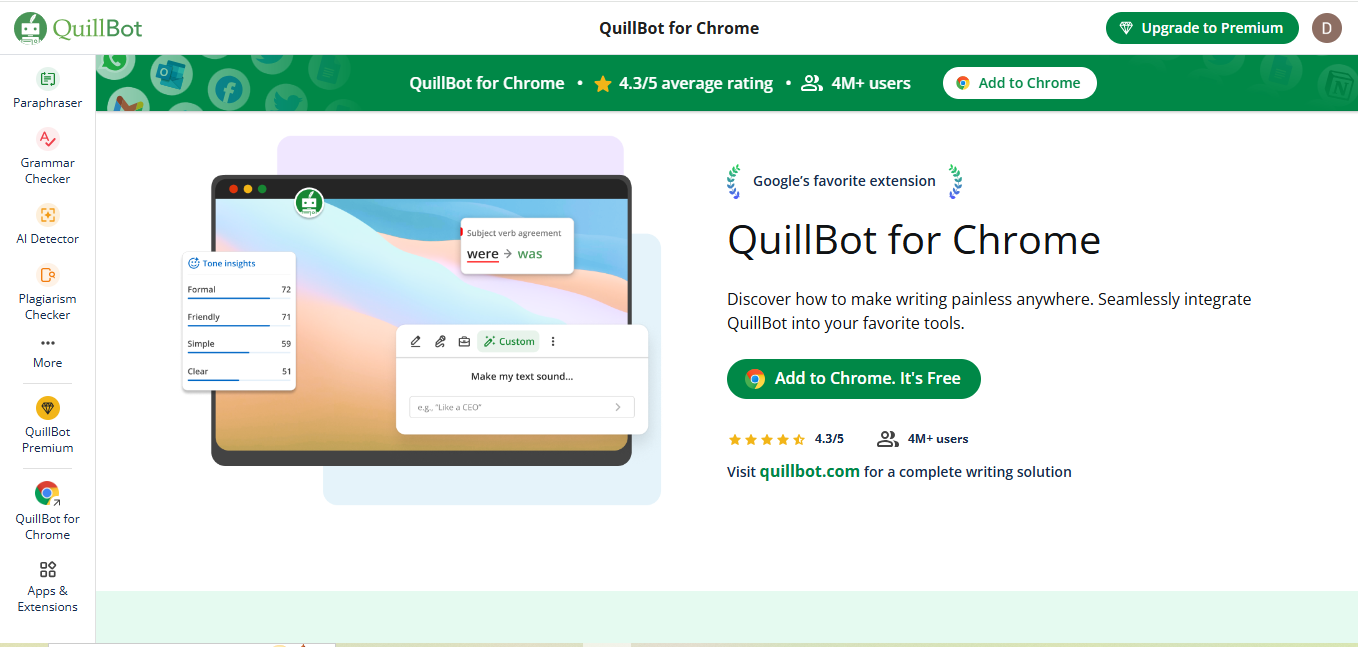
QuillBot built its reputation on paraphrasing, and that’s still its strongest feature for cover letter work: feed it a sentence that sounds too much like everyone else’s opening line, and it’ll hand back several alternative phrasings you can pick from or blend together.
Key Features: Paraphrasing modes, grammar checking, tone adjustment.
Pros: Multiple paraphrasing styles, straightforward interface, useful free tier.
Cons: The paraphraser occasionally shifts the meaning of a sentence enough that you need to double-check it still says what you intended.
Why It Stands Out: It’s the fastest way to break out of repetitive phrasing when you’ve read your own draft so many times every sentence starts to sound the same.
Also Read: What’s a Bold New Font Style Used in WordPress? Explore Now!
2. ProWritingAid
ProWritingAid goes deeper than a surface grammar pass, generating full reports on sentence structure, overused words, and pacing that most competitors skip.
Key Features: Grammar checks, style suggestions, sentence structure analysis, in-depth writing reports.
Pros: The most detailed feedback of any tool on this list; genuinely useful if you want to understand why a sentence isn’t working, not just that it isn’t.
Cons: The reporting dashboard has a learning curve, and it can feel like overkill for a one-page letter.
Why It Stands Out: If you’re revising the same letter for multiple applications, the deeper structural feedback pays off over repeated use in a way a simple grammar pass doesn’t.
3. Hemingway Editor
Hemingway Editor does one job and does it well: it flags sentences that have gotten too long, too passive, or too dense, and color-codes them so you can see the problem areas at a glance.
Key Features: Readability scoring, sentence simplification flags, passive voice detection.
Pros: Genuinely effective at cutting bloated sentences down to something a hiring manager can read in one pass.
Cons: It doesn’t check grammar or spelling at all, so you’ll still need a second tool for that layer.
Why It Stands Out: For anyone whose first drafts run long and academic, Hemingway forces a level of directness that suits a cover letter’s tight format.
4. Slick Write
Slick Write is a free browser-based tool that gives real-time grammar and style feedback without asking for an account or a credit card.
Key Features: Grammar checks, sentence structure analysis, readability metrics.
Pros: Genuinely free, fast to use, no sign-up friction for a quick one-off check.
Cons: The interface feels dated next to newer tools, and it lacks tone analysis entirely.
Why It Stands Out: If you just need one quick pass on a single letter and don’t want to create another account, Slick Write gets the job done with zero setup.
5. Grammarly
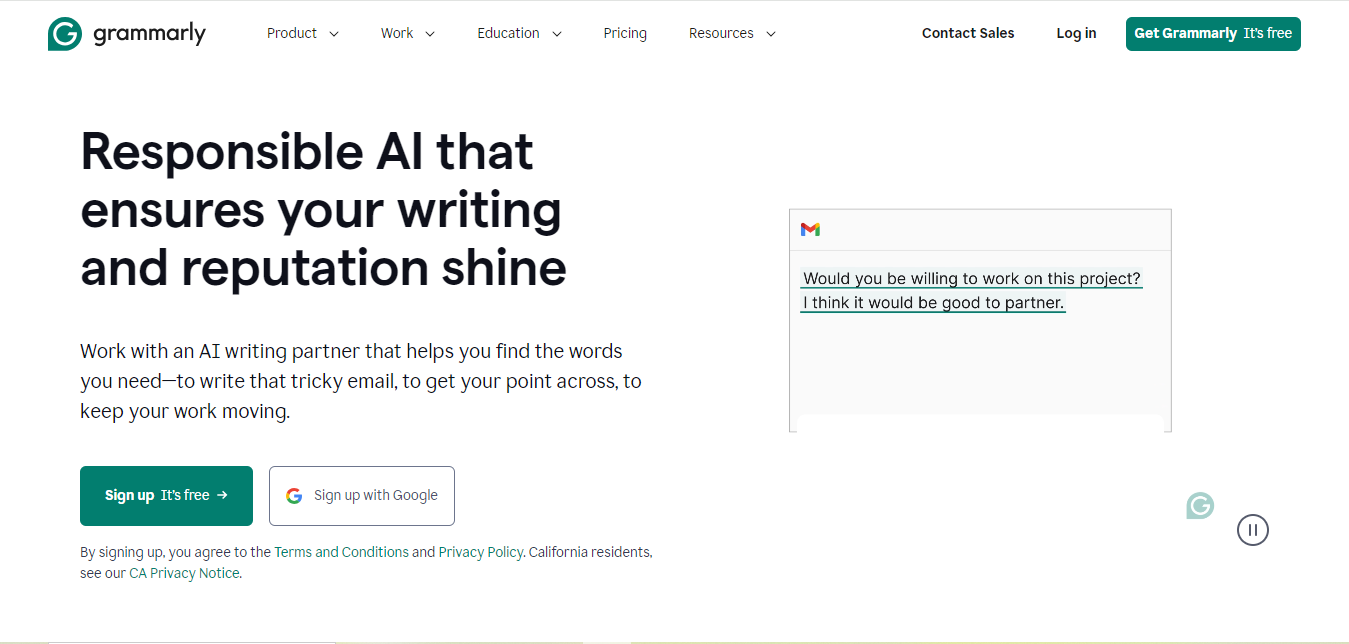
Grammarly is the tool most job seekers already have installed somewhere, whether as a browser extension, a Word add-in, or a standalone app, which makes it the path of least resistance for cover letter editing.
Key Features: Grammar and punctuation correction, tone detection, plagiarism checking on paid plans.
Pros: Works everywhere you’re already typing, real-time suggestions with plain-language explanations for each correction.
Cons: The most useful tone and clarity features sit behind Grammarly Premium.
Why It Stands Out: Because it runs in the background across whatever app you draft in, it catches issues before you’ve even opened a dedicated editing tool.
Also Read: How to Have 2 Lines of Text in WordPress Header
6. Ginger Software
Ginger takes a broader approach than most competitors, layering translation and a text-to-speech read-aloud feature on top of standard grammar checking.
Key Features: Grammar checks, sentence rephrasing, translation, text-to-speech playback.
Pros: The read-aloud feature is a genuinely underused way to catch awkward phrasing since hearing a sentence flags problems your eyes skip past.
Cons: The free tier is limited, and most of the multi-language tools go unused if English is your only working language.
Why It Stands Out: For non-native English speakers drafting a cover letter, the translation and read-aloud combination is more useful here than in any other tool on this list.
7. Wordtune
Wordtune focuses specifically on tone and phrasing rather than trying to be a full grammar suite, offering rewrite suggestions that let you shift a sentence toward more formal or more casual without starting over.
Key Features: Tone adjustment, sentence rewording, content suggestions.
Pros: Excellent at helping you strike the right formality level for a specific company’s culture.
Cons: The free version caps how many rewrites you get per day, which is limiting if you’re drafting several letters at once.
Why It Stands Out: If your draft technically reads fine but doesn’t sound like you, Wordtune’s rewrite suggestions are the fastest way to close that gap.
8. LanguageTool
LanguageTool checks grammar, punctuation, and style across more than 20 languages, which makes it a strong pick for bilingual job seekers or anyone drafting letters for roles abroad.
Key Features: Multilingual grammar and style checks, browser extension, desktop app.
Pros: Genuinely strong multilingual support, and the core grammar checking is free and open-source at its foundation.
Cons: Advanced style rules and longer document checks require the premium tier.
Why It Stands Out: It’s the clearest choice on this list for anyone applying to roles in a second language.
9. Writesonic
Writesonic leans further into generation than editing, useful if you’re staring at a blank page rather than polishing an existing draft. It can produce a first-pass cover letter from a job description and your background, which you then edit into your own voice rather than publish as-is.
Key Features: AI-generated first drafts, tone selection, grammar checking.
Pros: Solves writer’s block fast, useful when you’re applying to several roles and need a starting point for each.
Cons: Generated drafts read generically until you rework them, so treat the output as a rough skeleton, not a finished letter.
Why It Stands Out: It’s the only tool here built to generate content rather than just edit it, which matters if the blank page is your actual problem.
Also Read: 10 Best Software for Scheduling Squarespace
10. Scribbr
Scribbr pairs automated checking with human proofreaders for anyone who wants a second, live set of eyes on a cover letter rather than relying purely on software.
Key Features: Plagiarism detection, grammar checking, human proofreading add-on.
Pros: The human proofreading option catches nuance that pure AI tools still miss, particularly around tone consistency.
Cons: The human proofreading service costs meaningfully more than the software-only tools on this list and takes longer to turn around.
Why It Stands Out: For a high-stakes application where you want a professional to actually read the letter before you send it, Scribbr is the only option here that offers that.
Comparison Table
| Tool | Best For | Standout Feature | Pricing |
|---|---|---|---|
| Grammarly | All-around editing | Works across every app you draft in | Free; Premium adds tone and plagiarism checks |
| ProWritingAid | Deep structural feedback | Full writing reports | Free; paid plans for full reports |
| Hemingway Editor | Cutting bloated sentences | Readability color-coding | Free web version; paid desktop app |
| QuillBot | Rephrasing repetitive lines | Multiple paraphrase styles | Free; Premium for advanced modes |
| Slick Write | Fast, no-signup checks | Real-time grammar feedback | Free |
| Ginger Software | Non-native English speakers | Translation and text-to-speech | Free tier limited; Premium subscription |
| Wordtune | Matching a company’s tone | Formal/casual rewrite suggestions | Free with daily rewrite cap; Premium available |
| LanguageTool | Bilingual applicants | 20+ language support | Free core checking; Premium for advanced rules |
| Writesonic | Beating writer’s block | AI-generated first drafts | Free trial; paid plans thereafter |
| Scribbr | High-stakes applications | Human proofreader add-on | Paid per document |

How to Actually Get Value Out of These Tools
Running your draft through a grammar checker once and accepting every suggestion isn’t the same as using these tools well. A few habits separate people who get a real improvement from people who just run a spell-check with extra steps.
Write the first draft without the tool open. Get your actual thoughts and specific examples down first, in your own voice, before you let any editor start suggesting rewrites. Opening a tone-adjustment tool before you’ve written anything tends to produce something that sounds polished but generic, because the software is optimizing sentences that don’t carry real content yet.
Read every suggestion before accepting it. Grammar and paraphrasing tools are good, not perfect, and a “correction” occasionally changes your meaning or flattens a sentence you actually wanted to keep. Treat every suggestion as a prompt to reconsider the sentence, not an instruction to click accept automatically.
Run a tone check last, not first. Fix grammar and structure before you worry about whether the tone matches the company culture. Adjusting tone on a sentence you’re about to rewrite for clarity anyway wastes a pass.
Customize for each application. None of these tools know which job you’re applying for unless you tell them. Wordtune and Writesonic both let you specify context, and using that field with the actual company name and role produces noticeably more relevant suggestions than running a generic pass.
Save your edit history. If a tool lets you compare your original draft against its suggestions side by side, use that view rather than accepting changes blind. It’s the fastest way to learn which of your own habits the software keeps flagging, so you start catching them yourself over time.
Frequently Asked Questions
Will using an AI tool make my cover letter sound like everyone else’s?
It can, if you lean on generation tools like Writesonic for the entire letter and send the output with minimal editing. The safer approach is writing your own draft first and using AI tools to refine grammar, tone, and clarity rather than to generate the substance. Hiring managers who read dozens of applications a week increasingly notice generic AI phrasing, so the specific details only you can provide are what keeps a letter from blending into the pile.
Is it worth paying for a premium plan, or is the free tier enough?
For a single application, most free tiers (Grammarly’s core checker, Hemingway’s web version, Slick Write) cover the basics well. If you’re job hunting actively and sending several letters a week, the time saved by a premium tone-adjustment or deep-report feature usually justifies a month or two of a paid subscription, which you can cancel once you’ve landed the role.
Can employers tell if I used an AI editing tool?
Grammar and clarity tools like Grammarly or Hemingway leave no detectable trace since they’re editing your own words, not generating new ones. Full-generation tools are a different story: text produced largely by AI often has detectable patterns, and more employers are specifically screening for it. The safest approach is treating every tool on this list as an editor for your own writing, not a replacement for it.
Do I need a different tool for a resume versus a cover letter?
The tools work for both, but the priorities shift. A resume rewards concision and keyword matching, where tools like Hemingway and QuillBot’s paraphrasing help most. A cover letter rewards tone and narrative flow, where ProWritingAid’s deeper structural feedback and Wordtune’s tone adjustments carry more weight.
A Few Things AI Editing Tools Won’t Fix
No matter how good the grammar and tone suggestions get, none of these tools know whether your cover letter is actually saying anything specific, and none of them know the company you’re applying to beyond whatever context you manually type into a prompt box. A polished, error-free letter that still leads with “I am writing to express my interest in this position” is polished in the wrong direction. The strongest use of any tool on this list is running it after you’ve already written a draft that names the company, references something specific about the role, and connects your actual experience to what they’re asking for. Editing software fixes how you said it. It can’t invent what you should be saying.
It’s also worth reading your final draft out loud yourself, even after running it through two or three of these tools. AI suggestions are good at catching grammar and awkward phrasing, but they can miss a sentence that’s technically correct yet doesn’t sound like you at all. A cover letter that reads as generic AI output, even a grammatically perfect one, is increasingly something hiring managers notice and flag, since so many applicants are now running the same handful of tools.
Picking the Right Combination for Your Situation
Most job seekers get the best results from combining two tools rather than relying on just one: a broad grammar and tone checker like Grammarly running in the background, paired with something more targeted like Hemingway for sentence length or QuillBot when a specific paragraph feels stuck. If English isn’t your first language, LanguageTool or Ginger’s translation features are worth adding to that stack. And if a single application matters enough to justify the cost, Scribbr’s human proofreading option is the closest thing to having a career coach read your letter before you hit send.
The tools on this list will keep changing, new features get added, pricing tiers shift, and a couple of these products will likely get acquired or rebranded over the next few years the way plenty of writing-assistant startups have before them. What won’t change is the basic job a cover letter has to do: convince one specific person, in about 250 words, that you understand the role and can do it. Software can clean up how that argument reads. It’s still on you to make sure the argument is actually there before you hit send.
Interesting Reads
10 Best Plugins for WordPress Security
Best Indeed Alternatives to Find Your Next Job Faster in 2026