10 Best Software for Home Automation That Integrates SmartThings

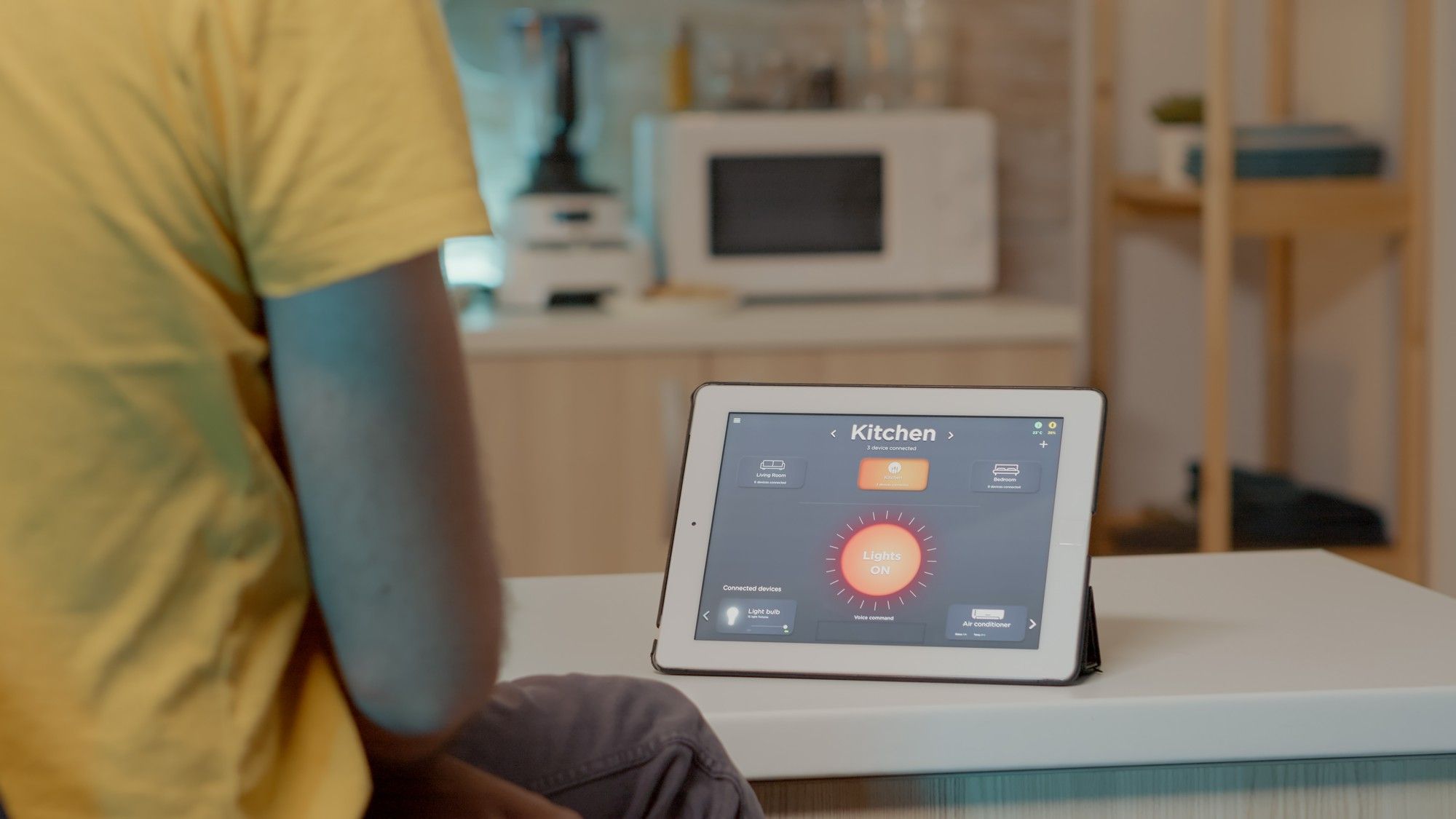
Home automation has changed how we interact with our homes, making everyday tasks more convenient, efficient, and customizable. If you are looking to build a smart home that plays well with SmartThings, choosing the right software matters more than it might seem. The right platform helps you manage everything from lighting and security systems to thermostats and entertainment devices from a single, centralized place instead of ten different apps.

One correction worth flagging before the list itself: an earlier version of this kind of roundup would have included the Wink Hub as a current buying option. That is no longer good advice. Wink stopped selling its standalone hub years ago, moved to a mandatory paid subscription just to keep existing hubs functioning, and suffered a widely reported nine-day outage in 2021 that left customers unable to control their own homes. We have swapped that entry for a hub that is genuinely still sold and supported today, and flagged a couple of ownership changes elsewhere in the list that are worth knowing before you buy.
What Does Home Automation Software Actually Do With SmartThings?
Software built to work with SmartThings lets you control all your connected smart devices through a single interface rather than juggling one app per brand. SmartThings itself connects a wide variety of devices, from lights and thermostats to security cameras and locks, and acts as a hub that other platforms can either replace, extend, or bridge into. The software becomes the command center, letting you create automations, set schedules, and monitor devices from one place.
Why This Matters for Your Home
Using well-chosen home automation software can meaningfully improve both convenience and security. Here is why it is worth setting up properly rather than treating it as a gadget novelty:
- Centralized Control: Manage all your smart devices from one platform instead of switching between five different manufacturer apps.
- Automated Routines: Automate tasks like turning off lights when everyone leaves the house or adjusting the thermostat on a schedule tied to your actual routine.
- Enhanced Security: Monitor cameras and manage alarms directly from the software, adding a real layer of protection rather than a checkbox feature.
- Voice Control: Integrate with voice assistants like Alexa and Google Assistant for hands-free control when your hands are genuinely full.
Key Features to Look For
When evaluating home automation software that needs to work alongside SmartThings, keep these features in mind:
- Ease of Use: The platform should be genuinely user-friendly, with an interface that does not require a manual to navigate.
- Device Compatibility: It should support a wide range of devices from different manufacturers, letting you mix and match rather than locking you into one brand.
- Automation Capabilities: The ability to create automated routines based on time, location, or device status is essential, not a bonus feature.
- Voice Integration: If you use Alexa or Google Assistant, confirm the software actually supports voice commands rather than just claiming compatibility.
- Security Features: Look for platforms with genuine security features built in, especially if you are integrating cameras and smart locks that protect your physical home.
- Company Stability: Given how many smart home companies have been acquired, pivoted to mandatory subscriptions, or discontinued products outright, check who currently owns the platform and whether it is still actively developed before building your whole home around it.
10 Home Automation Platforms That Work With SmartThings, Checked for 2026
1. SmartThings (Samsung)
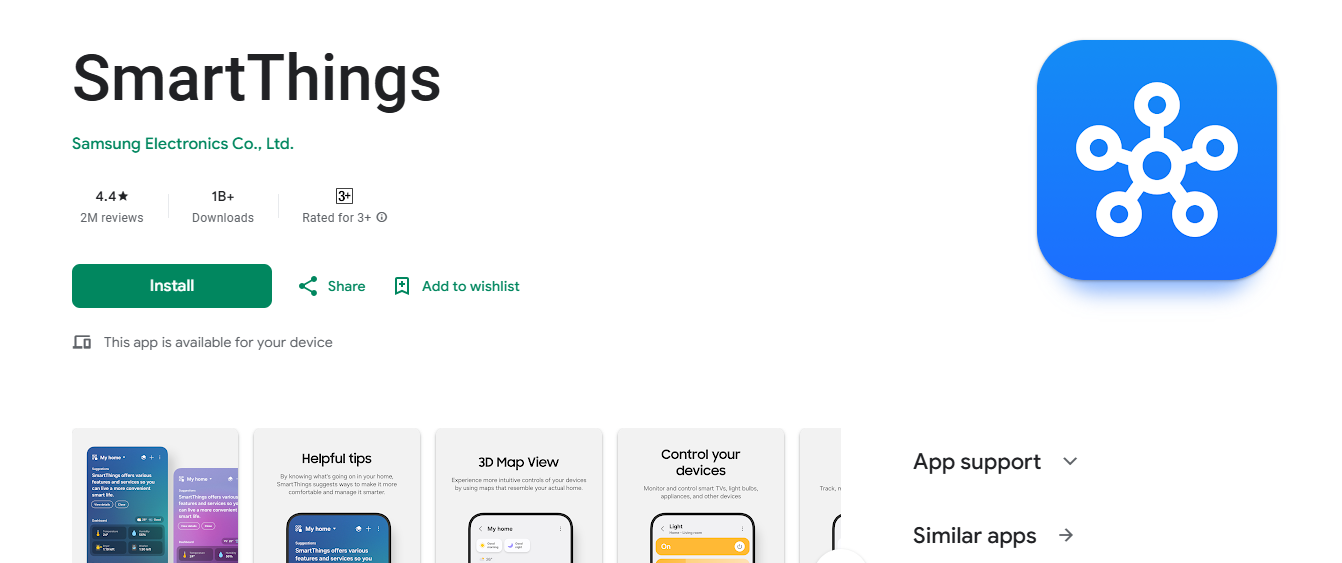
SmartThings is the foundation for many smart homes in the first place, so it naturally integrates with itself seamlessly. Samsung’s platform connects a wide variety of devices, including lights, locks, thermostats, and sensors from many different manufacturers.
Key Features
- Native SmartThings integration, since it is the platform itself.
- Custom automation based on time, location, or device conditions.
- Voice control via Alexa and Google Assistant.
Pros
- Free to use with no subscription fee for core functionality.
- Straightforward setup and daily use.
- Wide compatibility with third-party devices.
Cons
- Some advanced features require additional hubs or Samsung-specific hardware.
- Less deep customization than a dedicated power-user platform like Home Assistant.
Why It Stands Out
SmartThings offers a free, easy-to-use platform with native support baked in, making it a natural starting point for anyone building a smart home from scratch.
Also Read: 10 Best Software to Integrate All Blink Cameras
2. Hubitat Elevation
Hubitat Elevation is a premium option for anyone who wants local processing for faster performance and stronger privacy than a fully cloud-dependent platform can offer.
Key Features
- Local processing that keeps automations running even if your internet connection drops.
- Support for Zigbee, Z-Wave, and other common smart home protocols.
- Works alongside SmartThings and many other platforms rather than requiring you to abandon them.
Pros
- Genuinely enhanced privacy since automations run locally rather than round-tripping to the cloud.
- Wide device compatibility across protocols.
- Faster response times since there is no cloud dependency for core automations.
Cons
- Steeper learning curve than a plug-and-play cloud platform.
- Requires buying dedicated Hubitat hardware, an upfront cost cloud-only competitors do not have.
Why It Stands Out
Hubitat Elevation’s focus on privacy and local control makes it a strong choice for anyone who wants faster, more resilient home automation without depending on a company’s cloud servers staying online.
3. Home Assistant
Home Assistant is an open-source platform that integrates with SmartThings and an enormous range of other devices. It suits tech-comfortable users who want full control over their system rather than accepting a vendor’s default behavior.
Key Features
- Completely open-source and deeply customizable at every layer.
- Integrates with thousands of device integrations, including SmartThings.
- Supports advanced automation rules and fully custom dashboards.
Pros
- Free to use, with no subscription required for the core software.
- An active, large community and continuous developer support.
- Effectively unlimited customization since it is open-source.
Cons
- Initial setup can be genuinely complicated for a first-time user.
- Getting full value out of it requires real technical comfort, not just a willingness to read a quick-start guide.
Why It Stands Out
Home Assistant is the right pick for advanced users who want a flexible, self-hosted solution with extensive customization and a genuinely active community behind it.
4. Apple HomeKit
If you are already deep in the Apple ecosystem, HomeKit is a natural fit alongside SmartThings. It works effortlessly with other Apple devices, making it a strong choice for anyone who prefers an Apple-centered smart home experience.
Key Features
- Seamless integration with Apple devices and the Home app.
- Voice control via Siri.
- Compatibility with SmartThings and a wide range of third-party smart devices, often via a Matter bridge.
Pros
- A simple, genuinely intuitive interface.
- Strong privacy and security posture relative to most competitors.
- Easy setup alongside other Apple products you likely already own.
Cons
- Historically thinner support for non-Apple devices, though the Matter standard has narrowed this gap.
- Fewer deep customization options than Home Assistant or Hubitat.
Why It Stands Out
HomeKit’s tight integration with Apple products and its strong privacy stance make it a solid choice for Apple users who want a smooth, unified experience without heavy configuration.
5. Homey Pro (by Athom)
We swapped this entry in for the Wink Hub, which is no longer a sensible current purchase for the reasons explained above. Homey Pro is a genuinely active, currently sold smart home hub from the Dutch company Athom, built specifically to bridge many different protocols and platforms, including SmartThings devices, under one roof.
Key Features
- Supports Zigbee, Z-Wave, Wi-Fi, Bluetooth, and infrared devices from a single hub.
- A flow-based automation builder for creating multi-step routines without writing code.
- A large community app store for bridging additional platforms and devices.
Pros
- Broad multi-protocol support in one physical hub.
- Active development and a healthy community of third-party integrations.
- Works as a genuine alternative or complement to SmartThings rather than a discontinued product you are stuck maintaining.
Cons
- Requires buying dedicated hardware upfront, similar to Hubitat.
- Smaller mainstream brand recognition than SmartThings or Google Home, so support content is thinner.
Why It Stands Out
Homey Pro’s broad protocol support and active development make it a sensible pick for anyone who wants a hub that will still be receiving updates in a few years, unlike the product it replaced in this list.
Also Read: What’s a Bold New Font Style Used in WordPress? Explore Now!
6. Google Home
Google Home is a natural fit for anyone invested in the Google ecosystem. It provides voice control through Google Assistant and integrates with many third-party smart devices, SmartThings included.
Key Features
- Voice control via Google Assistant.
- Simple integration with the rest of Google’s services.
- Works with SmartThings and a wide range of other smart devices.
Pros
- Easy setup if you already use Google services daily.
- Affordable and genuinely user-friendly.
- Works smoothly within Google’s ecosystem.
Cons
- Fewer advanced automation features than a dedicated platform like Home Assistant.
- Occasional integration friction with non-Google services.
Why It Stands Out
Google Home is a straightforward solution for controlling your smart home with voice commands and a simple interface, especially if you already use Google products throughout your day.
7. Control4
Control4 is a premium, professionally installed option for users seeking a top-tier, whole-home automation system rather than a DIY setup. It offers robust control over lighting, security, entertainment, and more. The company is now owned by ADI Global, part of the Resideo family, following a series of acquisitions in the professional installation market.
Key Features
- Highly customizable, integrating with a large catalog of devices.
- Professional installation and ongoing support through a certified integrator network.
- Control via mobile app, dedicated remote, or voice assistant.
Pros
- Premium features and deep customization options.
- Professional-grade installation, which reduces the DIY troubleshooting burden.
- Works with SmartThings and other platforms through its integrator ecosystem.
Cons
- Notably more expensive than DIY platforms.
- Professional installation is effectively required to get full functionality, unlike a self-install hub.
Why It Stands Out
Control4 suits users who want a professional-grade solution with extensive device compatibility and are willing to pay for installation and support rather than configuring everything themselves.
8. Vivint Smart Home
Vivint is a strong choice for users focused on security and automation together, since it is designed to integrate directly with your home’s security systems. The company was acquired by NRG Energy in 2023, which is worth knowing since it changes the corporate backing behind the subscription you would be signing up for.
Key Features
- Security-focused platform with cameras, alarms, and video doorbell integration.
- Custom automation tied to security events or set schedules.
- Integrates with SmartThings and other smart home devices.
Pros
- Genuinely strong security features.
- Easy day-to-day use through a well-built mobile app.
- Backed by professional customer support.
Cons
- More expensive than most smart home systems on this list.
- A subscription is required for a meaningful share of the platform’s features.
Why It Stands Out
Vivint’s core appeal is its focus on home security, making it a solid choice for anyone who wants smart home automation paired with a genuinely robust security system rather than a security feature bolted onto a lighting app.
9. Amazon Alexa
While Amazon Alexa is often thought of as just a voice assistant, it functions as a real home automation hub in its own right. Alexa integrates with a vast number of devices and lets users control everything with voice commands.
Key Features
- Voice control through Alexa-enabled devices.
- Smart home automation routines built into the Alexa app.
- Integration with SmartThings and a large range of third-party devices.
Pros
- Free to use once you own an Alexa-enabled device.
- Supports a genuinely wide range of third-party devices.
- Easy setup and reliable voice control.
Cons
- Less deep customization than a dedicated automation platform.
- Requires owning at least one Alexa-enabled device to get started.
Why It Stands Out
Alexa’s seamless integration with a huge range of smart home devices and its voice control make it one of the easiest and most affordable entry points into home automation.
10. Abode Home Security
Abode is another platform focused on security and home monitoring, with easy integration into SmartThings, giving users a fairly complete solution for home automation without requiring professional installation.
Key Features
- Home security integration with cameras and sensors.
- Custom automation based on security and environmental factors.
- Works with SmartThings and Alexa.
Pros
- Strong home security feature set for a DIY-installable system.
- Generally more affordable than professionally installed competitors like Vivint or Control4.
- Straightforward integration with SmartThings.
Cons
- Narrower device support than the largest platforms on this list.
- Advanced features require a subscription.
Why It Stands Out
Abode is a solid choice for anyone who wants a home automation system with a genuine emphasis on security, without paying for a professional installation crew.
Comparison Table
| Name of Tool | Best For | Standout Feature | Pricing |
|---|---|---|---|
| SmartThings (Samsung) | Free, easy-to-use foundation platform | Native integration, custom automation, voice control | Free, no subscription for core features |
| Hubitat Elevation | Local processing and enhanced privacy | Local automations, wide protocol support | One-time hardware cost, no subscription |
| Home Assistant | Advanced, fully customizable open-source setups | Open-source, thousands of integrations | Free to use, no subscription for core software |
| Apple HomeKit | Apple ecosystem users prioritizing privacy | Siri integration, strong privacy posture | Free, no subscription fees |
| Homey Pro (Athom) | Multi-protocol hub, active development | Bridges Zigbee, Z-Wave, Wi-Fi, and more in one hub | One-time hardware purchase |
| Google Home | Google ecosystem users | Voice control via Google Assistant | Free, no subscription fees |
| Control4 | Premium, professionally installed automation | Deep customization with integrator support | Expensive, requires professional installation |
| Vivint Smart Home | Security-focused home automation | Cameras, alarms, doorbell integration | Expensive, subscription for full features |
| Amazon Alexa | Easy, affordable voice control entry point | Broad third-party device support | Free with an Alexa-enabled device |
| Abode Home Security | DIY security-focused automation | Security integration without professional install | Affordable, subscription for advanced features |

Cloud-Dependent vs. Local Automation: Why It Actually Matters
Most of the platforms above fall into one of two camps, and the difference is more practical than technical. Cloud-dependent platforms, like SmartThings in its default configuration, Google Home, and Amazon Alexa, process your automation rules on the company’s own servers. When you tell a routine to turn off the lights at sunset, that instruction typically travels from your device to the company’s cloud and back down to your smart bulb, even though both devices are sitting in the same room.
Locally processed platforms, like Hubitat Elevation and, with the right configuration, Home Assistant, run that same logic on hardware physically located in your home. The practical difference shows up in two situations: when your internet goes down, and when the company behind the platform has a bad day. A cloud-dependent automation simply stops working during an outage, even though nothing about your actual devices has changed. A locally processed one keeps running because the logic never left your house in the first place.
Neither approach is objectively wrong. Cloud platforms are usually easier to set up, get new device support faster, and do not require you to buy dedicated hub hardware upfront. Local platforms trade some of that convenience for resilience and, often, faster response times since there is no round trip to a data center involved. Knowing which category a platform falls into before you buy helps you set realistic expectations rather than being surprised the first time your internet provider has an outage.
A Word on Buying a Hub That Might Not Exist in Three Years
The Wink situation is a useful cautionary tale worth dwelling on for a moment, because it is not an isolated case in this industry. Smart home hubs are unusually vulnerable to being discontinued, acquired, or moved behind a paywall after you have already bought the hardware and wired your home’s automations around it, because the hub’s value depends entirely on a company keeping its servers running and its app updated. A hub with no cloud dependency, like Hubitat or Home Assistant, is more resilient to this specific failure mode because your automations keep working locally even if the company behind them disappeared tomorrow.
Before committing a whole home’s worth of devices to any single platform, it is worth checking three things: whether the platform can run automations locally without an internet connection, whether the company has a recent track record of active updates rather than years of silence, and what specifically happens to your existing setup if the company is acquired or shuts down. None of that guarantees safety, but it meaningfully reduces the odds of ending up in Wink’s situation, paying a monthly fee to keep lights you already own working the way they did before you started paying for it.
Choosing the Best Home Automation Software for Your Setup
Choosing the right software for a SmartThings-integrated smart home comes down to matching the platform to your actual priorities. Each option here has its own strengths, whether you want a privacy-focused system like Hubitat, an open-ended power-user platform like Home Assistant, or a simple, no-fuss solution like SmartThings itself. Weigh your budget, your appetite for DIY setup, and how much you value a company’s track record for staying in business, and you will land on the right fit rather than the flashiest one.
Interesting Reads