10 Best AI Face Swap Tools


Face swapping went from a novelty effect to a genuine content-creation category faster than most people expected. What started as a party trick for meme videos now shows up in marketing production, film pre-visualization, and social content at a level of realism that would have looked like a special-effects budget line five years ago. The tools driving that shift range from serious professional platforms to apps built purely for a quick laugh with friends, and picking the right one depends heavily on what you’re actually trying to make.
This guide breaks down ten of the strongest AI face swap tools available, what each one is actually good for, and the questions worth asking before you trust any of them with your own likeness or someone else’s.
Worth noting before diving in: this category moves fast. New entrants launch regularly, and existing tools update their underlying models often enough that a comparison from even a year ago can undersell how far the realism has come. Treat the specifics below as a snapshot of current strengths rather than a permanent ranking, and check each tool’s own site for its latest capabilities before committing to a subscription.

What AI Face Swapping Actually Does
AI face swap tools use deep learning models trained on large sets of facial images to replace one face in a photo or video with another, while preserving lighting, angle, and expression so the result looks natural rather than pasted on. The better tools handle motion, changing head angles, and even talking mouths convincingly; the weaker ones produce the uncanny, slightly-off result most people associate with early deepfake attempts.
Common uses span a wide range:
- Entertainment – memes, party content, and casual creative edits with friends.
- Content creation – adding visual variety to video content without reshooting footage.
- Professional production – pre-visualization for film and advertising, or de-aging and stand-in work in bigger productions.
What to Actually Check Before Picking One
- Ease of use – a clean interface matters more than it sounds once you’re doing more than one edit.
- Realism – how well the tool handles lighting, angle changes, and expression matching, which varies a lot more between tools than marketing pages suggest.
- Speed – especially relevant for video, where processing time can turn a quick edit into a long wait.
- Privacy practices – what happens to the images and video you upload, how long they’re retained, and whether the company has a clear data policy.
- Platform compatibility – desktop, mobile, and web access aren’t universal across every tool on this list.
The Best AI Face Swap Tools
1. DeepSwap
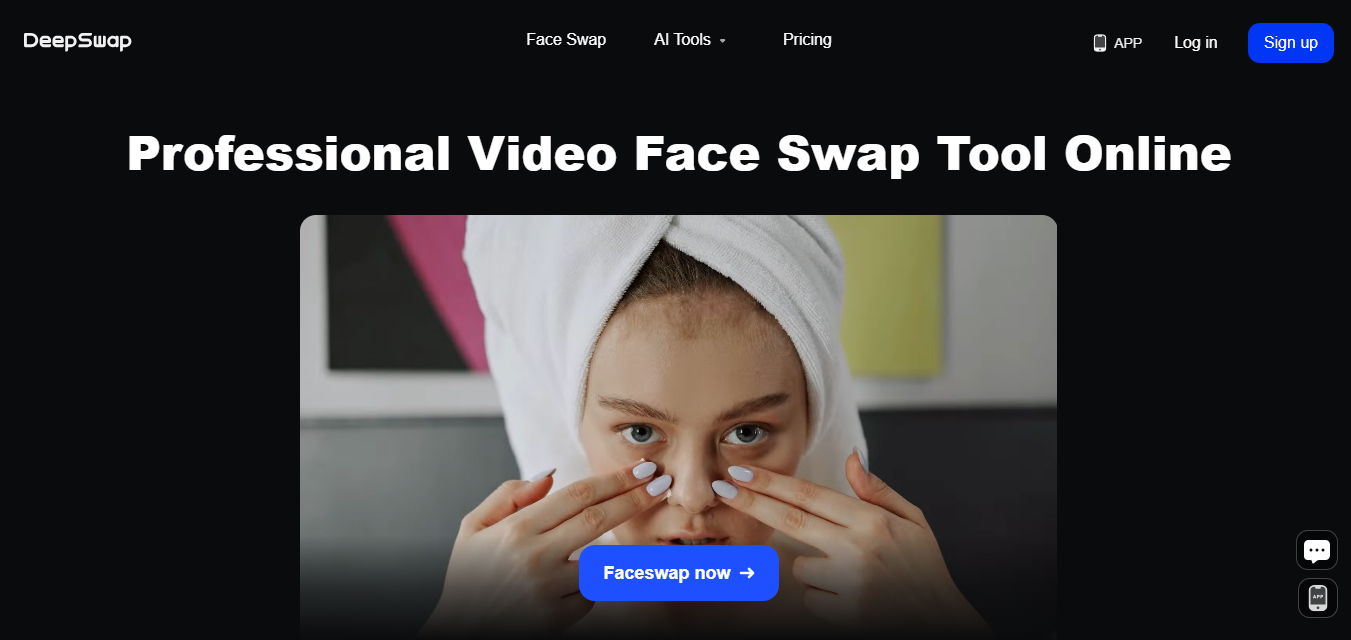
DeepSwap leans toward the professional end of this list, with real-time editing and video support that holds up at higher resolution than most competitors. The interface stays simple despite the underlying processing power, and rendering speed is genuinely fast for how realistic the output looks.
- Key Features: Real-time editing, video support, and high-resolution results.
- Pros: Simple interface, strong realism, fast rendering.
- Cons: Premium features sit behind a subscription.
- Best for: Users who need consistent, high-quality swaps across both photos and video.
Also Read: 10 Best Software for Scheduling Squarespace
2. FaceApp Pro
FaceApp built its reputation on aging filters before expanding into face swapping and a broader photo editing suite. The mobile-first app design makes it one of the more approachable options on this list for casual users who don’t want to learn a new interface.
- Key Features: Realistic face swapping, aging filters, background effects.
- Pros: Multi-functional, strong editing toolkit, mobile-friendly.
- Cons: The free version limits most of the useful features.
- Best for: Casual users who want face swapping bundled with general photo editing.
3. Reface
Reface built its whole product around fast, shareable, often humorous edits, with celebrity face integration and GIF support that make it a strong fit for viral or social content specifically. It trades depth for speed, which is exactly the right trade-off for its intended use case.
- Key Features: GIF support, video swaps, celebrity face integration.
- Pros: Fast editing, fun effects, easy sharing.
- Cons: Requires a stable internet connection to function well.
- Best for: Quick, shareable social content rather than polished production work.
4. Icons8 Face Swapper
Icons8’s tool skips the app-install step entirely, running as a free web-based swapper that delivers solid still-image results without asking for a subscription. It’s a reasonable default for someone who needs one good swap rather than an ongoing editing workflow.
- Key Features: Free web-based tool, high-quality output, simple upload flow.
- Pros: No installation required, straightforward interface, reliable results.
- Cons: No video editing support.
- Best for: Casual users who need a quick, free swap without committing to an app.
5. Fotor AI Face Swap
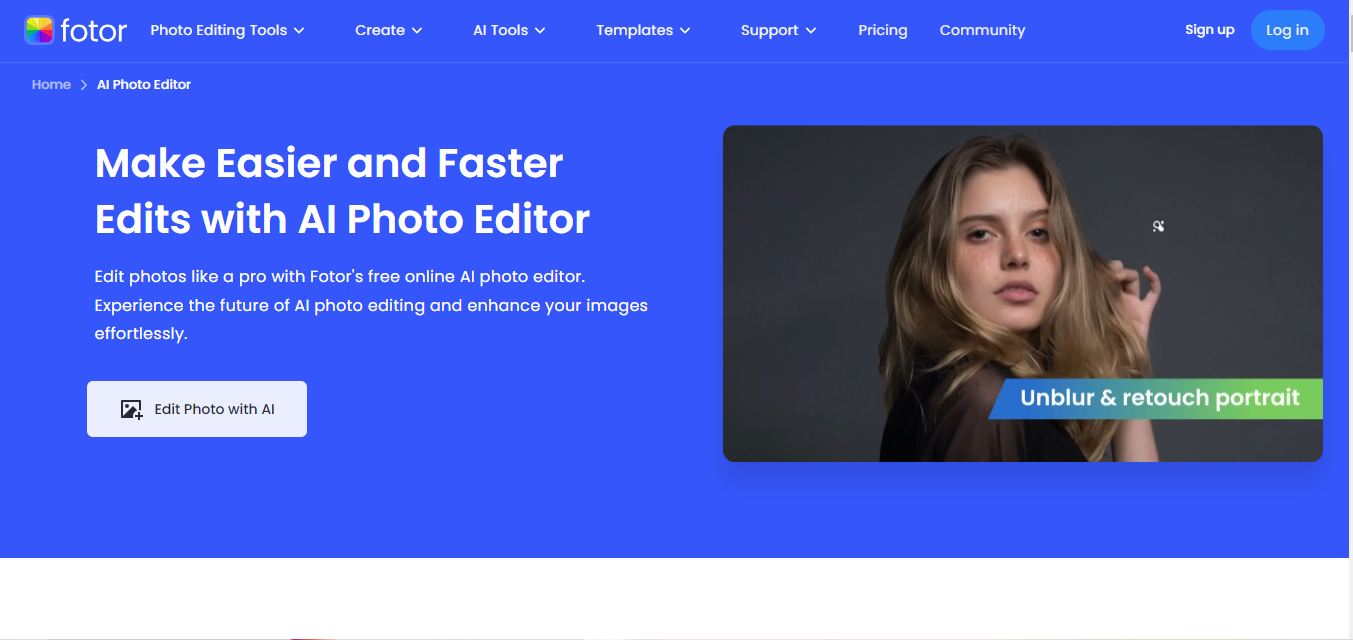
Fotor treats face swapping as one feature inside a broader photo editing suite rather than the whole product, which suits anyone who wants filters, custom designs, and general editing tools alongside the swap functionality itself.
- Key Features: Intuitive interface, filters, custom design tools.
- Pros: Versatile editing options, strong output quality.
- Cons: Advanced tools require premium access.
- Best for: Users who want face swapping folded into a general photo editing workflow.
Also Read: 10 Best Software for Photo Organizing and Editing Features
6. Zao
Zao made headlines specifically for fast video face-swapping, delivering real-time results that felt genuinely novel when it launched. Availability has been inconsistent by region since then, which is worth checking before relying on it as a primary tool.
- Key Features: Real-time swapping, seamless video integration.
- Pros: Instant results, realistic swaps, free for basic use.
- Cons: Limited availability in some regions.
- Best for: Video creators who prioritize speed over deep customization.
7. FaceSwap Online
This one lives entirely in the browser, no downloads, no account creation required for basic use, which makes it the lowest-friction option here for a single quick edit.
- Key Features: Free service, no downloads, quick turnaround.
- Pros: Accessible, fast, beginner-friendly.
- Cons: Limited customization options.
- Best for: A single quick swap without any setup overhead.
8. Reflect.tech
Reflect.tech markets itself specifically on privacy alongside realism, which is a meaningful differentiator in a category where a lot of tools are vague about data handling. Face blending quality holds up well for still images.
- Key Features: Seamless face blending, privacy-focused data handling.
- Pros: Clearer privacy stance than most competitors, high-quality results.
- Cons: Not built for large video files.
- Best for: Users who weigh data privacy heavily in their tool choice.
Also Read: 10 Best Software for Photo Organizing and Editing Features
9. Artbreeder
Artbreeder sits closer to AI art generation than a pure face swap tool, letting users blend and manipulate faces as part of a broader creative process rather than a simple A-to-B swap. It rewards experimentation more than it offers a quick one-click result.
- Key Features: Custom face blending, art style generation, creative editing tools.
- Pros: Genuinely creative outputs, multiple functions beyond face swapping alone.
- Cons: Steeper learning curve than the other tools on this list.
- Best for: Artists and creators who want to explore rather than execute a specific, predictable swap.
10. D-ID Creative Reality
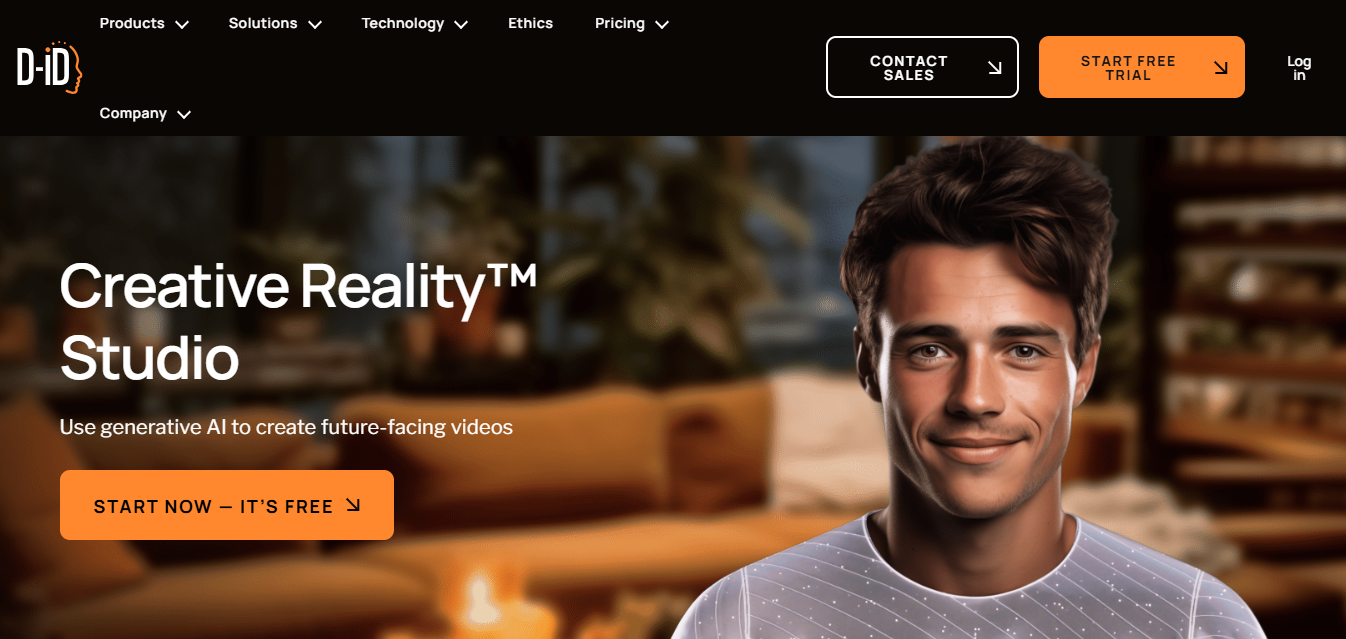
D-ID targets businesses rather than casual users, with enterprise-level support and privacy policies built for commercial deployment rather than a weekend project. Pricing reflects that positioning, sitting well above the consumer-app tier of most of the other tools here.
- Key Features: Enterprise-level support, AI-powered video and image editing.
- Pros: Strong output quality, robust privacy policies for commercial use.
- Cons: Premium pricing puts it out of range for casual users.
- Best for: Businesses producing face-swap or AI avatar content at commercial scale.
Comparison at a Glance
| Tool | Best For | Standout Feature | Pricing |
|---|---|---|---|
| DeepSwap | Accurate, lifelike swaps | Real-time editing, video support, high resolution | Subscription for premium features |
| FaceApp Pro | Versatile photo editing | Realistic swapping plus aging filters and effects | Free tier, limited features |
| Reface | Humorous, shareable swaps | GIF support, celebrity face integration | Free with optional premium |
| Icons8 Face Swapper | Quick, free swaps | Web-based, no installation | Free |
| Fotor AI Face Swap | Creative photo editing | Full photo editing suite | Premium for advanced tools |
| Zao | High-speed video swaps | Real-time video integration | Free for basic use |
| FaceSwap Online | Hassle-free swaps | Browser-based, zero downloads | Free |
| Reflect.tech | Privacy-focused swaps | Clear data handling policy | Free with limitations |
| Artbreeder | Creative AI art generation | Face blending and art styles | Free and premium tiers |
| D-ID Creative Reality | Professional-grade swapping | Enterprise support and privacy policies | Premium pricing |

How Realistic Are These Tools, Actually
Marketing copy across this whole category tends to oversell realism, so it’s worth setting expectations before you pick a tool based on a polished demo video. Still-image swaps under controlled lighting, the classic “two people smiling into a camera” setup, are where every tool on this list performs closest to its marketing claims. Video is a different story: head turns, changing expressions, and inconsistent lighting between the source and target footage are where the gap between tools becomes obvious. DeepSwap and D-ID handle that harder case noticeably better than the free browser-based tools, which is a big part of why they charge for it.
A practical way to judge a tool before committing to a subscription is to test it on the hardest version of your actual use case, not the easiest. If you need video swaps with a moving subject and inconsistent lighting, test exactly that during a free trial rather than a simple front-facing still photo, since the still photo result won’t predict how the tool performs on the footage you actually need.
Ethical and Consent Considerations Worth Taking Seriously
This is the part a lot of “best face swap tools” lists skip entirely, and it matters more here than in most software categories. Swapping someone’s face into content they haven’t agreed to appear in, particularly anything explicit, misleading, or used to impersonate them without consent, can cross into harassment or fraud depending on the context and jurisdiction. Several countries and US states have passed specific legislation targeting non-consensual deepfake content in the past few years, with real legal consequences attached.
A few practical guidelines worth following regardless of which tool you use:
- Only swap faces of people who’ve consented, or use fictional/stock imagery when the goal is pure entertainment.
- Never use face swapping to impersonate someone in a way that could deceive viewers into thinking the content is genuine, particularly for anything political, financial, or reputational.
- Label AI-generated or altered content clearly when sharing it publicly, especially on platforms where synthetic media disclosure is required.
- Check the specific platform’s own content policy, since most of the tools above prohibit non-consensual or harmful uses in their terms of service, and violating those terms can mean losing access entirely.
Common Mistakes People Make Choosing a Face Swap Tool
A handful of avoidable mistakes show up repeatedly among first-time users of this category of software, mostly stemming from picking a tool based on a flashy demo rather than the actual job at hand.
- Choosing a video tool for a still-image job, or vice versa. Several of the tools above specialize in one or the other, and using a still-image-optimized tool on video footage produces noticeably worse results than picking a tool built for the format you actually need.
- Ignoring the source image quality. Every tool on this list performs better with a clear, well-lit, front-facing source photo. A blurry or heavily-angled source image degrades output quality regardless of how good the underlying model is.
- Skipping the free trial before committing to an annual plan. Realism varies enough between tools on a given face pairing that a quick free test on your specific use case beats trusting marketing screenshots, which are inevitably chosen because they’re the tool’s best-case results.
- Not checking mobile support before assuming it exists. A few of these tools are desktop or web-only despite having polished marketing that implies broader availability. Confirm platform support before building a workflow around a specific tool.
Choosing the Right Tool for Your Use Case
For quick, shareable fun, Reface or Zao get you a result in minutes with minimal setup. For a single free still-image swap without installing anything, Icons8 or FaceSwap Online cover that. If you’re producing content regularly and need consistent quality across photos and video, DeepSwap or Fotor are worth the subscription. And if you’re operating at a commercial or enterprise level where privacy policy and support actually matter contractually, D-ID is built specifically for that tier rather than a casual add-on.
If your interest in AI face tools extends into broader photo and video editing work, our guides on the best AI photo editors and AI tools for creating vector art cover adjacent categories worth exploring alongside face swapping specifically.
Frequently Asked Questions
Are AI face swap tools legal to use?
Using them on your own image, or on someone else’s with clear consent, is legal in most jurisdictions. Using them to create non-consensual, deceptive, or harmful content can violate specific laws depending on where you and the subject are located, separate from the platform’s own terms of service.
Which tool has the best free option?
Icons8 Face Swapper and FaceSwap Online both offer genuinely free, unlimited basic use for still images without requiring a subscription or account.
Can these tools be detected as AI-generated?
Detection tools exist and are improving, but they’re not perfectly reliable in either direction, sometimes flagging genuine footage and missing well-executed swaps. Don’t rely on a detector as the sole safeguard against misuse; the responsibility sits with how the tool is used in the first place.
What’s the difference between a face swap tool and a full deepfake video tool?
Face swap tools generally replace a face within existing footage or a photo. Full deepfake video generation tools, a related but distinct category, can synthesize entirely new video from scratch. The tools on this list fall into the former category, which is technically simpler and generally easier to review for obvious artifacts.
Do I need a powerful computer to use these tools?
No, all ten run their processing on the provider’s servers rather than your device, which is why they work fine on a phone or a basic laptop. The trade-off is that your uploaded images and video travel to a third-party server, which loops back to why checking each platform’s privacy policy matters before you upload anything sensitive.
Can I use these tools for professional marketing or advertising work?
Yes, with the same consent caveats that apply everywhere else, plus a specific check on the platform’s commercial-use licensing terms. D-ID is built specifically for that use case with enterprise licensing; the more casual consumer apps on this list may restrict commercial use in their terms even though the technical output would work fine for it.
Whichever tool you land on, treat the free trial as more than a formality. Run your actual use case through it, whether that’s a moving video subject, a low-light photo, or a specific pairing of faces, before committing to a subscription based on a demo reel built to show the technology at its best.
Key Takeaways
- DeepSwap and Fotor lead on quality and feature depth for regular use.
- Icons8 and FaceSwap Online are the strongest genuinely free, no-install options.
- D-ID is built specifically for commercial and enterprise use, not casual editing.
- Consent and disclosure matter – check each platform’s terms and use these tools responsibly, particularly for anything shared publicly.
Interesting Reads
10 Best WordPress Popup Plugins