10 Best WordPress Themes for Small Businesses in 2025

A small business website lives or dies on first impression, and the theme running underneath it decides most of that impression before a visitor reads a single word. A slow, cluttered, or generic-looking theme costs conversions even when the underlying business is solid. The themes below cover the range small businesses actually need: fast and minimal, deeply customizable, community-focused, or ecommerce-ready.

Why the Theme Choice Actually Matters
Three factors decide whether a theme helps or hurts a small business site: load speed, mobile behavior, and how much custom work it takes to make the site look like your brand instead of a stock template. A heavy theme with dozens of unused features slows every page down, and speed is both a conversion factor and a Google ranking signal. Mobile responsiveness isn’t optional anymore either, since most local and small-business traffic arrives on a phone. And a theme that fights you every time you try to change a color or layout costs real hours over the life of the site.
What “Fast” Actually Means for a Theme
Vendors throw around “lightning fast” on nearly every theme sales page, which makes the claim close to meaningless without a real benchmark. What actually matters is a theme’s baseline page weight before you add any content: how many CSS and JavaScript files it loads by default, whether it depends on a heavy framework like Bootstrap, and how cleanly it handles image loading. A theme that’s genuinely lightweight will score well on Google PageSpeed Insights even with default settings and no caching plugin installed. One that needs three caching plugins and a CDN just to hit a passable score isn’t actually fast, it’s compensated for.
This matters more for small businesses than it might seem, since most small business sites don’t have a dedicated developer monitoring performance after launch. A theme that’s fast by default stays fast as content gets added over time. A theme that’s only fast when perfectly configured tends to slow down gradually as plugins accumulate and nobody revisits the original performance setup.
10 WordPress Themes Worth Considering for a Small Business Site
1. Reign
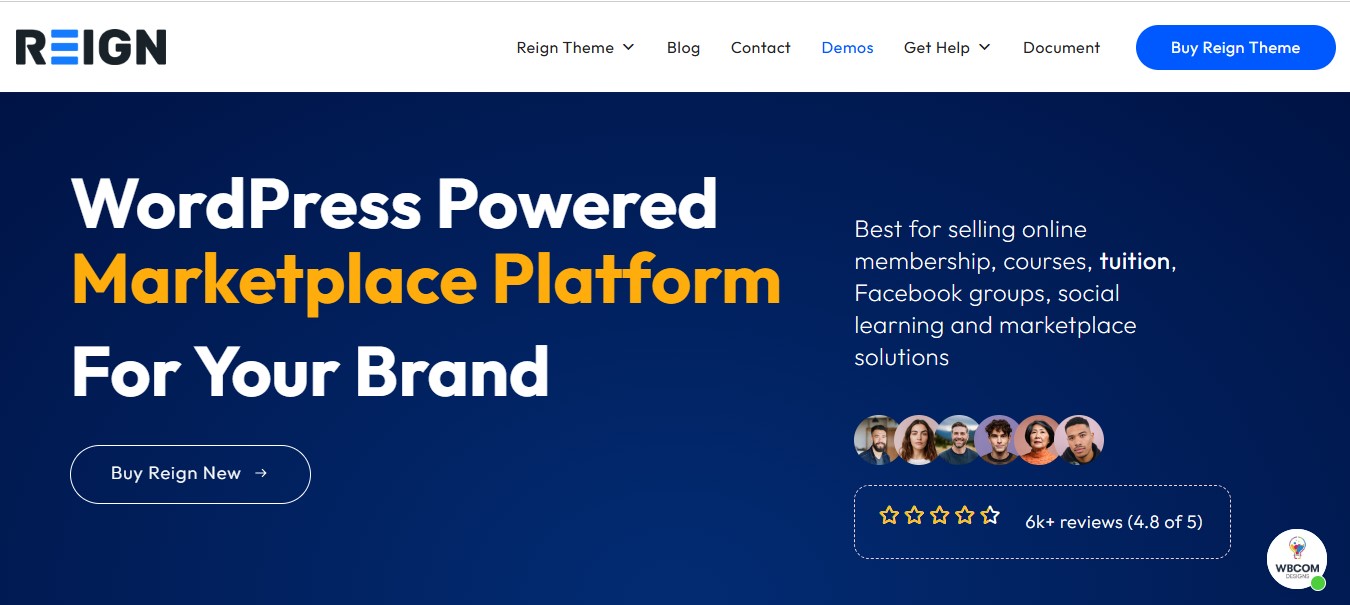
Reign is built for businesses that want more than a brochure site: a drag-and-drop page builder, deep customization options, and native WooCommerce compatibility for anyone planning to sell products alongside their core services. It’s SEO-friendly out of the box and handles both a simple business site and a more complex membership or marketplace build without switching themes later.
Best for: Small businesses, startups, and agencies that expect their site’s requirements to grow over time.
2. BuddyX
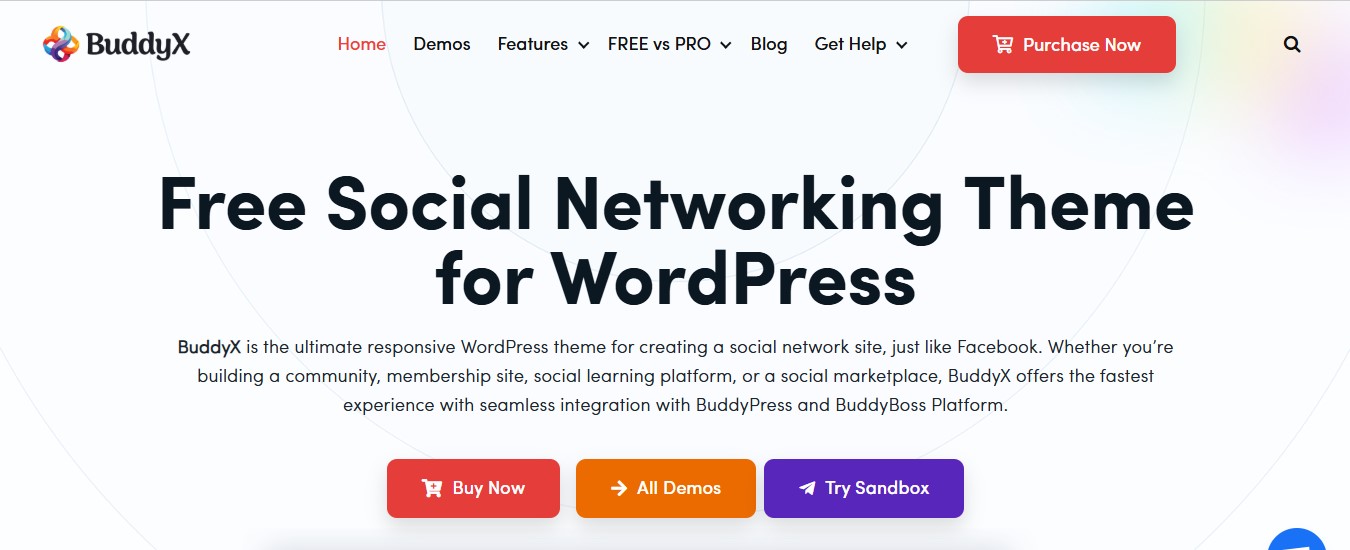
BuddyX is purpose-built for businesses that need a social or membership layer alongside their site, built to work with BuddyPress and bbPress for community features. It’s mobile-responsive, integrates with WooCommerce for stores, and supports Elementor for page-level customization. This is a narrower use case than a general-purpose business theme, but a strong fit if community engagement is actually part of your business model rather than a nice-to-have.
Best for: Small businesses building a membership site, forum, or community alongside their core offering.
3. Astra
Astra is one of the lightest themes in this list by file size, which translates directly into faster load times, a real advantage for SEO and for visitors on slower mobile connections. It ships with customizable header and footer options and a library of starter templates that cut setup time significantly compared to building a layout from scratch. WooCommerce support is built in for stores that don’t need heavy customization.
Best for: Agencies, freelancers, and startups prioritizing speed and fast setup over deep customization.
4. Divi
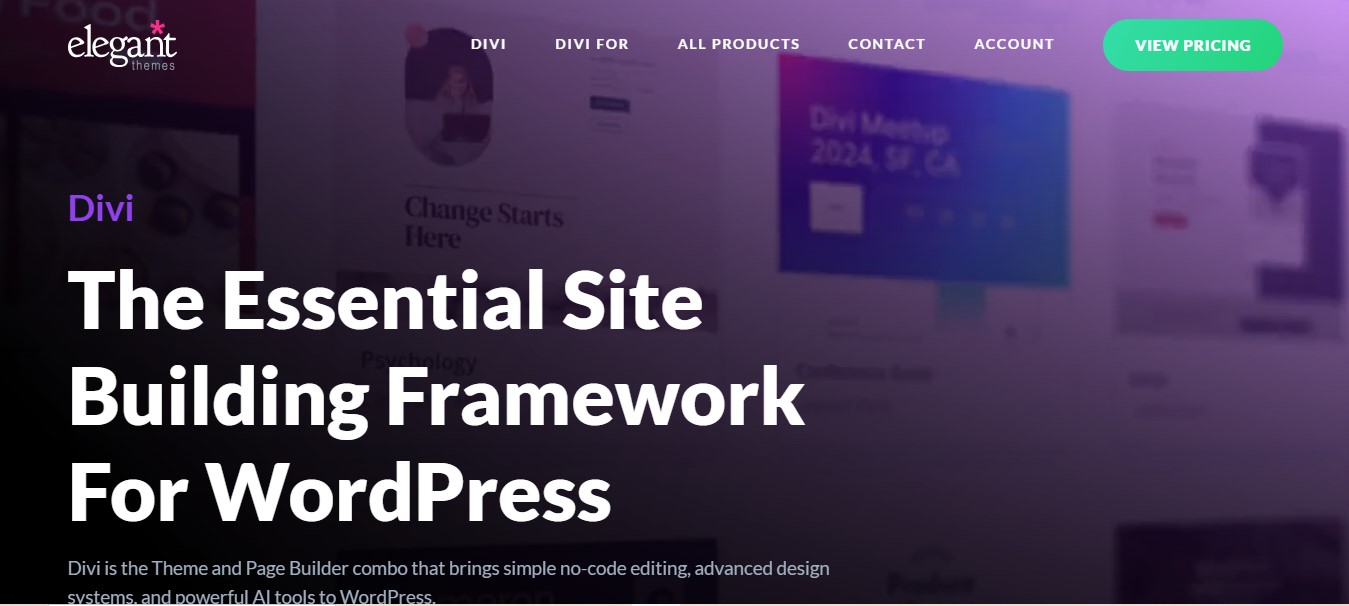
Divi’s visual builder is its main selling point: real-time drag-and-drop editing with hundreds of pre-made layout packs that dramatically cut down design time. It’s fully responsive and includes built-in marketing and A/B testing tools that most theme-level page builders don’t offer. The trade-off is that Divi’s builder generates more markup than a lighter theme, so page speed needs active attention (image optimization, caching) to avoid the bloat that heavily customized Divi sites are sometimes known for.
Best for: Businesses that want deep visual customization and are willing to actively manage page speed as a result.
5. OceanWP
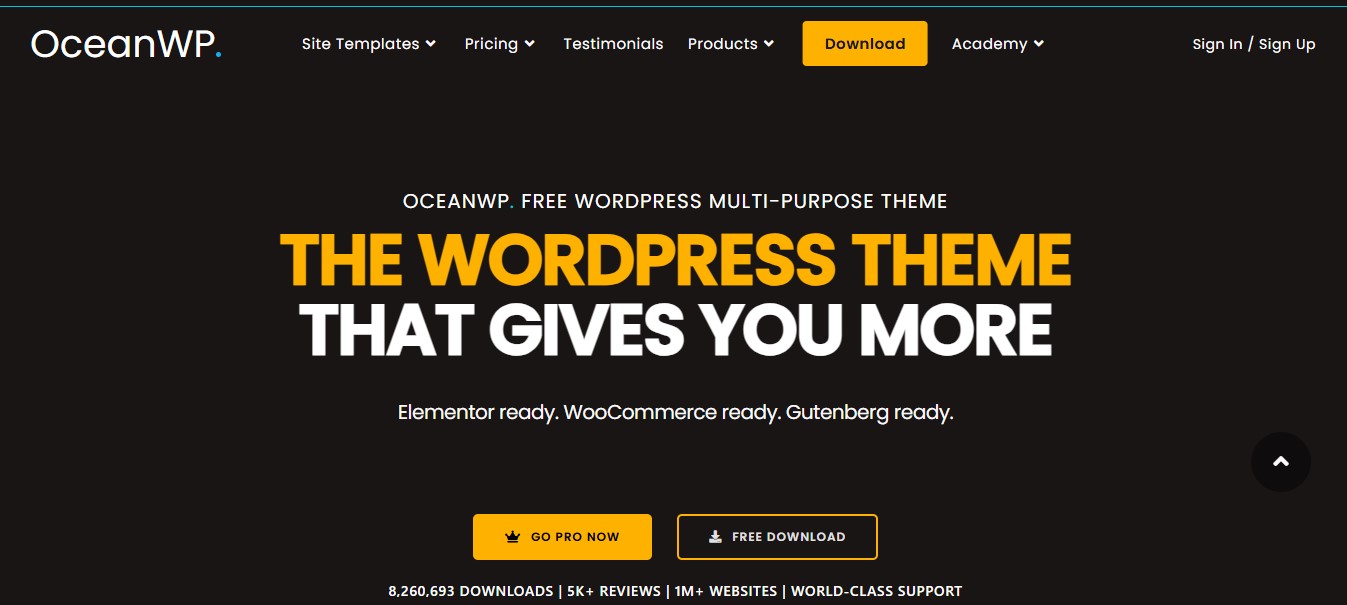
OceanWP balances speed with flexibility better than most general-purpose themes, offering a large demo library for quick setup along with schema markup support built in for better search result appearance. It’s retina-ready for high-resolution displays and includes WooCommerce compatibility for stores. Extension modules let you add functionality incrementally rather than starting with everything switched on.
Best for: Small businesses that want flexibility without committing to a heavier page-builder theme.
6. GeneratePress
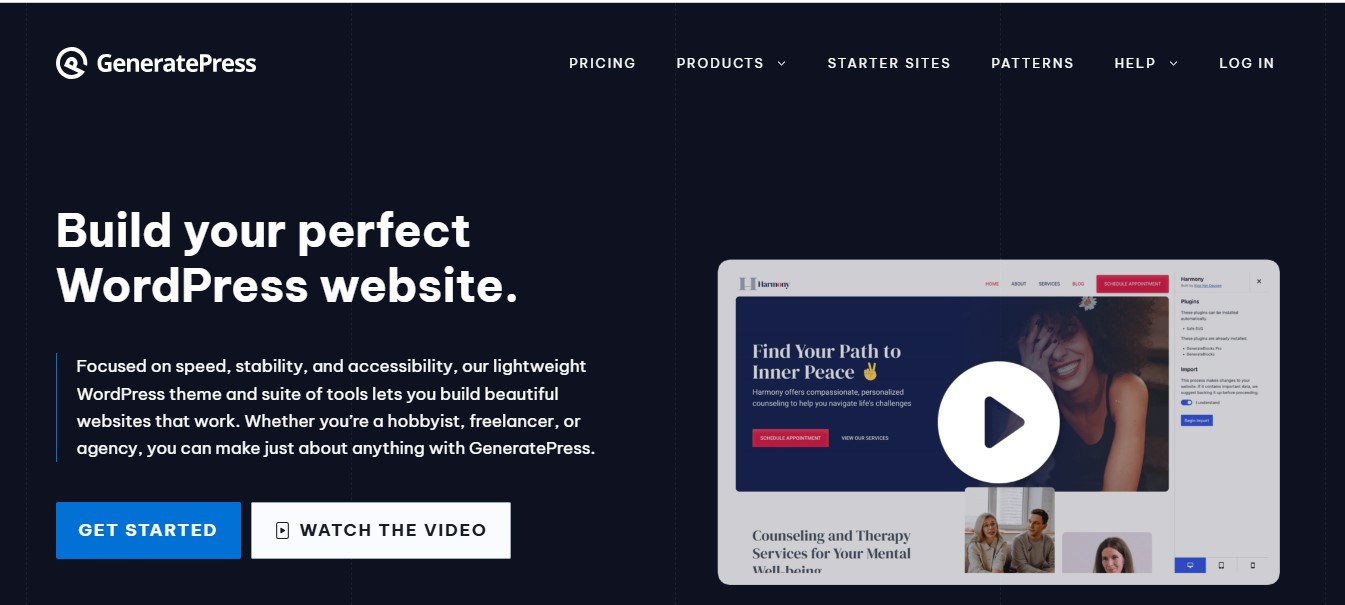
GeneratePress is built around clean, minimal code, which is exactly why it consistently scores well on Core Web Vitals and page-speed tests. Typography and layout controls are extensive despite the lightweight footprint, and the free version alone covers most small business needs. The premium add-on suite unlocks deeper customization (hooks, custom layouts, WooCommerce-specific styling) for sites that need more control later.
Best for: Businesses that want a fast-loading site first and layer in customization only where it’s actually needed.
7. Neve
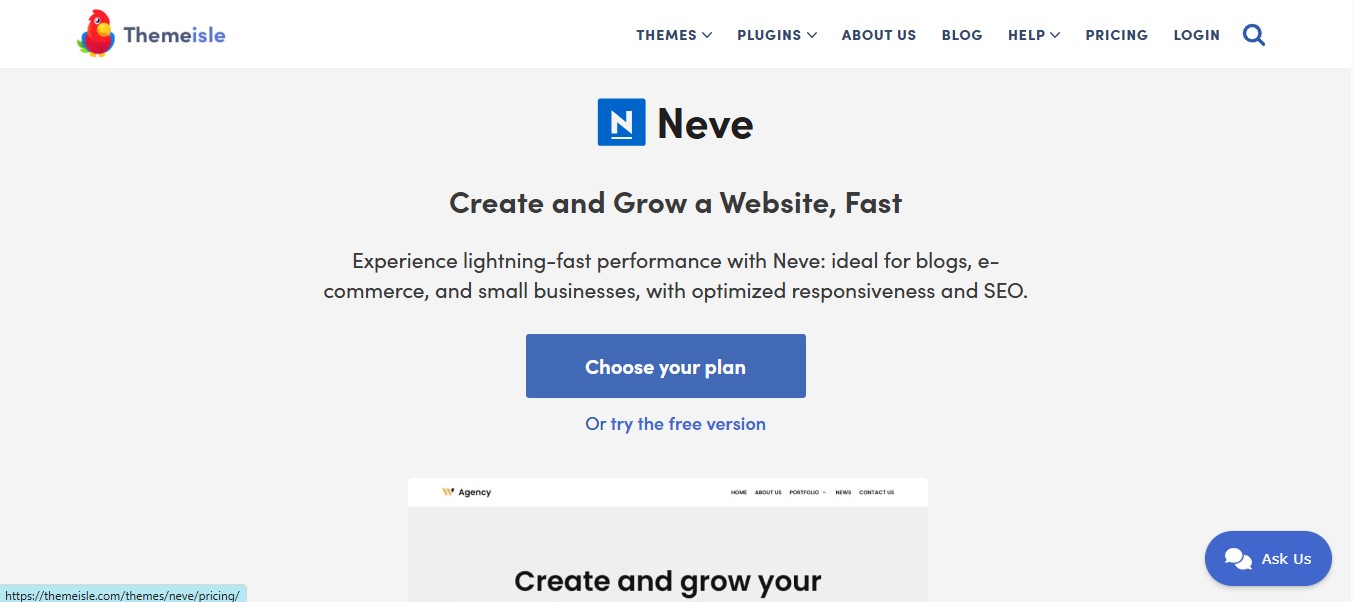
Neve is built mobile-first, which shows in how cleanly it handles small viewports compared to themes that treat mobile as an afterthought. It’s lightweight, supports drag-and-drop customization through the WordPress editor, and includes WooCommerce support for product-based businesses. Note that AMP has lost most of its relevance in Google Search over the past few years, so evaluate Neve on its actual mobile performance and Core Web Vitals scores rather than any AMP-specific claim.
Best for: Businesses whose traffic is predominantly mobile and who want that experience prioritized in the theme’s design.
8. Hestia
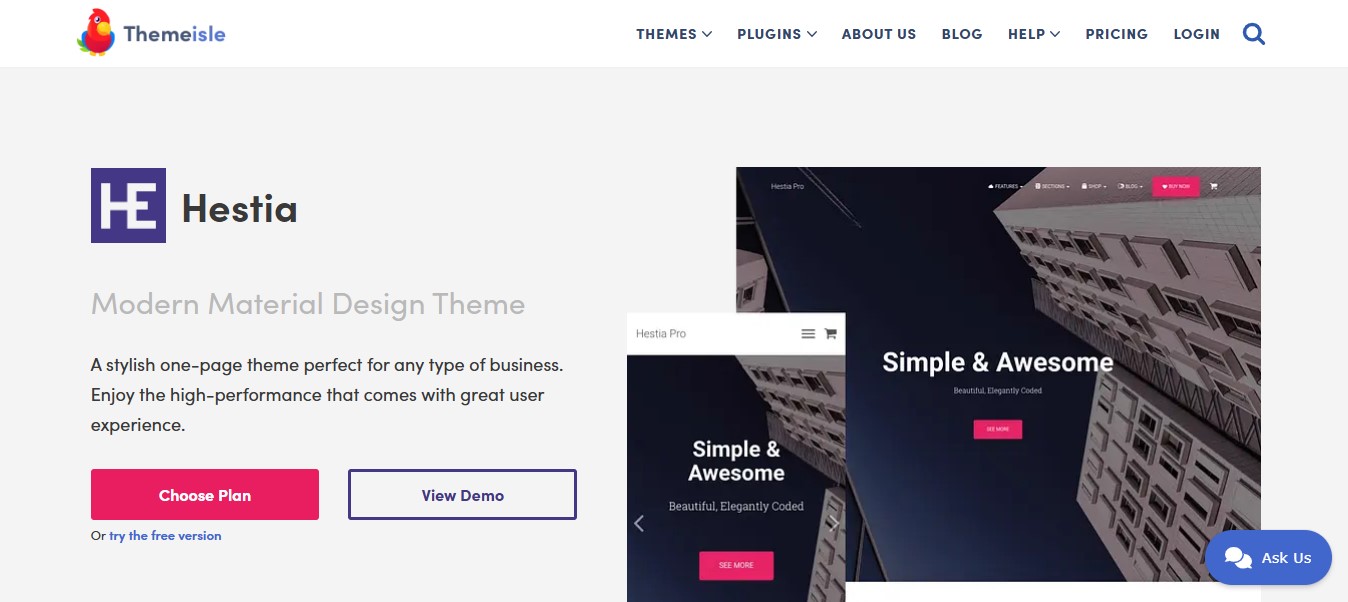
Hestia is designed around a single-page layout, which suits a service business that doesn’t need a large content footprint: a hero section, services, testimonials, and a contact form on one scrollable page. It’s WooCommerce-ready if you later want to add a small product catalog, and Elementor support keeps customization approachable for non-developers.
Best for: Service-based businesses that want a clean, simple single-page presence rather than a multi-page site.
9. Sydney
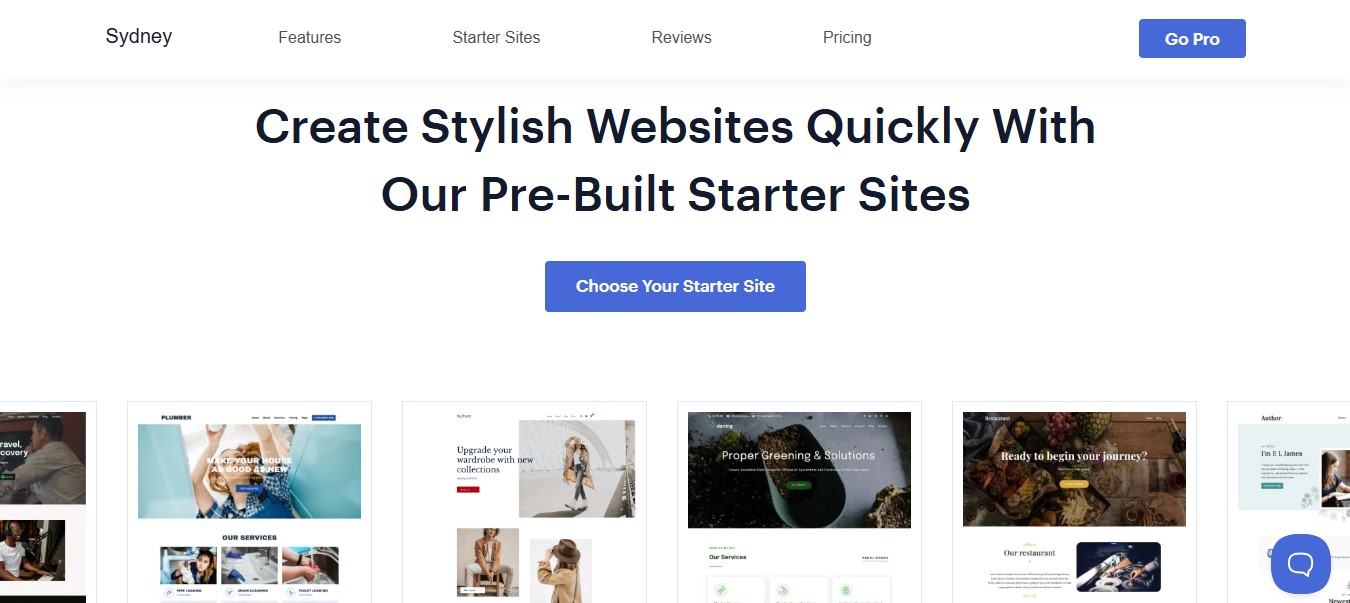
Sydney leans into a bold, visual-first design with a full-screen slider and customizable header, which suits a business that wants strong visual impact on the homepage. It’s responsive, integrates with Elementor for layout control, and comes with pre-designed templates that shorten setup time. WooCommerce support covers stores that need it.
Best for: Freelancers and small agencies that want a visually striking homepage without custom design work.
10. Kadence
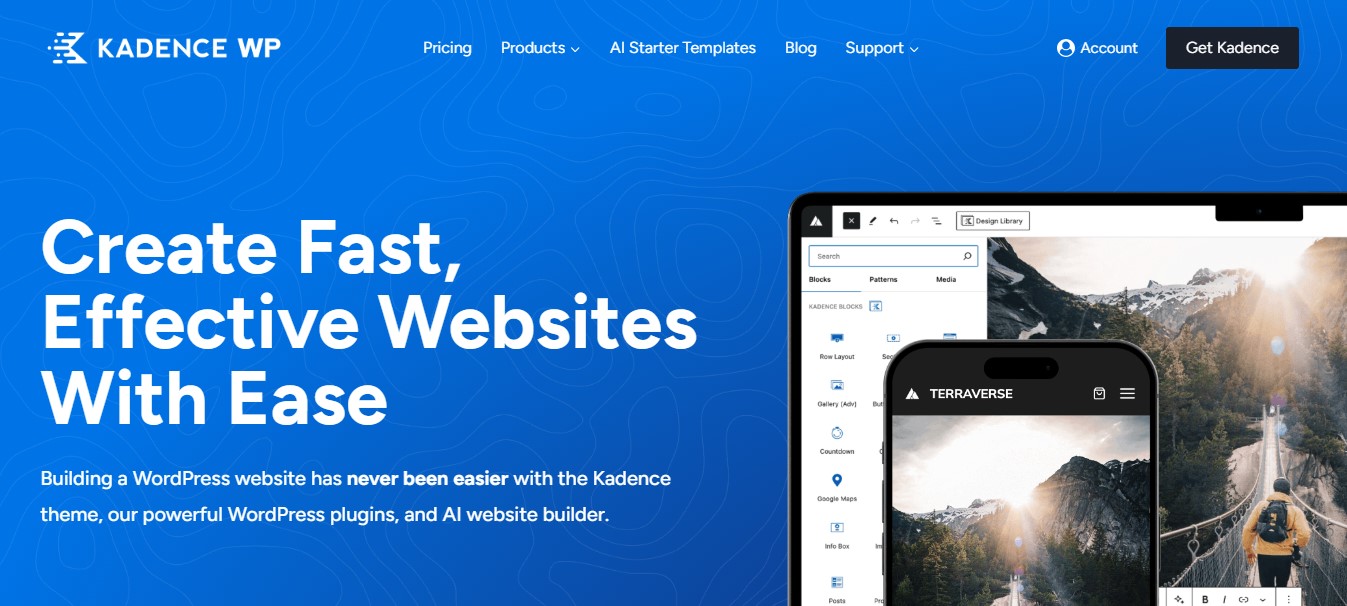
Kadence is purpose-built for WooCommerce stores, with speed-focused code and mobile-optimized product pages that matter directly to conversion rate on an ecommerce site. Its design tools cover most storefront customization needs without a separate page builder, and SEO fundamentals are handled at the theme level. For a small business that’s primarily selling products rather than services, Kadence is one of the more direct-fit options on this list.
Best for: Small businesses running a WooCommerce store as their primary revenue channel.
Quick Comparison
| Theme | Strongest At | Best Fit |
|---|---|---|
| Reign | Deep customization + membership/marketplace ready | Growing businesses, agencies |
| BuddyX | Community and membership features | Sites building a member community |
| Astra | Speed and fast setup | Freelancers, startups |
| Divi | Visual builder depth | Highly custom designs |
| OceanWP | Flexibility without heavy bloat | General small business sites |
| GeneratePress | Minimal code, top page-speed scores | Speed-first businesses |
| Neve | Mobile-first experience | Mobile-heavy traffic |
| Hestia | Single-page simplicity | Service businesses |
| Sydney | Visual homepage impact | Agencies, freelancers |
| Kadence | WooCommerce optimization | Ecommerce-first businesses |
How to Actually Choose Between These
Skip the feature checklist approach and start with what your site actually needs to do. If you’re selling products, prioritize Kadence, Reign, or Astra with WooCommerce set up correctly rather than retrofitting a theme that wasn’t built with ecommerce as a first-class citizen. If page speed is your biggest concern, GeneratePress and Astra consistently test faster out of the box than page-builder-heavy options like Divi. If your business genuinely revolves around a community or membership model, BuddyX is worth the narrower focus, since general-purpose themes handle that use case poorly.
Test any shortlisted theme with a real page-speed tool before committing, not just the demo site the vendor shows you, since demo sites are usually optimized far beyond what a typical small business build will achieve without dedicated performance work.
Budget Considerations Beyond the Theme’s Sticker Price
The theme license itself is rarely the biggest cost in a small business website build. Factor in the full picture before comparing prices across this list: premium plugin licenses you’ll likely need regardless of theme (forms, SEO, security, backups), the hosting tier required to run the theme comfortably (a heavier builder theme like Divi generally wants better hosting than GeneratePress does), and the design or development time to customize the theme past its default demo. A cheaper theme that needs significant custom development to look finished can end up costing more overall than a pricier theme that gets you 90% of the way there out of the box.
It’s also worth budgeting for ongoing maintenance, not just the initial build. Theme and plugin updates, security monitoring, and periodic performance checks are recurring costs whether you handle them yourself or pay a developer or a maintenance service to do it. A theme with an active, responsive support team reduces how much of that maintenance burden falls on you directly when something breaks after a WordPress core update.

Signs It’s Time to Switch Themes
Not every underperforming site needs a full rebuild, but a few patterns are worth watching for:
- Your page speed score has been declining for months and caching plugins aren’t fixing it. At some point the theme’s base weight becomes the bottleneck, not your configuration.
- You’re paying a developer regularly just to make small layout changes. A theme that requires custom code for routine edits is costing you more over a year than a one-time switch to a more flexible option would.
- The theme hasn’t been updated in over a year. Compatibility issues compound as WordPress core and PHP versions move forward, and an abandoned theme eventually becomes a real security liability.
- Mobile bounce rate is significantly higher than desktop. That’s usually a direct signal the theme’s mobile experience needs attention, whether that’s a settings fix or a theme better suited to mobile-first design.
None of these alone means you need to switch immediately. Two or more together, especially combined with an outdated theme, is a reasonable trigger to start evaluating alternatives before a bigger problem forces the decision.
Migrating to a New Theme Without Breaking Your Site
Switching themes on a live small business site carries real risk if done carelessly. A rough sequence that keeps things intact:
- Set up a staging copy of the site and install the new theme there first, never directly on production.
- Rebuild key pages (home, services, contact, any landing pages driving ad traffic) on staging and compare them against the current live versions.
- Check that all forms, booking widgets, and payment integrations still function correctly under the new theme.
- Test page speed and mobile rendering on staging before pushing anything live.
- Schedule the actual switch for a low-traffic window, and keep the old theme installed (deactivated) for a couple of weeks in case you need to reference old settings.
- Re-check your XML sitemap and submit it again in Google Search Console after the switch, particularly if any URLs changed.
What to Check Before You Commit to a Theme
- Run a page-speed test on the live demo, not just the marketing screenshots. Tools like Google PageSpeed Insights or GTmetrix give a more honest picture than a vendor’s feature page.
- Check the changelog for recent updates. A theme that hasn’t shipped an update in over a year is a compatibility and security risk once WordPress core updates further.
- Confirm plugin compatibility with what you already use. If your site depends on a specific form plugin, booking system, or membership tool, verify compatibility before purchase rather than after.
- Test the mobile menu and checkout flow (if applicable) on an actual phone. Desktop-only testing misses layout issues that only show up on small screens.
- Read recent support forum threads, not just the sales page reviews. Support responsiveness matters more once you actually run into a problem than it does during evaluation.
Accessibility and Compliance Considerations
A theme’s accessibility handling doesn’t get nearly enough attention in most “best themes” roundups, but it matters for real usability and, in some regions, for legal compliance. Check that a candidate theme uses semantic HTML by default, supports keyboard navigation for menus and forms, and maintains reasonable color contrast in its default styling. GeneratePress and Astra both have strong track records here since their lean codebases tend to avoid the div-soup markup that makes screen reader navigation difficult. Heavier visual builder themes can still be made accessible, but it typically takes more deliberate configuration work rather than coming accessible by default.
If your business serves government contracts, healthcare, education, or any sector where accessibility compliance is a legal requirement rather than a nice-to-have, run an accessibility audit tool like WAVE or Lighthouse against your shortlisted theme’s demo before committing, not after the site is built and full of content.
Frequently Asked Questions
Do I need a page-builder theme like Divi, or is a lightweight theme enough?
Depends on how much custom layout control you need versus how much you value raw speed. A lightweight theme like GeneratePress or Astra paired with a separate page builder plugin (or block editor patterns) often gets you both, without the extra weight some all-in-one builder themes carry by default.
Will switching themes hurt my SEO rankings?
Not inherently, but a poorly executed switch can. Keep URLs the same, redirect anything that changes, and re-test page speed and mobile usability after the switch. Most ranking risk comes from broken links and slower load times post-switch, not from the theme change itself.
Is a free theme good enough for a small business site?
For a simple site, yes. GeneratePress, Astra, and Neve all have capable free tiers. Once you need advanced customization, priority support, or ecommerce-specific features, the premium tiers typically pay for themselves in saved development time.
How often should I update my WordPress theme?
Apply theme updates as soon as they’re available after testing on staging, the same way you’d handle plugin updates. Theme vendors patch security issues and WordPress core compatibility problems in these updates, and skipping them for months at a time increases risk without any upside.
Should I pick a theme based on how many features it has?
No. Feature count is a weak signal for how well a theme will actually serve your business. A theme with fifty built-in options you’ll never touch is carrying dead weight that slows every page load, while a focused theme with the ten features you actually need often performs and converts better. Map the theme’s features against your real requirements list before comparing anything else.
Can I use a page builder plugin with any of these themes?
Most of them, yes. Astra, GeneratePress, OceanWP, Neve, and Kadence are all built to work cleanly with Elementor, Beaver Builder, or the native WordPress block editor. Divi ships with its own dedicated builder and generally isn’t paired with a separate one. Reign and BuddyX both support drag-and-drop building natively as well. Confirm compatibility with your specific builder version before committing if you already have a preferred tool.
Selecting the Right WordPress Theme for Business Success
The right theme depends entirely on what your business actually does day to day. A highly customizable option like Reign, a community-driven build like BuddyX, or a lightweight speed-focused choice like Astra or GeneratePress can all be the correct answer, just for different businesses. Match the theme to your actual workflow and traffic pattern rather than the longest features list, and test real page speed before you commit budget and setup time to it.
Whichever theme you land on, treat the launch as the starting point, not the finish line. Revisit page speed scores quarterly, keep the theme and its dependencies updated, and reassess whether it’s still the right fit as your business’s needs change. A theme that was perfect for a five-page brochure site won’t necessarily hold up once you add a booking system, a blog publishing weekly, or an online store, and catching that mismatch early is a lot cheaper than discovering it after months of declining conversions.
Interesting Reads
10 Best WordPress Cache Plugins