10 Best AI Photo Editor


AI photo editors have moved well past simple filters. The best ones now handle sky replacement, portrait retouching, background removal, and full product-photo generation with a fraction of the manual work traditional editing required. This guide covers ten tools worth knowing in 2026, checked against each vendor’s current product lineup rather than repeated from an older list, since this category changes fast enough that a two-year-old roundup is often already recommending a discontinued product.

What Makes an AI Photo Editor Worth Using
An AI photo editor uses machine learning to automate the decisions a human editor would otherwise make by hand: how much to brighten a shadow, where a subject’s edge actually falls against a busy background, which part of a sky to replace, or how to smooth skin without making it look plastic. The technology doesn’t replace editing judgment so much as it front-loads a reasonable first pass, so you start from something close to finished instead of a blank slate, and spend your remaining time on the handful of details the automation actually got wrong rather than every adjustment from scratch.
Why It’s Worth Using One
- Speed: automated color correction, cropping, and background work that would take minutes by hand happens in seconds.
- Consistent quality: AI-driven adjustments tend to avoid the obvious over-editing mistakes beginners make with manual sliders.
- Lower skill floor: genuinely advanced results are reachable without years of Photoshop experience.
Key features worth checking before you commit to one:
- Automated enhancements: lighting, color, and sharpness adjustments that hold up without heavy manual correction.
- Content-aware filters: effects that adapt to what’s actually in the image instead of applying a flat overlay.
- Subject and face recognition: more precise, localized edits on portraits and specific objects.
- An interface you’ll actually use: the best AI in the world doesn’t help if the workflow is confusing enough that you avoid opening the app.
- Resolution support: the ability to export full-resolution files rather than a downscaled preview.
The 10 Best AI Photo Editors in 2026
1. Luminar Neo
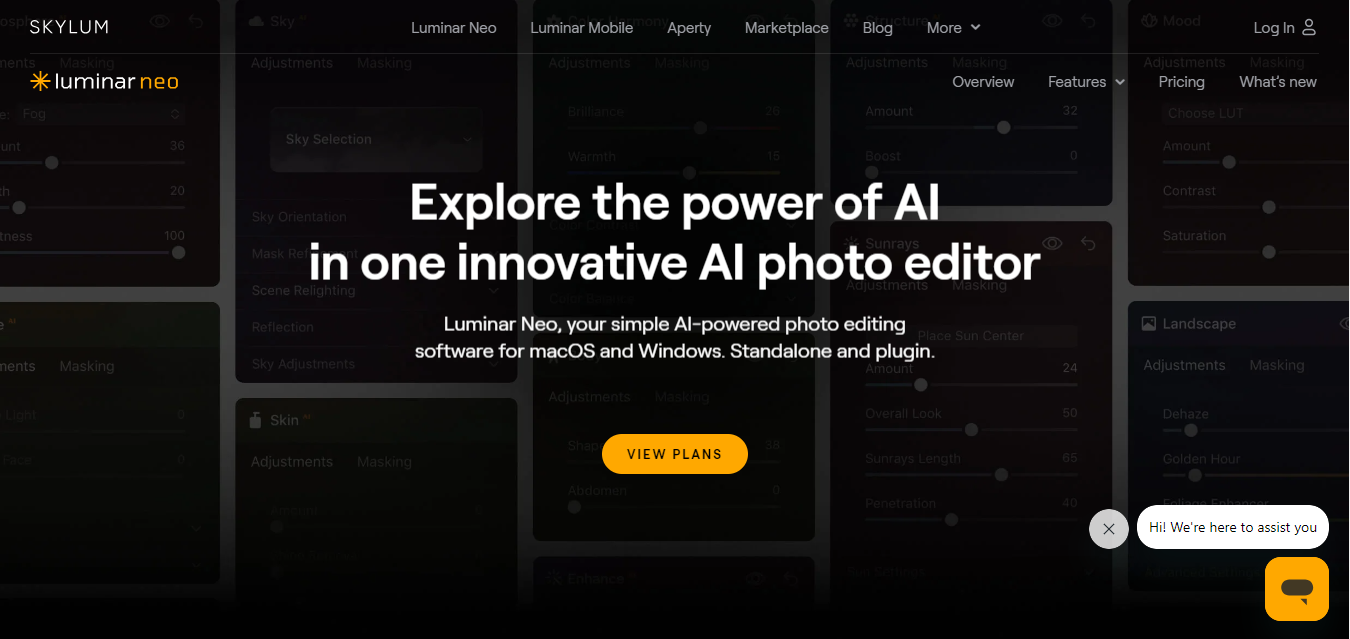
Skylum’s earlier product, Luminar AI, has been folded into Luminar Neo, the company’s current flagship editor. Neo carries forward Luminar AI’s automated sky replacement and portrait tools and adds layers, AI masking, and generative features like object removal and background generation that Luminar AI never had. If you see “Luminar AI” listed for sale as a separate current product, that listing is out of date.
Key Features
- AI-powered sky replacement with realistic relighting
- Portrait retouching with facial recognition
- Generative AI tools for object removal and background generation
- Layer-based editing, a step up from Luminar AI’s single-pass workflow
Pros
- Strong results for both casual and semi-professional use
- Fast, AI-driven adjustments rather than manual slider-hunting
Cons
- Full feature set is priced above most casual-use competitors
- Some advanced compositing work still favors dedicated tools like Photoshop
Why It Stands Out: it packages Skylum’s automated sky and portrait tools with newer generative editing in one desktop app, rather than splitting them across separate products.
Also Read: 10 Best Software for iPhone Showing Your iPhone Screen
2. Adobe Photoshop Elements
Adobe Photoshop Elements brings a simplified, AI-assisted version of Photoshop’s power to casual editors. Guided Edits walk you through common tasks step by step, while AI handles the underlying adjustments.
Key Features
- AI-powered photo correction tools for common fixes
- Guided Edits for step-by-step instructions on specific tasks
- AI-based photo organization and tagging
Pros
- Approachable for beginners through Guided Edits
- Integrates cleanly with the rest of Adobe’s ecosystem
Cons
- Missing advanced tools found in full Photoshop
- The broader interface can still overwhelm first-time users
Why It Stands Out: it is the most approachable on-ramp into Adobe’s editing ecosystem for someone not ready for full Photoshop.
3. Fotor
Fotor targets users who want fast, one-click results without a learning curve, backed by AI tools for retouching and enhancement.
Key Features
- One-click automatic enhancement
- AI-powered skin smoothing and portrait retouching
- Large built-in filter and template library
Pros
- Quick results for everyday, non-technical edits
- Usable free tier before you need to upgrade
Cons
- Free tier is fairly limited
- Less depth than dedicated professional tools
Why It Stands Out: it’s built for speed on everyday edits rather than deep professional retouching.
4. Remove.bg
Remove.bg does one job, background removal, and does it fast and accurately, including batch processing for multiple images at once.
Key Features
- Instant, AI-driven background removal
- Batch editing for handling many images in one pass
- Reliable detection on both portraits and product photos
Pros
- Fast and consistently accurate, even on complex edges
- One-click workflow with minimal setup
Cons
- Limited to background removal; not a general editor
- Higher-resolution exports require a paid plan
Why It Stands Out: it remains one of the fastest, most reliable single-purpose background removers available.
5. DeepAI
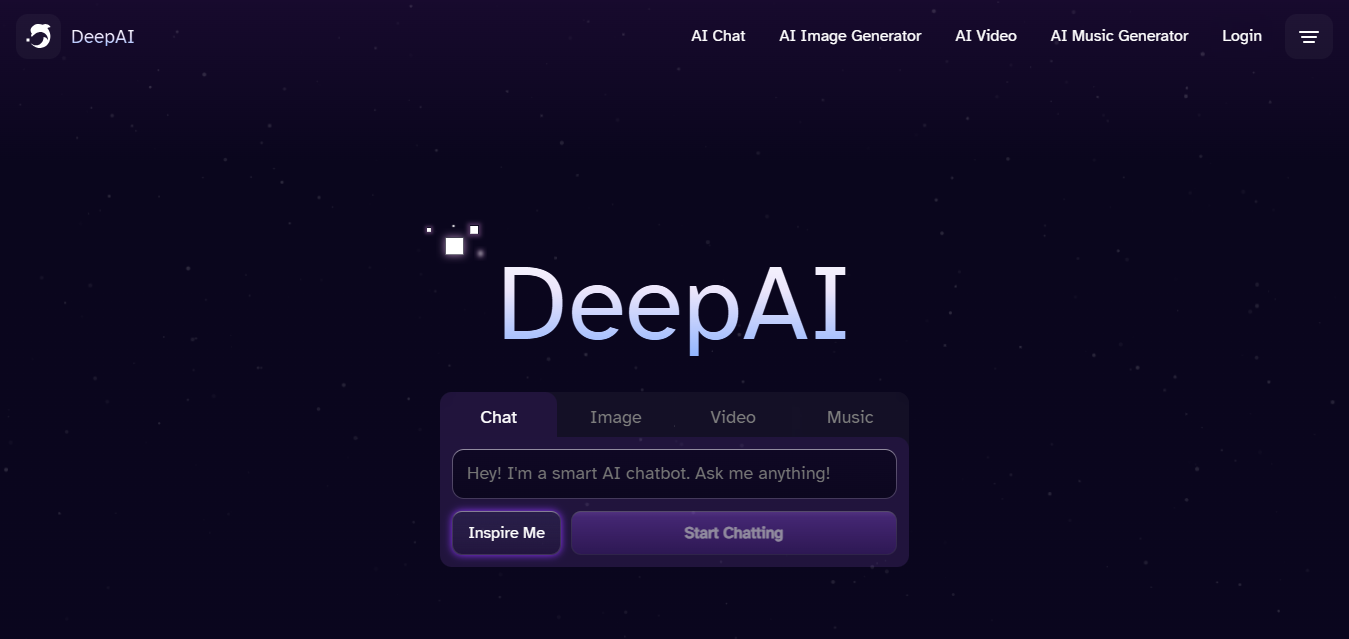
DeepAI leans into artistic transformation rather than technical correction, offering style transfer and colorization tools built on deep learning.
Key Features
- AI-powered style transfer that reimagines photos in different artistic styles
- Image colorization and enhancement tools
Pros
- Free to use for basic features
- Genuinely useful for creative, non-photorealistic transformations
Cons
- Free-tier output resolution is limited
- Processing can be slow on more complex edits
Why It Stands Out: it’s built for artistic reinterpretation rather than the technical correction most editors on this list focus on.
Also Read: Is WordPress Free?
6. Photoroom
Photoroom is built specifically for product and e-commerce photography, and it has become one of the most widely used AI tools in that category. Its background remover is trained on millions of product images, and it can generate full studio-style product shots from a basic photo without an actual studio.
Key Features
- Fast, precise background removal tuned for product photos
- AI-generated studio-style backgrounds and shadows
- Batch editing across large product catalogs, including via API
Pros
- Purpose-built for sellers who need consistent, professional product images at volume
- Free tier available before committing to a paid plan
Cons
- Narrower focus than general photo editors; not built for portrait retouching or artistic filters
Why It Stands Out: it is the strongest pick specifically for anyone editing product photos at scale, a use case most general photo editors handle only adequately.
7. PortraitPro
PortraitPro, from Anthropics Technology, focuses entirely on portrait retouching: skin smoothing, feature refinement, and eye and teeth enhancement, all driven by facial recognition that adapts to the specific face in the photo.
Key Features
- AI-powered facial recognition and targeted enhancement
- Customizable skin smoothing, teeth whitening, and eye brightening
- Real-time preview while adjusting sliders
Pros
- Strongest dedicated tool on this list for portrait retouching specifically
- Highly customizable for detailed, photograph-by-photograph adjustment
Cons
- Priced higher than general-purpose editors for what is a narrower feature set
- Not useful outside portrait work
Why It Stands Out: it remains the go-to specialist tool for photographers whose primary work is portraits.
8. Prisma
Prisma turns photos into stylized artwork inspired by well-known painters and art movements, applying the transformation in one tap.
Key Features
- AI-powered artistic filters
- Hundreds of art and portrait styles
- Fast, simple interface for quick edits
Pros
- Fun, low-effort way to produce creative results
- Wide range of styles to experiment with
Cons
- Limited editing features outside of style filters
- Many premium styles require a subscription
Why It Stands Out: it remains a straightforward, focused tool for one specific creative effect rather than a general editor.
9. Picsart
Picsart combines AI photo editing with design and collage tools in one app, aimed at users who move between photo touch-ups and social-ready graphics in the same session.
Key Features
- AI background removal and replacement
- AI-powered photo enhancement and retouching tools
- Templates and design tools for social media graphics
Pros
- One app covers both photo editing and lightweight graphic design
- Large template library for social content
Cons
- Many advanced AI tools and premium templates sit behind a subscription
- Interface can feel cluttered given how many features it packs in
Why It Stands Out: it is the strongest pick for anyone who wants photo editing and social graphic design without switching between two separate apps.
Also Read: 10 Best AI Applications for iPhone
10. PicMonkey
PicMonkey, now operating under Shutterstock, pairs AI-assisted photo retouching with a full design toolkit, aimed at users who need both edited photos and finished graphics from the same platform.
Key Features
- AI-enhanced retouching and photo enhancement tools
- Customizable templates for design projects
- Cloud storage and access to Shutterstock’s stock photo library
Pros
- Comprehensive toolset spanning photo editing and design
- Beginner-friendly with room to grow into more advanced features
Cons
- Most useful features require a paid subscription
- The combined editor-plus-design interface takes some getting used to
Why It Stands Out: it’s a solid middle ground for anyone who wants to go beyond basic photo editing into full design work without learning a second tool.
Comparison Table
| Name of Tool | Best For | Standout Feature | Pricing |
|---|---|---|---|
| Luminar Neo | All-around AI editing with generative tools | AI sky replacement plus generative object removal | Paid, one-time or subscription options |
| Adobe Photoshop Elements | Beginners easing into Adobe’s ecosystem | Guided Edits with AI-powered corrections | Paid, one-time purchase |
| Fotor | Fast, simple everyday editing | One-click enhancement and beauty tools | Free tier; paid for premium features |
| Remove.bg | Background removal | Instant, accurate AI background removal | Free for basic; paid for high-res exports |
| DeepAI | Artistic style transfer | Deep-learning style transfer and colorization | Free basic tier; paid for high-res output |
| Photoroom | Product and e-commerce photography | AI-generated studio product shots at scale | Free tier; paid plans for volume and API access |
| PortraitPro | Portrait retouching | Facial-recognition-driven, customizable retouching | Paid, specialized tool |
| Prisma | Artistic photo transformations | Hundreds of AI-driven art styles | Free with limited styles; paid for full access |
| Picsart | Photo editing plus social design | AI editing combined with design templates | Free tier; paid for premium tools |
| PicMonkey | Photo editing plus full design toolkit | Editing paired with Shutterstock’s asset library | Free trial; paid for full access |

How to Pick the Right One for Your Actual Workflow
Start with the job you do most often, not the tool with the longest feature list. If you sell products online and need a hundred clean product shots a week, Photoroom or Remove.bg will save you more time than a general editor with a hundred sliders you’ll never touch. If portraits are your main work, PortraitPro’s specialization beats a general tool’s broader but shallower retouching. If you want one app that handles a bit of everything, from basic corrections to social graphics, Fotor, Picsart, or PicMonkey are built for exactly that middle ground. And if you want a genuinely full-featured desktop editor for one-off creative projects, Luminar Neo or Photoshop Elements will get you further than any browser-based tool on this list.
It’s also worth testing the free tier of your top two choices on the same photo before paying for either. AI editors vary more than their marketing pages suggest on real, imperfect photos, not the polished demo images every vendor uses to sell the product. A tool that looks identical to a competitor on a studio-lit sample photo can behave very differently on a phone photo with mixed lighting and a cluttered background, which is the kind of image most people actually need edited.
Volume matters more than most buyers account for upfront. Editing five vacation photos a month and editing five hundred product photos a week are different problems even if both technically fall under “AI photo editing.” A tool priced and designed for the occasional hobbyist, like Fotor or Prisma, will feel expensive and clunky at e-commerce volume, while a volume tool like Photoroom’s API-driven batch processing is overkill and overpriced for someone editing a handful of family photos a month. Match the tool’s pricing model, not just its feature list, to how often you’ll actually be using it, and revisit that match once a year, since both your volume and each vendor’s pricing tiers tend to drift over time.
A Note on Where Your Photos Actually Go
Most of the tools on this list process images in the cloud rather than on your device, which means the photo you upload travels to the vendor’s servers before you see any result. For a product shot you’re about to publish publicly anyway, that’s a non-issue. For personal photos, family portraits, or anything you’d rather not have sitting on a third-party server, it’s worth a few minutes reading the specific app’s privacy policy before uploading, particularly around how long images are retained and whether they’re used to train future models.
This matters more for some categories than others. Background removers and product-photo tools like Remove.bg and Photoroom typically process images and discard them shortly after, since the whole business model depends on high-volume, low-friction throughput rather than building a photo archive. Apps built around ongoing personalization or community features tend to retain more, simply because retention is part of how those features work. If privacy is a real concern for a specific batch of photos, check the retention policy for that specific tool rather than assuming every AI photo editor handles data the same way.
If you are editing photos of other people, not just your own, that adds a second layer worth thinking through separately from your own privacy preference. Portrait retouching tools process facial data to do their job, and while that’s standard for the category, it’s worth having a general rule for yourself about whose photos you’ll run through a cloud-based editor without asking first, particularly for anything more identifiable than a casual snapshot shared within a small group. This applies most directly to PortraitPro and any portrait-focused feature in the general editors, since facial data is exactly what those tools are built to analyze closely.
Frequently Asked Questions
Is Luminar AI still available to buy?
Skylum folded Luminar AI’s technology into Luminar Neo, its current flagship product, rather than continuing to sell Luminar AI separately. If you find a listing specifically for “Luminar AI” as a current product, treat it as outdated and check Skylum’s own site for the current Luminar Neo offering.
What’s the difference between a background remover and a full AI photo editor?
A dedicated background remover like Remove.bg or Photoroom does one job extremely well and little else. A full editor like Luminar Neo, Photoshop Elements, or Fotor handles color, lighting, retouching, and composition, usually including some form of background removal as one feature among many rather than the whole product.
Are free AI photo editors good enough for professional use?
For social media and everyday use, often yes. DeepAI, Prisma, Photoroom, and Picsart all offer usable free tiers. Professional print work or high-volume e-commerce catalogs usually need a paid tier for full resolution exports, batch processing limits, or commercial licensing terms that free tiers typically restrict.
Which AI photo editor is best for e-commerce product photos specifically?
Photoroom is purpose-built for this and is widely used by sellers who need consistent studio-style product shots without renting an actual studio. Remove.bg is a strong, simpler alternative if all you need is clean background removal rather than full studio-style generation.
Can I run one of these editors as a browser extension or do I need to install an app?
It varies by tool. Remove.bg, Photoroom, and DeepAI all offer web-based editors that work entirely in a browser, no installation required, which makes them the easiest starting point if you just want to try a tool before committing. Luminar Neo and Adobe Photoshop Elements are desktop applications, since the level of editing they support benefits from local processing power. PortraitPro, Fotor, Picsart, and PicMonkey all offer both web and app-based versions depending on the platform.
Do AI photo editors work well on photos taken in poor lighting?
Results vary more here than vendors tend to advertise. AI-driven exposure and color correction genuinely help with mild underexposure or an off color temperature, and most of the general editors on this list, Luminar Neo and Fotor in particular, handle that reasonably well. Severely underexposed or motion-blurred photos are still a hard problem for AI to fully rescue, and no tool on this list should be expected to turn an unusable photo into a polished one. Test a genuinely difficult photo from your own camera roll, not a well-lit sample, before assuming a demo video’s results will generalize to your worst shots.
Is it worth paying for a subscription, or are one-time purchases available?
Both models exist across this category, and it’s worth checking which one a specific tool uses before comparing price. Luminar Neo and Adobe Photoshop Elements have historically offered one-time purchase options alongside subscriptions, which can work out cheaper for someone who edits occasionally and doesn’t need continuous updates. Cloud-based tools like Photoroom, Remove.bg, Picsart, and PicMonkey are typically subscription-only, since their AI processing happens on the vendor’s servers with an ongoing cost attached to every edit.
Interesting Reads
10 Best SEO Plugin for WordPress