10 Best SEO Plugins for WordPress


WordPress handles the basics of search visibility on its own: clean permalinks, semantic HTML, a reasonably fast page. What it doesn’t do is manage your meta titles, generate an XML sitemap, warn you when a page is missing a focus keyword, or mark up your content so Google can pull it into a rich snippet. That’s the gap an SEO plugin fills, and picking the wrong one usually means either paying for features you’ll never touch or missing the one feature that would have actually moved your rankings.
The ten plugins below cover that range, from full-featured suites that replace half a dozen separate tools to narrow, single-purpose plugins that do one job well. A couple of names that used to show up on lists like this have been dropped: one shut down permanently earlier this year, and another appears to have quietly disappeared from its marketplace listing. Verified, current options only.
What to Look for Before You Install Anything
Before comparing individual plugins, it helps to know which features actually matter versus which ones are marketing filler. A plugin worth installing should give you:
- A content or SEO analysis tool that checks your target keyword usage, readability, and internal linking without being preachy about it.
- Automatic XML sitemap generation that updates itself as you publish, with no manual regeneration step.
- Schema markup support, ideally with a visual builder rather than requiring you to hand-edit JSON-LD.
- Control over meta titles and descriptions per page and post, plus social preview cards for Facebook and Twitter/X.
- A reasonably light codebase. Some of the older, more “complete” plugins add noticeable load time, which works against the SEO gains they’re supposed to deliver.
Running two full SEO plugins at once is one of the most common WordPress mistakes, and it’s worth mentioning before the list starts: pick one, deactivate the rest, and don’t stack Yoast on top of Rank Math hoping for double the benefit. They’ll fight over the same meta boxes and sitemap files.
It’s also worth being honest about what none of these plugins can do. No SEO plugin writes your content, and none of them can force Google to rank a thin, generic page above a competitor’s more thorough one. What they do is remove the technical excuses: the missing sitemap, the empty meta description, the page with no schema markup telling search engines what kind of content it’s looking at. Handle those basics correctly and the actual writing gets to compete on its own merit instead of losing points to avoidable technical gaps.
1. Rank Math
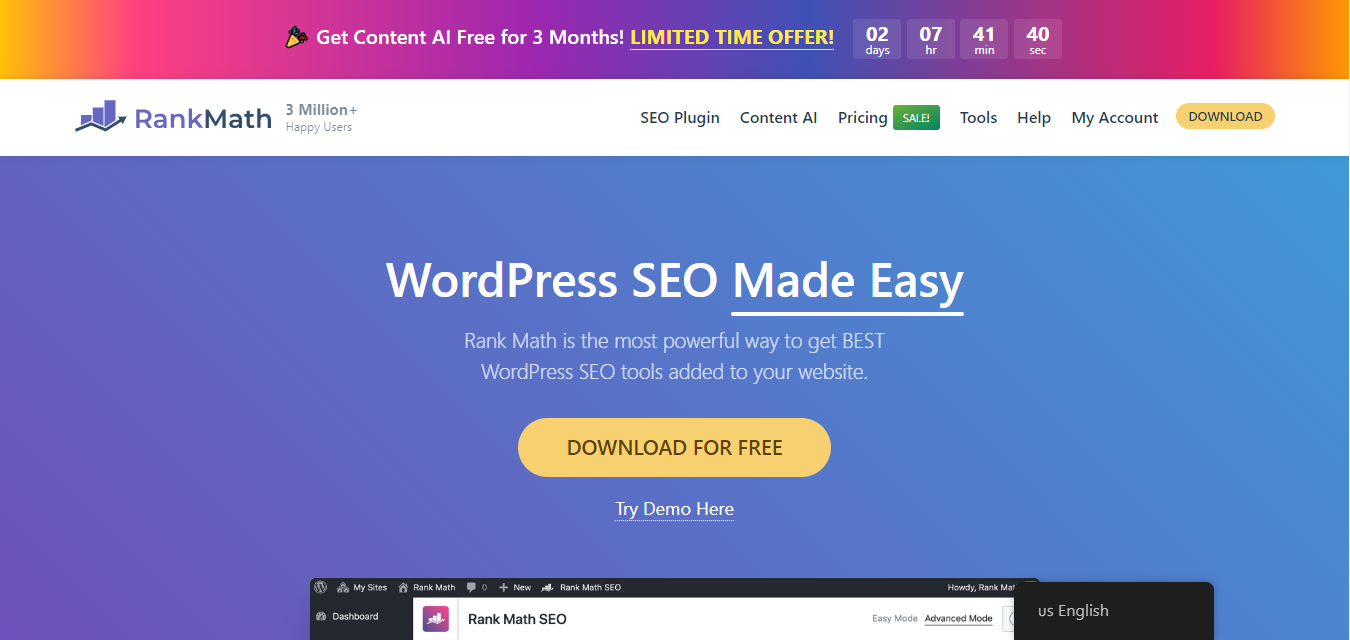
Rank Math built its reputation by putting features other plugins charge for behind a free tier, and that hasn’t changed. The setup wizard walks new users through connecting Google Search Console, choosing a schema type, and configuring social defaults in about ten minutes.
Key features: built-in schema generator with 15+ rich snippet types, a keyword rank tracker inside the dashboard, local SEO fields, and image SEO tools that auto-fill alt text based on filenames.
Pros: the free version genuinely competes with paid tiers of other plugins, and the codebase stays light enough that most users don’t notice a performance hit.
Cons: the settings panel has grown crowded as features piled on, and first-time users can feel buried in toggles before the setup wizard trims it down.
Best for: anyone who wants schema markup and rank tracking without paying for a separate plugin or third-party tool.
Related reading: 10 best AI tools for audio repair, useful if your content strategy includes podcast or video transcripts that need cleanup before publishing.
2. All in One SEO (AIOSEO)
AIOSEO has been around almost as long as WordPress SEO plugins have existed as a category, and it shows in how thorough the feature set is. It leans slightly more toward WooCommerce stores and larger sites than some competitors on this list.
Key features: a built-in SEO audit checklist that flags site-wide issues (not just per-post), smart XML sitemaps that exclude noindexed content automatically, and native WooCommerce product SEO fields.
Pros: the WooCommerce integration is genuinely deeper than most competitors, and the documentation is extensive enough that support tickets are rarely necessary.
Cons: the free version holds back enough that serious users end up on a paid tier fairly quickly, more so than with Rank Math.
Best for: WooCommerce stores and larger content sites that want an audit tool built into the same plugin doing their on-page SEO.
3. Yoast SEO
Yoast remains the plugin most WordPress users learn SEO on, largely because it was first to popularize the traffic-light readability and keyword scoring system that half the plugins on this list have since copied in some form.
Key features: content and readability analysis with color-coded scoring, automatic XML sitemap creation, schema markup for articles and organizations, and a redirect manager on the premium tier.
Pros: the interface is the most beginner-friendly of the full-suite options, and update cadence has stayed consistent for well over a decade.
Cons: several features that ship free in Rank Math sit behind Yoast’s premium paywall, including the redirect manager and internal linking suggestions.
Best for: beginners who want a plugin with the largest base of tutorials and community answers to lean on when something doesn’t make sense.
4. SEOPress
SEOPress positions itself as the budget-friendly full-featured option, and it largely delivers on that. Agencies managing multiple client sites tend to gravitate toward it for the white-labeling support.
Key features: content analysis tools, social preview generation for major platforms, and white-label mode that hides SEOPress branding for agency clients.
Pros: premium pricing covers unlimited sites on a single license, which none of the other paid options on this list match.
Cons: the free tier is noticeably thinner than Rank Math’s, so budget-conscious users often end up comparing it against a free competitor instead.
Best for: agencies and freelancers managing several client sites who want one license instead of per-site billing.
5. The SEO Framework
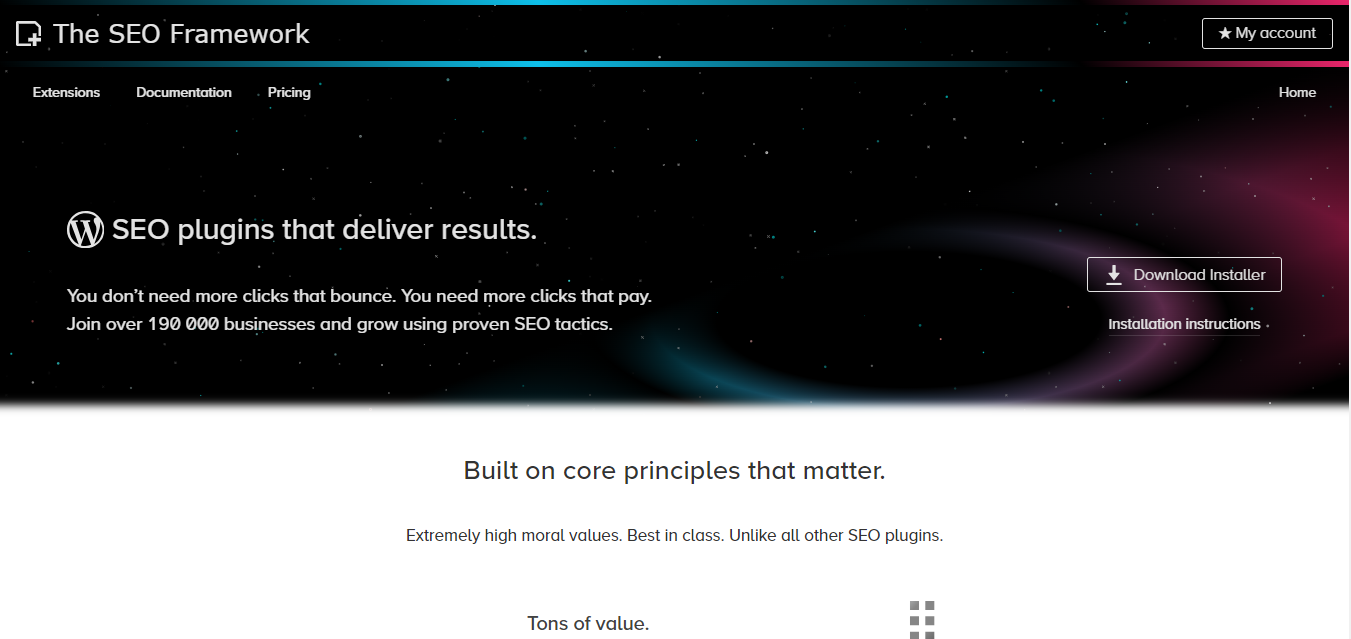
The SEO Framework takes the opposite approach from AIOSEO and Yoast: instead of a dashboard full of settings, it ships with sensible defaults already configured and mostly stays out of the way.
Key features: pre-configured settings that work reasonably well out of the box, an explicit focus on page speed and privacy (no third-party tracking baked in), and automated meta description generation from post content.
Pros: it’s one of the lightest full SEO plugins available, and there’s no upsell nagging in the admin dashboard, which several competitors can’t say.
Cons: the minimal settings panel means less granular control if you want to hand-tune every field.
Best for: users who’ve been burned by bloated plugins before and want something that works well without demanding constant configuration.
6. Slim SEO
Slim SEO earns its name honestly. It automates most of what other plugins ask you to configure manually, which makes it a fast setup for anyone who doesn’t want to spend an afternoon in settings screens.
Key features: automated schema generation without a manual builder step, clean output with minimal extra database queries, and a configuration process that takes minutes rather than hours.
Pros: genuinely one of the lightest options on this list in terms of page load impact, which matters more than most SEO advice admits.
Cons: the tradeoff for automation is less manual control, so power users optimizing individual pages by hand may find it limiting.
Best for: small to medium sites that want solid SEO fundamentals handled automatically without babysitting a settings panel.
7. Google Site Kit
The plugin that used to round out lists like this one, WP Meta SEO, shut down permanently in mid-2026 at its author’s request and is no longer available for download. Google Site Kit fills a similar niche from a different angle: rather than bulk-editing meta fields, it pulls your actual Search Console, Analytics, and PageSpeed Insights data directly into the WordPress dashboard.
Key features: native Search Console integration showing which queries actually bring traffic, PageSpeed Insights scores without leaving wp-admin, and Analytics data tied to individual posts.
Pros: it’s built and maintained by Google directly, with millions of active installs and a fast update cycle.
Cons: it’s a reporting and connection tool, not a content-optimization plugin, so it works best paired with one of the plugins above rather than replacing them.
Best for: anyone who wants to see real search performance data without logging into three separate Google dashboards.
8. Broken Link Checker
Not a traditional SEO plugin, but a genuinely useful companion to any of them. Broken links quietly erode both user trust and crawl efficiency, and most site owners don’t discover them until a reader mentions one in the comments.
Key features: automatic scanning for broken internal and external links, dashboard notifications when a link fails, and the ability to edit or unlink broken URLs directly from the results screen.
Pros: it’s free, and it catches link rot that’s easy to miss on a site with more than a couple hundred posts.
Cons: the background scanning process can add real load on larger sites, so it’s worth running scans during low-traffic hours rather than leaving continuous monitoring on by default.
Best for: any site over roughly 100 posts old enough to have accumulated dead links to sources that have since moved or disappeared.
9. Schema & Structured Data for WP & AMP
The other plugin that used to appear on this list, Premium SEO Pack, no longer has an active listing on its original marketplace page, and there’s no indication it’s still being sold or updated. Schema & Structured Data for WP & AMP covers similar ground for multimedia and rich-result sites with an actively maintained, currently supported plugin.
Key features: support for more than 35 schema types including Product, Recipe, Event, and Video, Gutenberg blocks for adding schema directly in the editor, and full AMP compatibility.
Pros: the schema builder is more visual and less error-prone than hand-editing JSON-LD, and it plays well alongside Yoast, Rank Math, or AIOSEO rather than conflicting with them.
Cons: some of the more advanced schema types and priority support sit behind the premium tier.
Best for: recipe blogs, event sites, video content, and any store or publisher chasing rich snippets that a general-purpose SEO plugin doesn’t fully cover.
10. Squirrly SEO
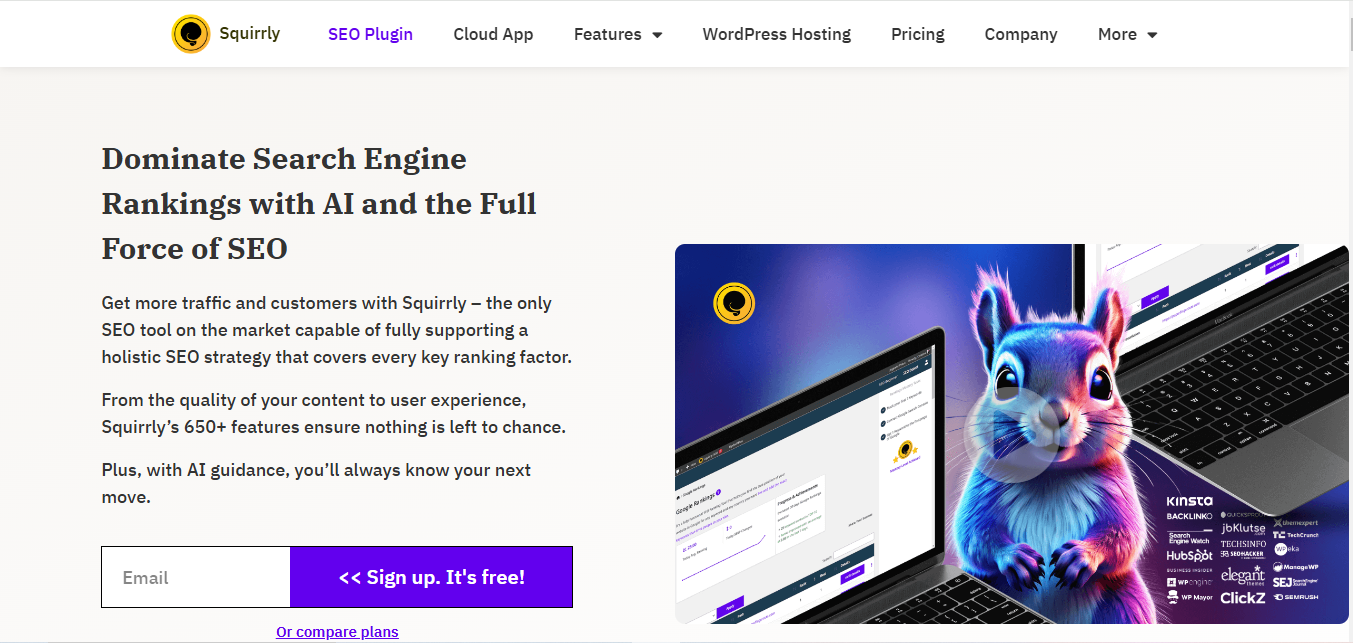
Squirrly has quietly expanded its focus beyond traditional search rankings toward what it calls generative engine optimization, positioning content to surface well in AI chat answers as much as classic search results. The core keyword and content tools that made it popular are still there underneath.
Key features: real-time content suggestions as you write rather than after you publish, keyword research tools built into the editor sidebar, and newer tools aimed at AI search visibility.
Pros: the live-writing feedback loop suits content creators who’d rather fix an SEO issue mid-draft than go back and audit a finished post.
Cons: premium plans run more expensive than most competitors on this list for comparable core features.
Best for: bloggers and content creators who want optimization feedback while drafting, plus early positioning for AI-driven search.
Comparison Table
| Plugin | Standout Feature | Pricing |
|---|---|---|
| Rank Math | Free schema generator and rank tracker | Free, with a paid Pro tier |
| All in One SEO | Site-wide audit checklist, WooCommerce SEO | Free, with paid tiers for advanced features |
| Yoast SEO | Readability analysis, largest support community | Free, with a paid Premium tier |
| SEOPress | Unlimited sites on one license | Free, with affordable agency pricing |
| The SEO Framework | Pre-configured, privacy-first defaults | Free, with an optional Extension Manager |
| Slim SEO | Fully automated setup | Free, with a paid Pro add-on |
| Google Site Kit | Native Search Console and Analytics data | Free |
| Broken Link Checker | Automatic dead-link detection | Free |
| Schema & Structured Data for WP & AMP | 35+ visual schema types | Free, with a paid Pro tier |
| Squirrly SEO | Real-time editor suggestions, AI search tools | Free, with paid plans for advanced features |
Setup Mistakes That Cancel Out a Good Plugin
Installing one of these ten plugins doesn’t automatically fix a site’s SEO, and a surprising number of sites run a genuinely good plugin configured in a way that undoes most of its benefit. A few patterns show up often enough to call out directly.
Leaving the default settings untouched is the most common one. Most of these plugins ship with a setup wizard specifically because the out-of-the-box defaults are meant as a starting point, not a finished configuration. Skipping the wizard means missing the step where you tell the plugin what your site actually is, a blog, a store, a local business, which changes which schema type it applies and how it structures your sitemap.
Duplicate or conflicting meta descriptions across similar pages is another frequent problem, particularly on WooCommerce stores with dozens of product variations that all inherited the same generic description. An SEO plugin will happily let you leave every product page with an identical, unedited description; it won’t flag that as a problem unless you dig into the site audit tools specifically to look for it.
The third pattern is ignoring the plugin’s own recommendations because they feel like busywork. A content analysis tool flagging “add an internal link” or “your meta description is too short” gets dismissed as nagging, when in practice those small, boring fixes compound across dozens of posts into a meaningfully different crawl and click-through profile. None of the plugins above will rank a page on their own. They surface the specific, fixable gaps; someone still has to act on them.
Picking the Right One for Your Site
Most sites don’t need to run more than one of these, and stacking two full-suite plugins tends to slow a site down without adding real benefit. Start by naming the actual problem you’re solving. If it’s “I don’t know what schema markup is or how to add it,” Rank Math or Schema & Structured Data for WP & AMP solves that directly. If it’s “I keep publishing and forgetting to check for broken links,” Broken Link Checker plus whatever full-suite plugin you already run covers it. If the honest answer is “I don’t actually know what’s wrong, traffic is just flat,” start with Google Site Kit before installing anything else, because you need the data before you can diagnose the problem.
Whichever plugin you land on, give it time before judging results. SEO changes take weeks to show up in rankings, not days, and switching plugins every month because last month’s numbers looked flat usually does more damage than sticking with a reasonable choice long enough to see it work.
Common Questions
Can I run two SEO plugins at once?
Technically the site won’t crash, but two plugins both trying to write meta tags, generate sitemaps, and inject schema markup will conflict, and search engines can end up reading duplicate or contradictory data for the same page. Pick one full-suite plugin and add narrow, single-purpose tools like Broken Link Checker or Google Site Kit alongside it instead.
Does switching SEO plugins hurt rankings?
It can, temporarily, if the switch changes your URL structure, sitemap location, or existing meta titles all at once. Most plugins include an import tool that carries over settings from whatever you were using before specifically to avoid that disruption. Use it rather than starting from a blank configuration.
Do I need a paid plugin to rank well?
No. Every plugin on this list has a capable free tier, and several site owners run entirely on the free version of Rank Math or Slim SEO for years without hitting a real limitation. Paid tiers tend to add convenience, like a built-in redirect manager or deeper analytics, rather than unlocking rankings that were otherwise inaccessible.
What actually moves the needle more than the plugin choice itself?
Content that answers the question a searcher actually typed, a site that loads quickly on mobile, and a reasonable number of other sites linking back to yours. The plugin organizes and surfaces the technical side of SEO; it doesn’t substitute for having something worth ranking in the first place.
Further reading:
How to access WordPress admin after a fatal error