10 Best AI Image Generators for Coloring Pages

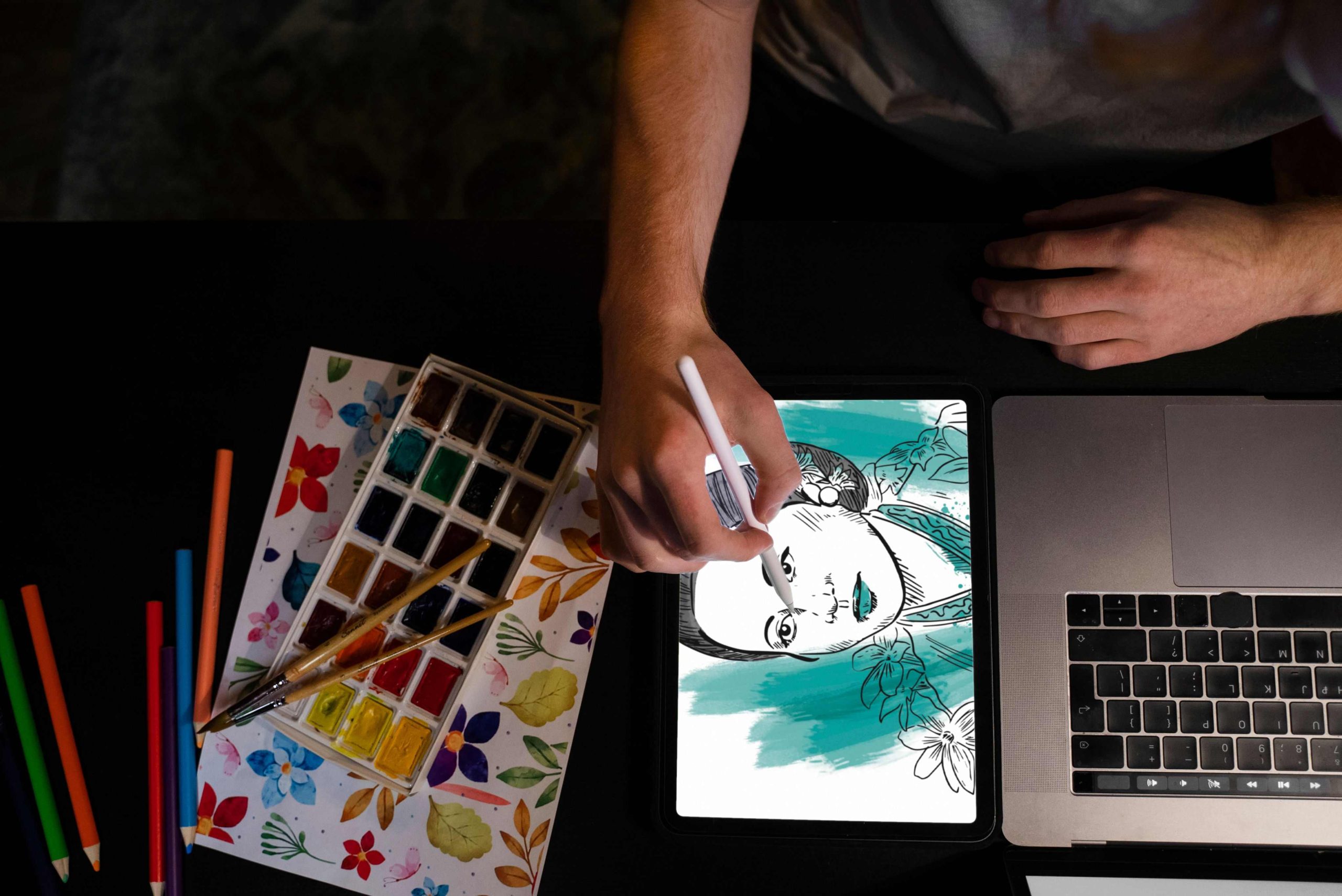
Hand-drawing a full set of coloring pages, clean black-and-white outlines with no shading or color fill, takes real illustration skill and a fair amount of time even for someone who draws regularly. AI image generators shortcut a lot of that work, turning a text description or a rough sketch into a printable line-art page in under a minute. None of the tools below were purpose-built exclusively as “coloring page generators,” and it is worth being upfront about that: they are general AI image and design tools that happen to work well for this specific job when prompted correctly, usually with phrasing like “black and white line art, coloring book style, no shading.”
That distinction matters for setting your expectations. A tool built specifically for coloring pages would guarantee clean, closed outlines every time. A general-purpose image generator sometimes produces stray shading, uneven line weight, or details too fine to color in easily, which means you should plan on a little trial and error with your prompts no matter which tool from this list you pick.

What Makes a Good AI Coloring Page Generator?
The core job is converting an idea, description, or reference image into a clean black-and-white outline suitable for printing and coloring by hand. Some tools handle this directly through a dedicated line-art or sketch mode; others require a specific prompt style to coax a general image generator into producing outline art instead of its default fully rendered, shaded output.
Educators, parents, and small business owners selling printable coloring books each weigh the features below a little differently, but four qualities matter across nearly every use case:
- Line clarity: clean, closed outlines without stray shading or gradient fills that would make coloring inside the lines difficult.
- Customization: control over line thickness, complexity, and subject matter, rather than a single fixed style.
- Ease of use: a straightforward interface, since most people using these tools are not professional designers.
- Export quality: high-resolution output suitable for printing at standard paper sizes without visible pixelation.
Ten AI Tools Worth Trying for Coloring Pages
1. Canva
Canva’s AI-assisted design tools, including its Magic Media image generation feature, can produce line-art style images with the right prompt, and its enormous library of templates and drag-and-drop editing make it easy to adjust and prepare a design for printing afterward. For anyone who wants both generation and layout in one place, that combination is a genuine advantage over a standalone image generator.
The free tier covers basic generation and editing, and premium features like background removal and expanded template access sit behind a subscription. Because Canva is built as a general design platform rather than an AI-first image generator, output quality for pure line art depends more on prompt phrasing than with tools built specifically around image generation.
2. Runway
Runway has become known primarily for AI video generation over the past couple of years, but its image generation tools, part of the same broader model suite, can still produce outline-style art with a carefully written prompt. It is a heavier, more professional-grade tool than most others on this list, aimed at creative professionals rather than casual hobbyists.
Anyone considering Runway specifically for coloring pages should know upfront that it is not marketed or optimized for that use case the way some of the more consumer-friendly tools below are. It is a capable option for someone already comfortable with prompt engineering, but a steeper learning curve than the job strictly requires for most casual users.
3. Picsart
Picsart’s mobile app bundles AI-based image tools alongside a full photo and design editor, which makes it a practical option for anyone who wants to generate and touch up a coloring page entirely from a phone. Customizable brushes and effects give some room to adjust a generated outline after the fact.
The free tier covers basic generation, while more advanced AI features and export options sit behind a subscription. Its mobile-first design is the real differentiator here; most of the other tools on this list are built primarily for desktop browsers.
4. DALL-E (via ChatGPT)
OpenAI’s image generator, now integrated directly into ChatGPT rather than offered as the separate standalone DALL-E 2 site it once was, turns a written description into a detailed image, including line-art style output when prompted specifically for it. Access requires a ChatGPT account, with generation limits on the free tier and higher limits on paid ChatGPT plans.
Prompt specificity matters more here than with tools built around templates. A prompt like “simple black and white line art of a dinosaur, coloring book style, thick outlines, no shading” produces noticeably better results for this use case than a vague request for “a dinosaur picture.”
5. Fotor
Fotor pairs one-click AI image conversion with a broad set of editing tools and templates, aimed at users who want a fast result without much manual adjustment afterward. High-quality downloadable files come standard even on lighter usage tiers.
The free version caps some features, and the premium plan is priced modestly compared to more professional-grade tools on this list. For someone who wants speed over deep customization, Fotor’s straightforward interface is a genuine advantage.
Also Read: 10 Best AI Tools for Audio Editing
6. PixAI
PixAI markets itself as a leading AI anime image generator, built around a large community library of shared models and styles rather than a single default look. That anime-adjacent style translates reasonably well to coloring pages aimed at kids and teens who enjoy that aesthetic specifically, though it is a narrower stylistic fit for anyone wanting a more general illustration look.
The free tier includes a limited template and generation allowance, with more extensive access available on paid plans. Generation speed can lag on more detailed, complex prompts, which is worth testing before relying on it for a batch of pages under a deadline.
7. NightCafe
NightCafe blends user-directed prompts with a range of AI models and styles, and its community-driven platform makes it easy to browse what other users have generated for inspiration before starting a new piece. High-resolution downloads are available across its plans.
Because NightCafe supports several underlying AI models with different strengths, some experimentation is usually needed to find which one produces the cleanest line art for a specific style before settling into a repeatable workflow.
8. Craiyon
Craiyon, the free image generator that started out under the name DALL-E mini before rebranding, remains one of the simplest and most accessible entry points on this list. It produces a batch of stylized, often slightly rough-edged images from a single text prompt, and its intentionally loose, illustrative style lends itself reasonably well to simple, playful coloring pages for younger kids.
It will not match the precision or fine control of the more professional tools on this list, and outputs sometimes need a quick cleanup pass in a separate image editor before they are print-ready. For quick, free, low-stakes experimentation, though, it remains a genuinely useful starting point.
9. Artbreeder
Artbreeder is built around character creation and portrait blending rather than general scene generation, which makes it a strong fit specifically for anyone building character-focused coloring pages rather than landscapes or objects. Its interactive interface lets a user blend and adjust features interactively rather than relying entirely on a single text prompt.
The free tier covers most of what a casual user needs, with optional paid upgrades for higher resolution exports and additional generation credits. Its narrower focus on character and portrait work is worth knowing going in, since it is a poor fit for anyone who needs varied scenes or objects rather than character art specifically.
Also Read: 10 Best Google Reviews Plugins for WordPress
10. Colorcinch
Colorcinch, formerly known as Cartoonize.net, bundles AI-enhanced editing tools with a range of filters and design options aimed at turning photos and sketches into stylized art, including cartoon and outline effects. Multiple export formats cover most standard printing needs.
The beginner-friendly interface and broad filter selection make it a reasonable all-in-one option for someone who wants both generation and post-processing in a single platform, without needing to learn a separate photo editor for cleanup work afterward.
Comparison at a Glance
| Tool | Best For | Pricing |
|---|---|---|
| Canva | All-in-one generation plus layout and templates | Free tier; subscription for advanced features |
| Runway | Professional users comfortable with prompt engineering | Subscription required for most features |
| Picsart | Mobile-first generation and editing | Free basic tier; subscription for advanced tools |
| DALL-E (via ChatGPT) | Precise, detailed line art from specific prompts | Free tier with limits; paid ChatGPT plans for more |
| Fotor | Fast, one-click results with minimal setup | Free tier; affordable premium plan |
| PixAI | Anime-style coloring pages for kids and teens | Free tier with limited templates; paid plans available |
| NightCafe | Experimenting across multiple AI models and styles | Free with optional paid credits |
| Craiyon | Free, playful, low-stakes generation for kids | Free |
| Artbreeder | Character-focused coloring pages | Free tier; optional paid upgrades |
| Colorcinch | Combined generation and post-processing in one tool | Free tier; premium features require payment |

Writing Prompts That Actually Produce Coloring-Page-Style Art
Since none of these tools have a dedicated, guaranteed “coloring page mode,” prompt wording carries most of the weight in getting a usable result. Include the phrase “black and white line art” or “coloring book style” explicitly, specify “no shading” or “no color fill,” and describe line weight directly, “thick outlines” for younger kids who need larger, simpler shapes to color, or “fine detailed line art” for adult coloring books with more intricate patterns.
Subject complexity matters too. A single clear subject, one dinosaur, one flower, one cartoon animal, tends to generate more reliably than a busy scene with multiple overlapping elements, which several of these tools still struggle to render as clean, separable outlines. Starting simple and adding detail through iteration usually produces better results than requesting a complex scene in a single prompt.
Preparing a Generated Image for Printing
Export resolution matters more than most first-time users expect. A generated image sized for on-screen viewing, often around 512 or 1024 pixels square depending on the tool, prints noticeably soft or pixelated on standard letter-size paper. Most of the tools on this list offer a higher-resolution export option, sometimes gated behind a paid tier, and using it makes a real difference in how crisp the final printed lines look.
A quick pass through a basic photo editor before printing catches most of the remaining issues: cropping out any stray background elements the generator added, adjusting contrast so lines print cleanly rather than faintly, and confirming there is no unwanted color tint left over from a generator that did not fully commit to pure black and white output. This cleanup step takes a few minutes and consistently improves the final printed result more than switching to a different generator would.
A Note on Copyright and Commercial Use
Anyone planning to sell a printed or digital coloring book built from AI-generated images should check the specific tool’s terms of service before publishing, since commercial usage rights vary meaningfully across these platforms and change over time as providers update their policies. Some tools grant full commercial rights on paid plans while restricting free-tier output to personal use only; others handle this differently.
Beyond licensing terms, it is worth generating images that are original enough to avoid resembling a specific existing character or franchise too closely, both to sidestep potential copyright issues and because close imitations of copyrighted characters are exactly the kind of output several of these platforms explicitly prohibit in their own usage policies.
Common Questions About AI Coloring Page Generators
Are AI-generated coloring pages good enough for young kids specifically?
Generally yes, though the results need a quick review before printing. Younger kids do best with thick, well-separated outlines and large open areas to color, which means prompts should explicitly request “thick simple outlines” and “large open shapes” rather than “detailed line art,” which tends to produce output better suited to older kids or adults. Checking a generated page for accidentally intricate or fragmented details before printing saves a frustrated toddler staring at a page with fifty tiny sections to color.
Why do some generated pages come out with gray shading instead of pure black and white?
Most of these tools are fundamentally general-purpose image generators, not dedicated line-art tools, and their default training leans toward realistic, shaded rendering rather than flat outlines. Explicitly stating “no shading,” “no gradients,” and “flat black outlines on white background” in the prompt reduces this significantly, though it does not eliminate it entirely on every tool. Running a generated image through a simple threshold or posterize filter in a basic photo editor afterward can clean up any remaining gray areas before printing.
Can these tools recreate a specific existing character, like a popular cartoon mascot?
Most platforms explicitly restrict generating close likenesses of copyrighted characters in their terms of service, and several have technical filters that block obvious attempts to do so directly by name. Describing a general style, “a friendly cartoon dinosaur,” rather than naming a specific existing copyrighted character avoids both the policy violation and the legal risk of distributing something too close to someone else’s protected intellectual property.
Do any of these tools work without creating an account?
Craiyon allows limited generation without signing up, which makes it the fastest option for someone who wants to try a single prompt without committing to an account. Most of the others, including Canva, DALL-E through ChatGPT, and PixAI, require at least a free account before generating any images, largely to manage usage limits and prevent abuse of their free tiers.
Choosing the Right Tool for the Job
The right pick here depends heavily on who the coloring pages are actually for. A parent making a handful of pages for a rainy afternoon has very different needs than someone building a print-on-demand coloring book business with dozens of pages and a consistent style across all of them. Canva and Colorcinch suit anyone who wants generation and layout in one place. Craiyon and Fotor suit quick, casual, low-stakes projects. Artbreeder and PixAI suit character-focused or anime-style work specifically, and Runway suits users already comfortable with more advanced prompt engineering.
Test two or three tools with the exact subject matter your project needs before settling on one, since results vary considerably by subject and style even within a single tool. A dinosaur prompt that produces clean line art in one generator might come out oddly shaded in another, and the only way to know for certain is to run the actual test on your own material rather than trusting a feature list alone.
None of these tools require a purchase to try, which makes that testing phase essentially free. Spend twenty minutes generating the same handful of subjects across two or three candidates, print a page from each, and pick based on what actually comes off the printer clean and colorable, not on which tool’s marketing page looked the most polished.
Whichever tool ends up in the regular rotation, keep the prompt phrasing that worked saved somewhere accessible, a notes app, a spreadsheet, anywhere easy to reference. Rebuilding a working prompt from memory every time a new page is needed wastes more time than the generation itself, and a small personal library of proven prompts turns a one-off experiment into a repeatable, reliable workflow.
Interesting Reads