10 Best Software for Motion Graphics in 2025

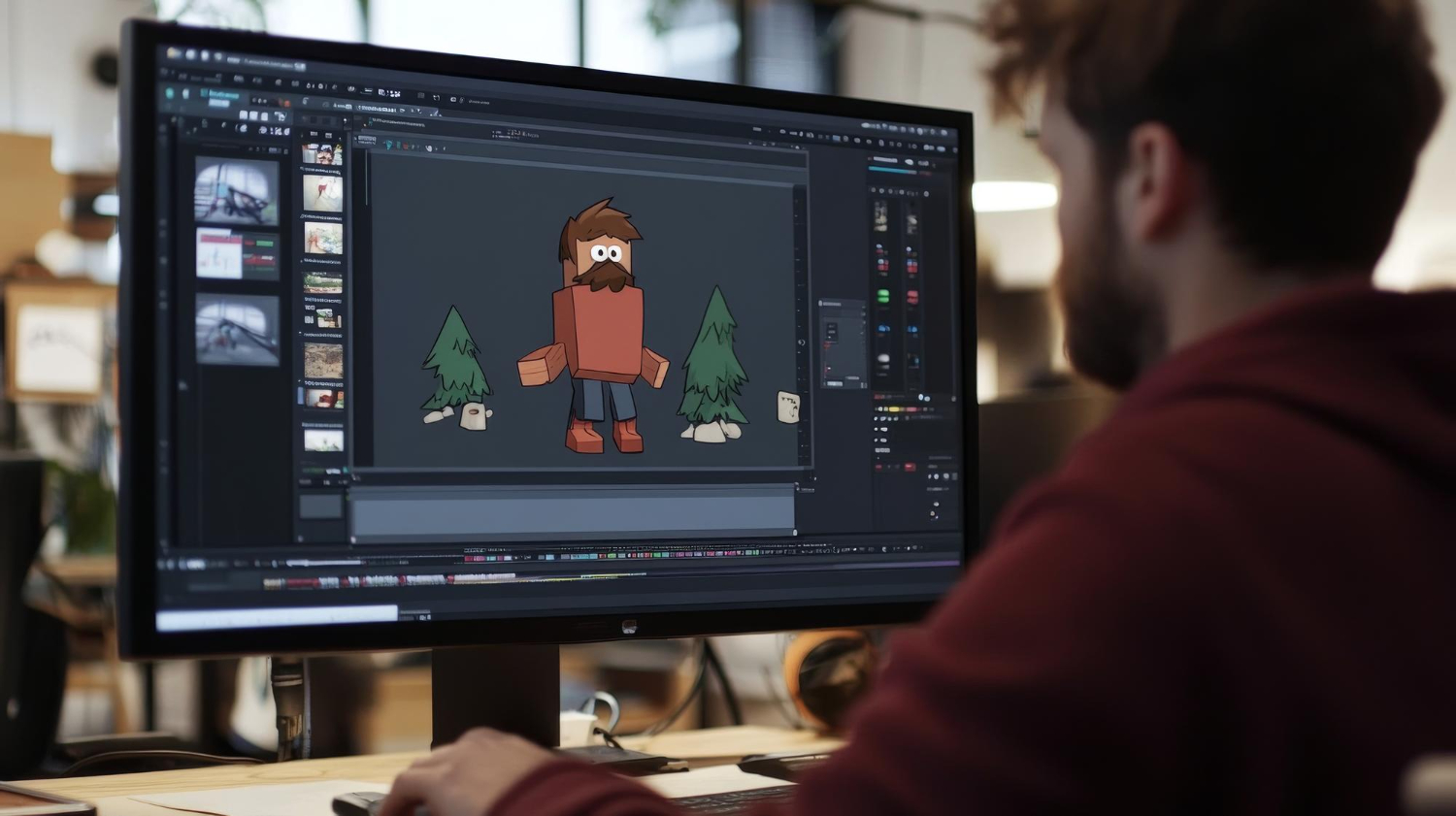
What motion graphics actually cover, and why the category is so broad
Motion graphics sit in the space between static design and full animation: text, shapes, and images set in motion to communicate something a still image can’t. A logo that assembles itself in a video intro, a chart that builds bar by bar in an explainer video, an animated lower-third on a livestream, all of it falls under the same umbrella term even though the tools and skills involved vary a lot depending on the specific output. That breadth is exactly why “best motion graphics software” doesn’t have one clean answer, the right tool depends heavily on whether you’re animating 2D text and shapes, building 3D scenes, or something in between.

What to weigh before picking a tool
Skill level matters more than most other factors here. A beginner reaching for a professional-grade compositing tool on their first project usually ends up frustrated and quits before producing anything usable, while an experienced motion designer stuck on a template-driven tool hits a ceiling within a week. Matching the tool to where you actually are, not where you eventually want to be, gets you producing real work faster.
Beyond skill level, a few concrete factors are worth weighing directly: whether you need 2D animation, 3D rendering, or both, since very few tools do both equally well; your actual budget, since this category spans completely free open-source tools through expensive professional subscriptions; and compatibility with the rest of your workflow, since a tool that doesn’t integrate cleanly with your existing editing software adds friction to every single project rather than just the learning curve of the new tool itself.
Ten tools worth knowing
Adobe After Effects
After Effects remains the industry standard for a reason: its keyframe animation system, expressions scripting, and enormous plugin ecosystem let experienced motion designers build almost anything, from a simple animated title card to complex, layered visual effects work. Its integration with the rest of Adobe Creative Cloud, pulling a Photoshop or Illustrator file directly into a composition without export headaches, makes it the default choice for professionals already working inside that ecosystem. The learning curve is real and often underestimated by newcomers, but the depth of tutorials and community resources available makes that curve manageable for anyone willing to put in consistent practice time.
Blender
Blender is free, open-source, and genuinely capable of professional-grade 3D motion graphics work, which is a rare combination in creative software. Beyond its 3D modeling and animation tools, it includes a video sequence editor and a node-based compositor, covering a surprising amount of the motion graphics pipeline in one free application. Its active open-source community keeps it updated aggressively, and the volume of free tutorials available online has made it one of the more accessible entry points into 3D motion work specifically, despite the underlying tool being genuinely powerful rather than a simplified beginner version of anything.
Cinema 4D
Cinema 4D has built a strong reputation in broadcast and advertising specifically, thanks to a more approachable interface than many 3D competitors and its MoGraph module, which dramatically simplifies building complex, procedural animations that would otherwise require extensive manual keyframing. Its tight integration with After Effects makes it a natural pairing for motion designers who need 3D elements inside an otherwise 2D-focused After Effects project, without a clunky export-import process breaking the workflow.
Apple Motion
Apple Motion is built specifically for Mac users already working inside Final Cut Pro, offering real-time preview and a library of templates for titles, transitions, and effects that can be built quickly without deep animation expertise. It doesn’t attempt to compete with After Effects or Cinema 4D on raw capability, and that’s by design, its value is speed and simplicity for editors who need solid motion graphics work without becoming full-time motion designers.
HitFilm
HitFilm combines video editing and visual effects compositing in one application, with a genuinely capable free tier that includes 3D compositing and particle effects most competitors reserve for paid tiers. Its interface and extensive tutorial library make it a reasonable entry point for beginners who want to grow into more advanced visual effects work over time, with a Pro version available once free-tier limitations start getting in the way of a specific project.
Also read: 10 Best Software for Logo Design
DaVinci Resolve Fusion
Fusion, built directly into DaVinci Resolve, is a node-based compositing tool aimed at cinematic visual effects and motion graphics work, with professional-grade 3D compositing, keying, and motion tracking. Its node-based workflow, building a visual effect as a chain of connected operations rather than stacked layers, takes some adjustment for anyone coming from a layer-based tool like After Effects, but it rewards that learning curve with a level of control that professional VFX and motion work often demands. Being bundled with DaVinci Resolve’s genuinely capable free tier makes it one of the better value propositions in this entire category.
VSDC Video Editor
VSDC is a free Windows video editor with real motion graphics capabilities layered in, including chroma keying, masking, and basic text and shape animation. It won’t compete with dedicated motion graphics software on raw capability, but for someone building simple intros, text animations, or basic visual effects without any budget for premium software, it’s a legitimate free starting point rather than a stripped-down trial version of something better.
Canva Pro
Canva Pro has expanded well past static graphic design into genuine, if limited, motion graphics territory, letting users animate elements in a design with a drag-and-drop interface and pre-built animation presets. It’s not a substitute for dedicated motion software on any complex project, but for social media content, quick presentation animations, or marketing graphics that need to move without requiring any animation expertise, its accessibility is the entire value proposition.
Moho (Anime Studio)
Moho specializes in 2D character animation, with a bone rigging system that makes animating a character’s movement dramatically more manageable than frame-by-frame animation from scratch. It suits animated explainer videos, educational content, and character-driven storytelling specifically, occupying a niche that general-purpose motion graphics tools like After Effects handle less elegantly, since character rigging isn’t After Effects’ core strength the way it is Moho’s.
Cavalry
Cavalry is a newer entrant built around real-time performance and a procedural, node-based workflow that appeals particularly to designers comfortable with logic and parametric thinking rather than purely manual keyframing. It’s positioned well for data-driven animations, charts, dashboards, and interfaces that need to respond dynamically to underlying data, and its modern, actively developed interface has made it a growing favorite among motion designers who want an alternative to the more established, older tools on this list.

Matching the tool to your actual skill level and project type
For beginners, Canva Pro, VSDC, or Apple Motion offer the gentlest entry points, letting you produce something usable within your first session rather than spending weeks just learning the interface. Intermediate users ready to expand their capabilities tend to gravitate toward HitFilm or Moho, both of which offer real depth without the steepest learning curves in the category. Professionals working on client-facing or broadcast-quality projects generally need the depth of After Effects, Blender, or Cinema 4D, tools that take longer to master but have essentially no ceiling on what they can produce once you do.
It’s worth being honest about which category you’re actually in rather than which one you aspire to be in. Jumping straight to After Effects because it’s the “professional” choice, without the patience for its learning curve, often produces more frustration than output. Starting with a more approachable tool and genuinely finishing projects builds real skill faster than stalling out on a tool that’s technically more capable but practically unusable at your current experience level.
Free versus paid: what you’re actually trading off
The free and open-source options on this list, Blender, VSDC, HitFilm’s free tier, DaVinci Resolve’s bundled Fusion, are genuinely capable rather than crippled demo versions, which is worth emphasizing since that wasn’t always true of free creative software historically. What you trade off with free tools tends to be polish, documentation depth, and plugin ecosystem size rather than raw core capability. Blender’s community-built tutorial ecosystem is enormous but scattered across many sources of wildly varying quality, compared to After Effects’ more centralized, professionally produced learning resources.
Paid, subscription-based tools like After Effects and Cinema 4D justify their ongoing cost primarily through plugin ecosystems, professional support, and integration with a broader professional pipeline that a freelancer or small studio working across multiple clients tends to need. For a hobbyist or someone producing occasional content rather than running a business around motion graphics work, a free tool covers the actual need without an ongoing subscription that goes underused between projects.
Hardware matters more in this category than most creative work
Motion graphics, particularly anything involving 3D rendering or heavy compositing, is one of the more hardware-demanding categories of creative software, and underestimating this is a common source of frustration for anyone moving up from simpler design tools. Rendering a complex After Effects composition or a Blender 3D scene can tie up a machine for minutes or hours depending on complexity, and a computer that handles Photoshop or Illustrator comfortably can still struggle badly with real-time preview in a motion graphics tool.
Before committing serious time to any of the more demanding tools on this list, particularly Blender, Cinema 4D, or After Effects with heavy 3D or particle work, it’s worth checking the software’s actual recommended specs against your current machine rather than assuming your setup is adequate because it handles other creative work fine. A GPU with limited video memory, in particular, can turn what should be quick preview iterations into a slow, frustrating wait after every small change, which discourages the kind of rapid experimentation that’s essential to actually improving at motion design.
Templates versus building from scratch
Nearly every tool on this list, and the broader ecosystem around them, offers pre-built templates and presets that can produce a finished-looking result in minutes rather than hours. For time-pressured, repetitive work, a social media intro that needs to go out today, a lower-third for a livestream happening this afternoon, templates are a legitimate and efficient choice, not a shortcut to be embarrassed about.
The tradeoff is that templates, by definition, look like the templates everyone else using the same tool is also using, and relying on them exclusively slows down the development of actual animation skill, since you’re arranging pre-built pieces rather than solving animation problems yourself. A reasonable balance for anyone serious about developing real motion design skill: use templates for genuinely low-stakes or time-pressured work, but deliberately build from scratch on a portion of your projects specifically to keep developing the underlying skill rather than atrophying it in favor of convenience.
Common mistakes beginners make with these tools
Over-animating is the most frequent mistake: moving every element on screen simultaneously because the software makes it easy to do so, rather than because the design calls for it. Strong motion graphics work usually restrains itself, animating one or two elements with intention rather than turning every single object into a moving piece competing for the viewer’s attention. A second common mistake is ignoring easing and timing curves, relying on the default linear motion a tool provides out of the box rather than adjusting acceleration and deceleration to make movement feel natural. Default linear motion reads as mechanical and amateurish almost immediately to anyone with a trained eye, even if the viewer can’t articulate exactly why a particular animation feels off.
A third mistake specific to newer motion designers is neglecting file organization and project structure, particularly in layer-heavy tools like After Effects, where a disorganized project with unlabeled layers becomes nearly unmanageable once a composition grows past a handful of elements. Building the habit of naming layers, organizing them into labeled groups, and color-coding related elements from the start of a project saves substantial time on any composition that grows more complex than initially planned, which happens more often than not once client feedback starts coming in.
Taking motion graphics work freelance or client-facing
For anyone considering motion graphics as paid client work rather than a personal creative outlet, tool choice affects business logistics beyond just the animation itself. After Effects and Cinema 4D’s dominance in professional studios means client files and project handoffs are far more likely to arrive in those formats, so building fluency in the industry-standard tools, even if a free alternative could technically produce similar output, reduces friction when collaborating with other professionals or taking over an existing project.
Turnaround time also factors into which tool makes business sense. A freelancer taking on quick, high-volume social media animation work benefits more from a fast, template-friendly tool like Canva Pro or Apple Motion than from painstakingly hand-building every project in After Effects, even though the latter would produce a technically more polished result. Matching tool choice to the actual economics of the work you’re taking on, not just the ceiling of creative capability, is a business decision as much as a creative one.
Frequently asked questions
Can I learn motion graphics without any prior design or animation experience?
Yes, though starting with a more approachable tool like Canva Pro or Apple Motion and working up to more complex software as your skills develop tends to produce better results than starting with After Effects or Cinema 4D cold. Basic design principles, composition, color, timing, transfer across every tool in this category, so time spent building that foundation isn’t wasted even if you eventually switch tools.
Is Blender really comparable to paid 3D software?
For most independent creators and even many professional studios, yes. Blender’s core 3D and animation capabilities are genuinely competitive with paid alternatives, and its adoption in professional productions has grown substantially as the software has matured. The gap that remains is mostly around specific professional plugin ecosystems and industry-standard file compatibility in certain pipelines, not raw capability.
How long does it realistically take to become proficient?
Producing simple, usable animations, a text reveal, a basic logo animation, is achievable within the first few weeks of consistent practice in most of these tools. Genuine proficiency at complex compositing or 3D work, the kind that supports paid client work, typically takes months of regular, project-based practice rather than passive tutorial-watching.
Do I need multiple tools, or can one cover everything?
Most working motion designers eventually use more than one tool, since 2D compositing, 3D modeling, and video editing each have genuine specialist tools that outperform any single all-in-one option. Starting with one tool that covers your most immediate need, then adding a second specialized tool once you hit that first tool’s genuine limitations, is a more efficient path than trying to master an all-in-one tool that does everything adequately but nothing exceptionally.
Building a realistic learning path
Nearly every motion graphics tool on this list rewards focused, project-based learning far more than working through generic tutorials in isolation. Picking a specific, small, achievable project, an animated logo reveal, a five-second social media loop, a simple lower-third title, and following it through to a finished output teaches far more than an hour of scattered tutorial-watching without a concrete goal attached.
Once you’ve built a handful of small finished projects in your chosen tool, revisit whether it’s still the right fit before investing further time. A tool that felt right for your first few simple projects might genuinely be limiting you once your ambitions grow past text animations into more complex compositing or 3D work, and recognizing that shift early saves the frustration of trying to force an advanced project through a tool that was never built for that level of complexity.
Interesting Reads: