10 Best Blog Title Generators For 2025


A blog post can be well researched, well written, and genuinely useful, and still go nowhere if the headline doesn’t earn the click. Readers decide whether to open an article almost entirely based on its title, which is a big reason experienced editors often spend as much time on a headline as they do on an opening paragraph. Title generators exist to make that process faster, not to replace judgment, but to give you a wider set of angles to react to and refine than you’d come up with staring at a blank field alone.

What a title generator actually does
Most tools in this category work off the same basic mechanism: you give them a keyword, topic, or rough idea, and they return a set of headline variations built around proven structures, listicles, how-tos, questions, “why X matters” framings, sometimes with keyword or SEO scoring layered on top. The more advanced tools go further, analyzing your specific headline for readability, emotional pull, and length against benchmarks pulled from headlines that have historically performed well.
None of these tools understand your specific audience the way you do. A generated title is a starting point to edit, combine, or react against, not a finished headline to paste in unedited. The generators that consistently produce the most usable output tend to be the ones that give you many options fast, since editing a decent option into a great one is a much easier job than staring at an empty field waiting for inspiration.
Why headline quality matters more than people assume
It’s a frequently repeated rule of thumb in content marketing that far more people read a headline than ever click through to the article itself, which means a mediocre title can bury genuinely good content before anyone gets the chance to read it. Beyond click-through rate, a headline also sets the reader’s expectations, an overpromising or misleading title increases bounce rate even among people who do click, since they leave immediately once they realize the content doesn’t match what the title implied. A good title generator, used well, helps you land on something accurate and compelling at the same time, rather than accurate but boring or compelling but misleading.
What to look for before picking one
A few factors separate a genuinely useful tool from one that produces generic, forgettable suggestions. SEO awareness matters if search traffic is a priority, some tools incorporate keyword and competition data directly into their suggestions rather than generating titles blind to how they’ll actually perform in search. Variety matters too, a tool that only produces one style of headline (all questions, or all “number + adjective + noun” listicles) gets stale fast, while a tool offering multiple structural approaches gives you more to react to. Ease of use matters more than it sounds, since a generator that takes five minutes to configure for a two-second task defeats its own purpose. And a few tools go a step further with headline scoring or analysis, evaluating a title you’ve already written rather than only generating new ones from scratch.
Ten tools worth trying
1. HubSpot Blog Ideas Generator
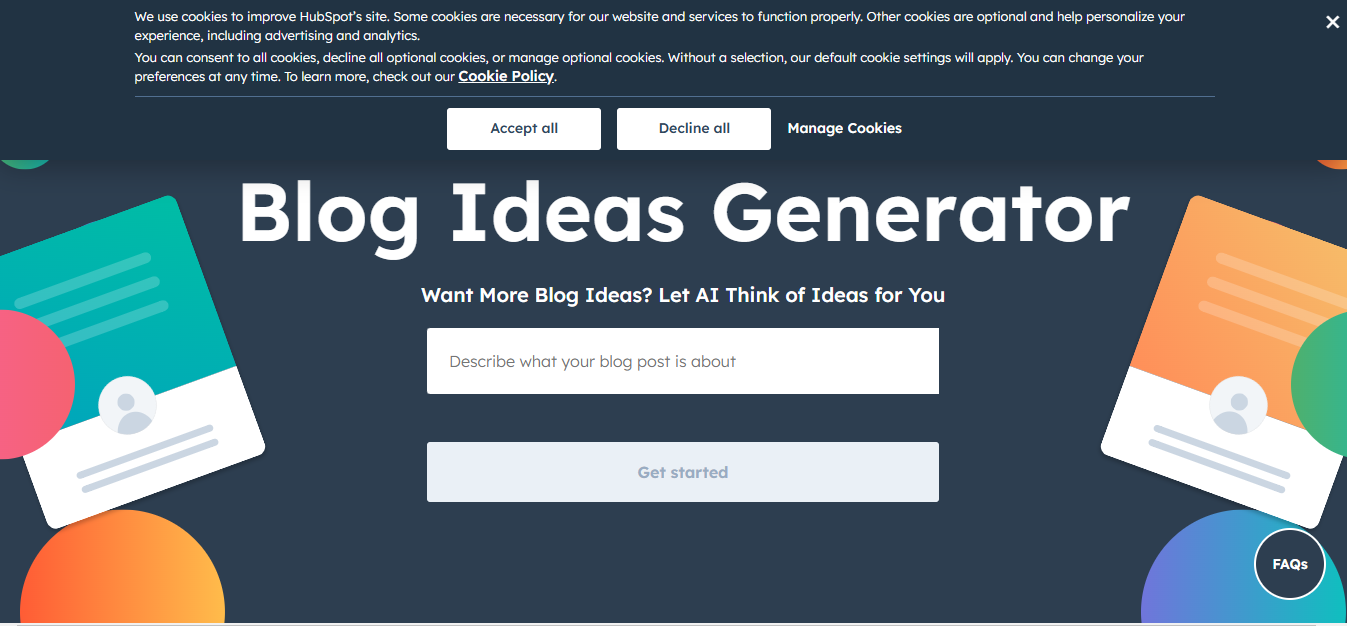
HubSpot’s free blog ideas generator remains a reliable starting point: enter up to five keywords or nouns describing your niche and it returns a batch of blog post title ideas built around common content angles. It’s not the most sophisticated tool on this list, but its simplicity and zero-friction access make it a genuinely useful first stop when you’re stuck, particularly for quick brainstorming rather than a polished, SEO-optimized final headline.
2. Portent’s Content Idea Generator
Portent’s generator has stayed popular for years because of its distinctly playful, sometimes absurd output, mixing legitimate structural headline patterns with a sense of humor that makes brainstorming genuinely more enjoyable than staring at a blank document. It’s particularly good for bloggers writing in a more casual, personality-driven voice who want titles with some edge rather than a purely formulaic SEO structure. It also breaks down why each suggested title works, which doubles as a quick lesson in headline construction for anyone still developing an instinct for what makes a title land.
3. AnswerThePublic
AnswerThePublic takes a different approach entirely: rather than generating titles from a formula, it visualizes the actual questions, comparisons, and phrases people are searching around a given keyword, pulled from real search query data. That makes it less of a headline generator and more of a research tool that happens to surface excellent headline material, since a title built directly around a question real searchers are asking tends to match intent better than a generic templated title ever could.
4. CoSchedule Headline Studio
CoSchedule’s headline tool (rebranded from its earlier “Headline Analyzer” name) works in reverse from most tools on this list: instead of generating new titles, you feed it a headline you’ve already written and it scores it on readability, word balance, sentiment, and SEO strength, then suggests specific edits. It’s the tool worth reaching for once you’ve narrowed down to a shortlist and want a second opinion before publishing, rather than the tool you’d use for initial brainstorming.
5. FatJoe Blog Post Title Generator
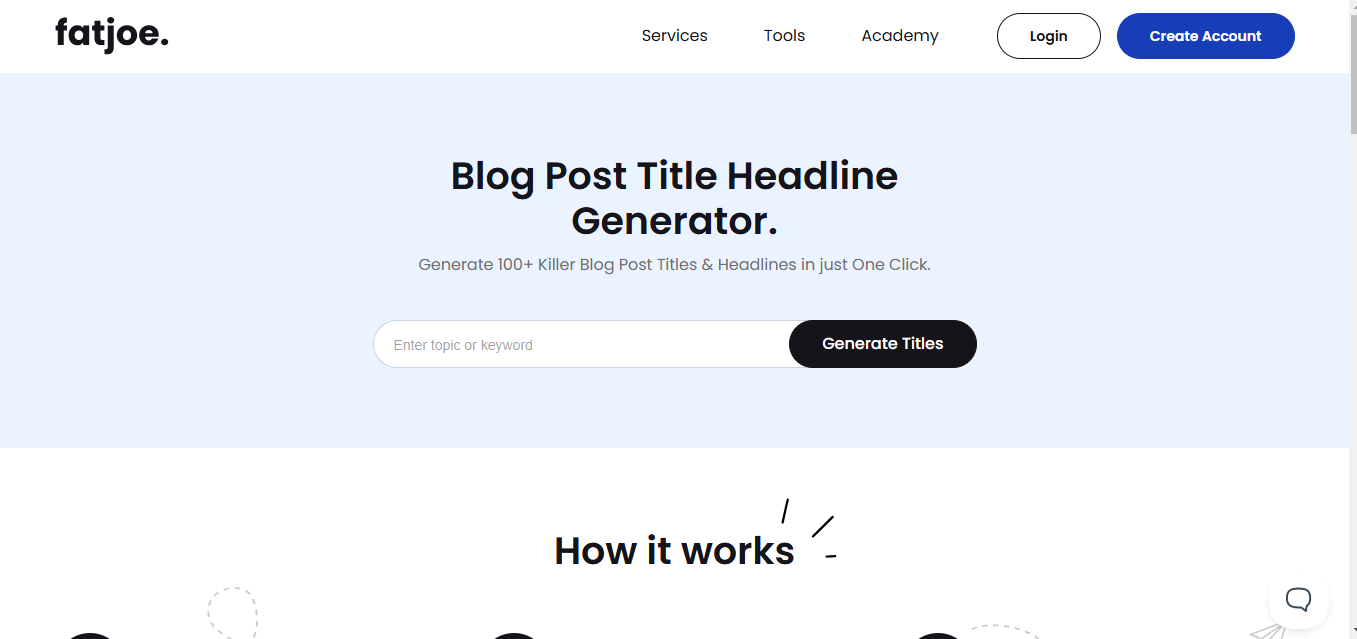
FatJoe’s free tool keeps things simple: enter a keyword and get a batch of niche-specific title suggestions with no extra configuration or account required. It won’t out-analyze a dedicated SEO platform, but for a small business owner or solo blogger who just needs quick, usable ideas without learning a new tool’s interface, its straightforwardness is the actual selling point.
6. SEMrush’s topic and content tools
SEMrush isn’t a dedicated title generator, but its topic research and SEO content template tools surface headline ideas grounded in real competitive and keyword data, which tends to produce more search-aligned suggestions than a generator working purely off word patterns. For anyone already using SEMrush for keyword research, pulling headline ideas from the same platform saves a step compared to switching to a separate standalone tool.
7. Copy.ai headline templates
Copy.ai’s template library includes dedicated headline and blog title generators that produce a wide batch of options in seconds, with the ability to adjust tone to match your brand voice. It’s a strong option when you want volume, many distinct angles to choose from and combine, rather than a single carefully scored suggestion.
8. Jasper headline templates
Jasper’s headline templates work similarly to Copy.ai’s but tend to hold together slightly better for longer, more descriptive titles, since Jasper’s underlying strength is coherent longer-form generation. If you’re writing for a publication that favors more descriptive, SEO-friendly titles over short punchy ones, Jasper’s output style tends to need less editing to get there.
9. Writesonic headline generation
Writesonic’s headline tools lean toward conversion-focused framing, useful specifically when the blog post in question is meant to drive a specific action, a signup, a purchase, a download, rather than purely inform. Its suggestions tend to read more like ad headlines than editorial ones, which is exactly the right tone for a landing-page-adjacent blog post but can feel a bit salesy for a purely informational piece.
10. General-purpose AI chat assistants
Increasingly, writers skip dedicated title generator tools entirely and just ask a general AI chat assistant, ChatGPT, Claude, or Gemini, directly for headline options, describing the article’s angle and audience in a sentence or two. This approach has become genuinely competitive with dedicated generators because a good conversational back-and-forth, “make these punchier,” “now make them more direct,” “combine the best parts of options two and five,” lets you iterate toward a specific headline faster than cycling through a fixed generator’s suggestion list one batch at a time.

Formulas worth knowing regardless of which tool you use
A handful of structural patterns show up again and again across high-performing headlines, and knowing them helps you evaluate a generator’s output rather than accepting whatever it produces at face value. Number-led titles (“7 Ways to…”) set a clear, scannable expectation for length and structure. Question titles work well when they mirror a real question your audience is already asking, which is exactly what AnswerThePublic is built to surface. “How to” titles promise a specific, actionable outcome, and tend to underperform if the actual content doesn’t deliver on that specific promise. Contrarian or “mistake” framings (“Why X Doesn’t Work Anymore”) earn attention through mild tension, but only work if the article genuinely delivers a defensible argument rather than a clickbait reversal with nothing behind it.
Whatever pattern you land on, specificity consistently outperforms vagueness. “How to Grow an Email List” is a weaker title than “How This Bakery Grew Its Email List to 10,000 Subscribers Without Paid Ads,” because the specific version signals a concrete, credible story rather than generic advice the reader has likely seen a dozen times already.
One title rarely fits every channel
A headline that works perfectly as an H1 on your blog often needs adjusting before it works as well as a search snippet title, a social share caption, or an email subject line, and treating all three as interchangeable is a common missed opportunity. Your on-page H1 has room to be a bit longer and more descriptive since the reader has already arrived. Your meta title, the one that shows up in Google search results, gets truncated around 55 to 60 characters, so a title that reads perfectly on the page can get awkwardly cut off in search results if it wasn’t written with that limit in mind. Email subject lines perform differently again, shorter, more curiosity-driven language tends to outperform the same descriptive titles that work well for SEO, since an inbox is a much more competitive, low-attention environment than a search results page.
Most of the tools above generate a single title without distinguishing between these contexts, which means a bit of manual adaptation after generation is usually worth the extra few minutes. Treating the generator’s output as a strong starting draft for the page headline, then trimming or rephrasing it for the meta title and again for a social caption, produces noticeably better results across every channel than reusing one title everywhere out of convenience.
The psychology behind why some titles get clicked
A few underlying triggers explain why certain headline structures consistently outperform others, and understanding them helps you evaluate a generator’s suggestions rather than picking based on gut feel alone. Curiosity gaps, titles that hint at valuable information without fully revealing it, work because the human brain finds an unresolved question genuinely uncomfortable to leave open. Specificity signals credibility, a title with a concrete number or detail reads as more trustworthy than a vague generalization, since specificity is harder to fake convincingly. Urgency and relevance, tying a title to something happening right now or a problem the reader is actively facing, cut through generic evergreen framing that could have been written any time in the last five years.
The risk with all three triggers is overuse. A title that leans on curiosity-gap framing for every single post starts to read as manipulative once a reader notices the pattern, and trust erodes fast once a reader feels baited by a title that oversold what the article delivered. The healthiest approach mixes these techniques deliberately rather than defaulting to the same formula on every post, which also happens to be one of the genuine advantages of using several different generator tools rather than relying on just one, since each tends to have its own default style and over-relying on a single tool trains you into its particular formula whether or not that formula is the right pick for at every article.
A quick before-and-after to illustrate the difference
Consider a post about email marketing for a small bakery. A generic first draft, “Tips for Email Marketing,” tells a reader almost nothing specific and competes against thousands of nearly identical titles already ranking. Running the same rough idea through a keyword-aware tool might produce “Email Marketing Tips for Small Businesses,” which is more targeted but still generic enough to blend into a crowded search results page. A specific, curiosity-driven version, “How a Local Bakery Turned a $0 Email List Into Its Biggest Sales Channel,” promises a concrete story, implies a surprising or notable result, and differentiates itself from every generic “tips” post competing for the same keyword. None of the tools above hand you that third version automatically; they get you from nothing to the second version quickly, and the final specific, compelling version still takes a human pass to land.
Testing titles instead of guessing
The most reliable way to know which title actually works is to test it against a real audience rather than trusting instinct or a tool’s confidence score alone. If your CMS or email platform supports it, running two headline variations against a split of your audience and tracking open or click-through rate settles the debate with real data instead of opinion. Even without formal A/B testing infrastructure, posting a headline variation as a social caption and watching engagement gives a rough directional signal before you commit to a final title on the published post.
It’s worth keeping a running log of which headline styles have actually performed well for your specific audience over time. A pattern that works brilliantly for one niche, hyper-specific numbered listicles, say, can underperform in another where readers respond better to question-based or narrative titles. Over enough posts, your own historical data becomes a more reliable guide than any generic best-practice list, including this one.
Common mistakes worth avoiding
Overpromising is the most damaging mistake, since a title that oversells what the article actually delivers drives up bounce rate and erodes trust with readers who feel misled, even if it briefly boosts the click-through number. Keyword-stuffing a title to chase search rankings at the expense of readability is a close second, since a title that reads awkwardly to a human rarely converts well regardless of how well it’s technically optimized for search. And publishing the very first suggestion a generator produces, without testing it against two or three alternatives, leaves easy performance gains on the table for the sake of saving a few extra minutes.
The right title generator for you depends on what stage of the writing process you’re in and how your content actually gets consumed. Brainstorming tools like HubSpot’s and Portent’s are best early, when you need volume and variety. Research-driven tools like AnswerThePublic work best when you want a title grounded in what people are actually searching. And scoring tools like CoSchedule’s Headline Studio work best last, as a final check before you hit publish. Using a few of these together, rather than relying on a single tool for the entire process, tends to produce noticeably stronger headlines than any one tool alone.
Set aside a genuinely small amount of dedicated time for this step rather than treating it as an afterthought squeezed in right before hitting publish. Ten focused minutes running a topic through two or three generators, picking the strongest handful of candidates, and reading each one aloud to check how it actually sounds, catches more weak titles than any single tool’s scoring algorithm will on its own. The article underneath still has to deliver on whatever the title promises, but a title that earns the click in the first place is the only way any of that content gets read at all.
Interesting Reads: