10 Best WordPress Header Plugins (2026 Update)

The header is the first thing a visitor sees on almost every page of a WordPress site, and it’s doing more work than most site owners give it credit for: navigation, branding, social links, sometimes a search bar or a call-to-action button. Get it wrong and visitors bounce before they even scroll. Get it right, and the header quietly does the job of keeping people oriented and moving toward whatever action the site actually wants.
A word of caution before the list: plugin recommendations age fast, and a header plugin roundup written a few years ago can point readers toward tools that have since been abandoned, renamed, or in one case on this list, pulled from the WordPress repository entirely for a security issue. Every plugin below has been checked against its current WordPress.org listing or marketplace page, with update dates and any name changes noted, so you’re not shortlisting something that quietly stopped being maintained.
1. Unique Headers – Custom Headers Without Touching Code
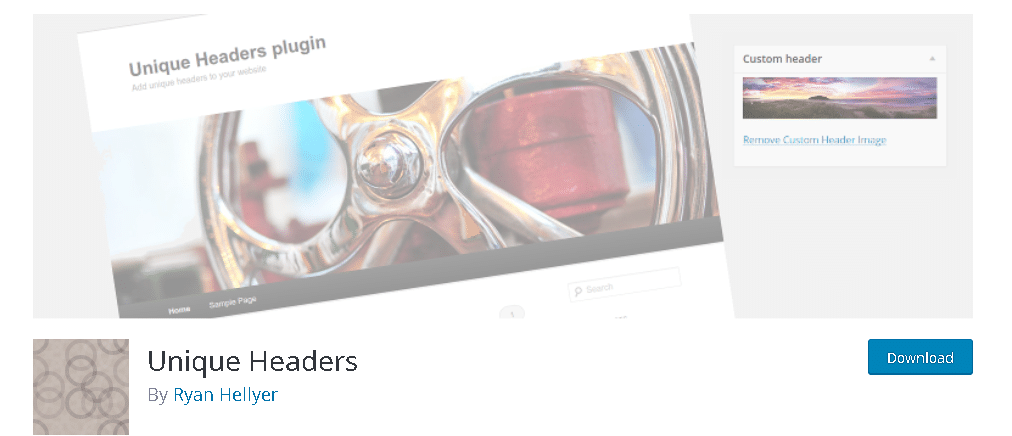
Unique Headers remains one of the simpler ways to add custom header images to individual pages, posts, or categories without touching a line of code. You can enable or disable headers selectively, which matters if you only want a custom image on a handful of landing pages rather than site-wide. It’s still actively maintained, with recent updates and current WordPress compatibility, which is more than can be said for a few of the older entries that used to fill out lists like this one.
2. Head, Footer & Post Injections – Simple Code Snippet Placement

Head, Footer & Post Injections stays useful for exactly what its name says: pasting a snippet of code into the header, footer, or a specific post without editing theme files directly. It supports placeholders and gives you centralized management of every snippet you’ve added, which beats hunting through a theme’s header.php file to remember what you changed six months ago. It’s still receiving updates and remains a straightforward choice for anyone who just needs to drop in tracking codes or small scripts.
3. WPCode (Formerly Insert Headers and Footers) – Now a Full Code Manager
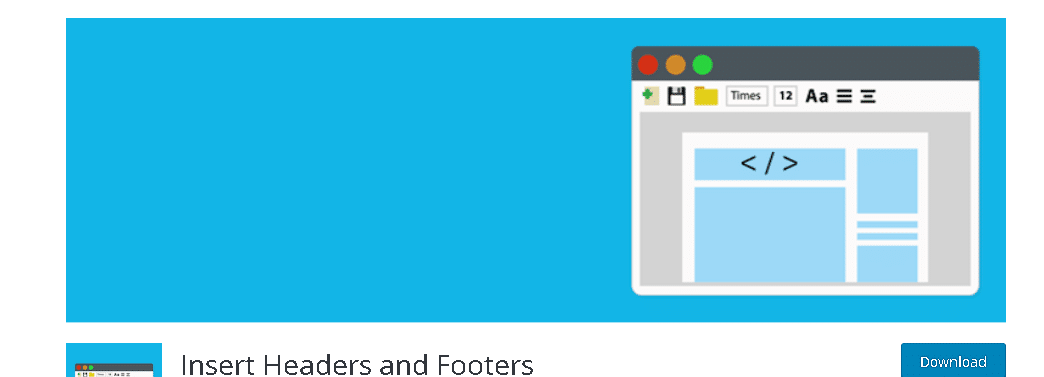
This one’s had the biggest transformation on the list. What used to be the simple “Insert Headers and Footers” plugin from WPBeginner has grown into WPCode, a full code snippet manager with a snippet library, conditional logic for where code runs, and integrations well beyond just header and footer injection. If an older article still calls it by its old name, know that the plugin behind that link today does considerably more than the original did, while still covering the basic header/footer code insertion job just as easily.
4. A Caution on Fixed & Sticky Header – Check the Update Date First
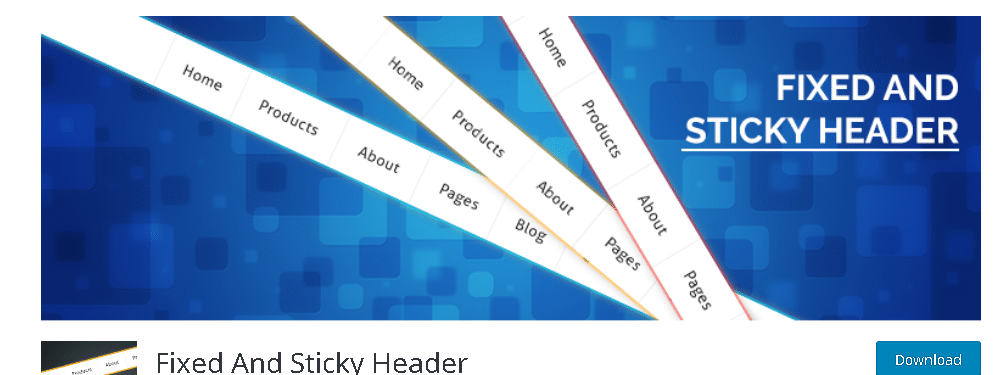
This is where an older roundup like this one needs an honest update rather than a quiet pretend-nothing-changed rewrite. Fixed & Sticky Header hasn’t received an update since 2021 and only lists compatibility up to WordPress 5.7, which is several major releases behind current WordPress. That doesn’t automatically mean it’s broken on a modern install, but an unmaintained plugin carries real risk: no security patches, no compatibility fixes as WordPress core evolves, and no support if something breaks. If sticky headers are what you need, the next entry on this list does the same job and is actively maintained.
5. Sticky Menu & Sticky Header (Formerly Sticky Menu or Anything on Scroll)
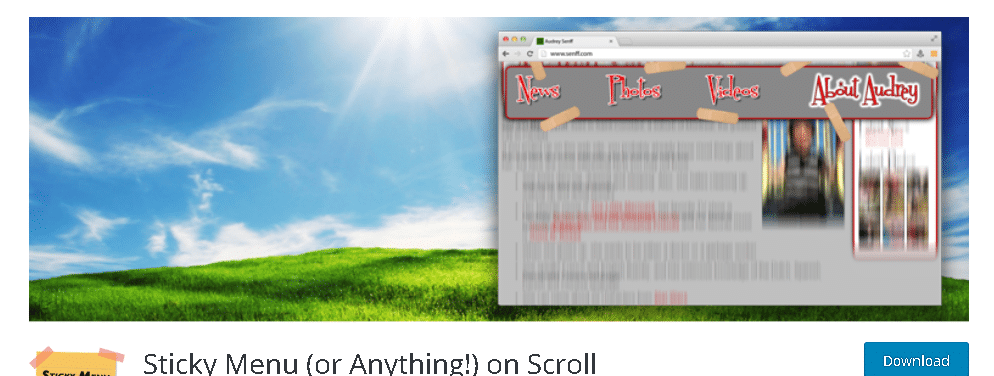
Renamed from “Sticky Menu or Anything on Scroll” to the more searchable “Sticky Menu & Sticky Header,” this plugin is among the most actively maintained on this entire list, with updates landing within the past few days at the time of this writing. It can make more than just the header sticky, any element on the page can be locked in place on scroll, and it includes legacy and dynamic modes along with custom spacing controls. If you were specifically weighing this against Fixed & Sticky Header above, this is the safer, more current choice for the same use case.
6. Ad Inserter – Ad Manager & AdSense Ads
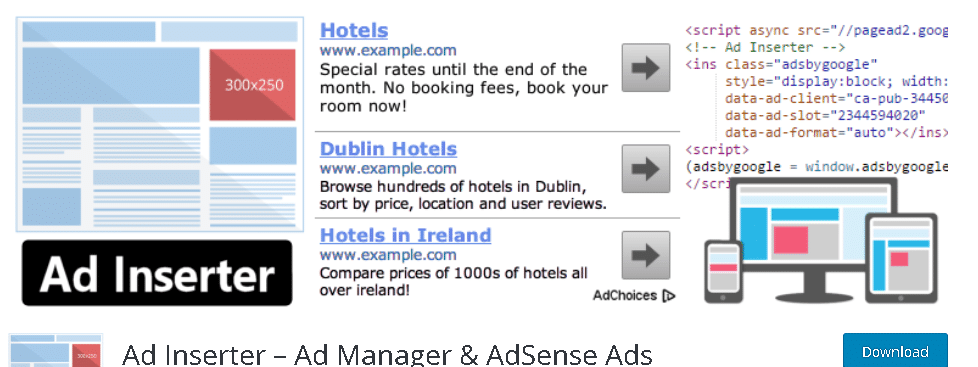
Ad Inserter, now listed on WordPress.org as “Ad Inserter – Ad Manager & AdSense Ads,” is built for placing ad code and other snippets in the header, footer, and dozens of other locations across a page. Beyond AdSense, it supports most major ad networks and lets you paste in custom HTML, CSS, or JavaScript directly. It’s actively updated and remains one of the more capable free options for anyone monetizing a site through display advertising rather than just decorating the header.
7. Sticky Header on Scroll (Premium, CodeCanyon) – Still Sold, Aging Update History
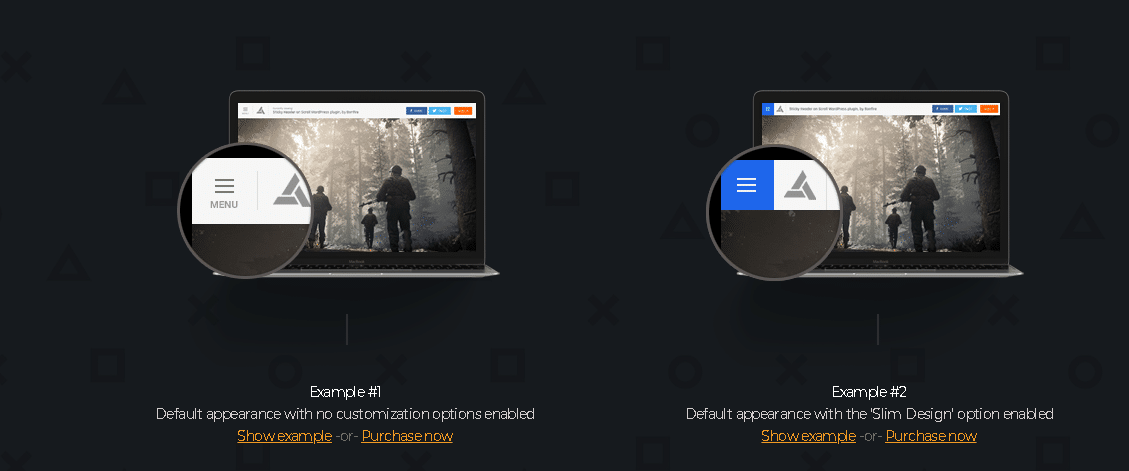
This premium option from BonfireThemes on CodeCanyon is still listed for sale, complete with animated menu buttons, logo customization, and a live customizer preview. Worth knowing before buying: its last recorded update was back in January 2021, so while it’s still purchasable and includes support, check the item’s changelog and recent buyer comments for compatibility notes with your specific theme and WordPress version before relying on it for a production site.
8. Header Bar (Formerly WP Header Bar) – Notification and Promo Bars
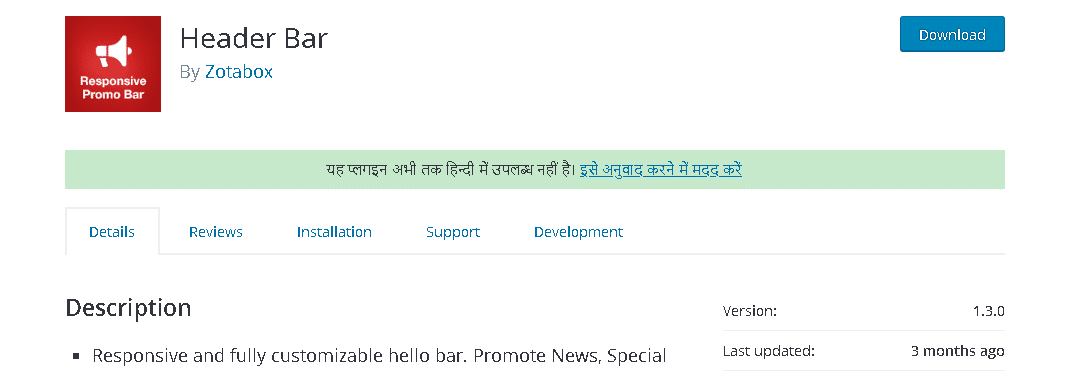
Now simply called “Header Bar” on WordPress.org, this plugin adds a responsive notification or promo bar to the top of your site, complete with call-to-action buttons, social icons, and product-level targeting for slideshows promoting specific offers. It plays well with WooCommerce and Contact Form 7 for anyone building a promotional bar tied to an actual offer or form. Its update history is a bit less frequent than some others on this list, so it’s worth a quick compatibility check on a staging site before deploying it to production.
9. Skip WP Stick Anything – Closed for a Security Issue

This is the correction that matters most on this whole list. WP Stick Anything was closed on the WordPress.org repository on March 7, 2024, with the reason listed plainly as a security issue. It is no longer available for download from the official directory, and if you already have it installed, that’s a plugin worth removing and replacing rather than leaving active. If you need to lock a sidebar, menu, or any other element on scroll, the safer route today is Sticky Menu & Sticky Header from entry five above, which covers largely the same functionality and is actively maintained.
10. Mega Main Menu – Still Sold, Compatibility Listing Hasn’t Kept Pace
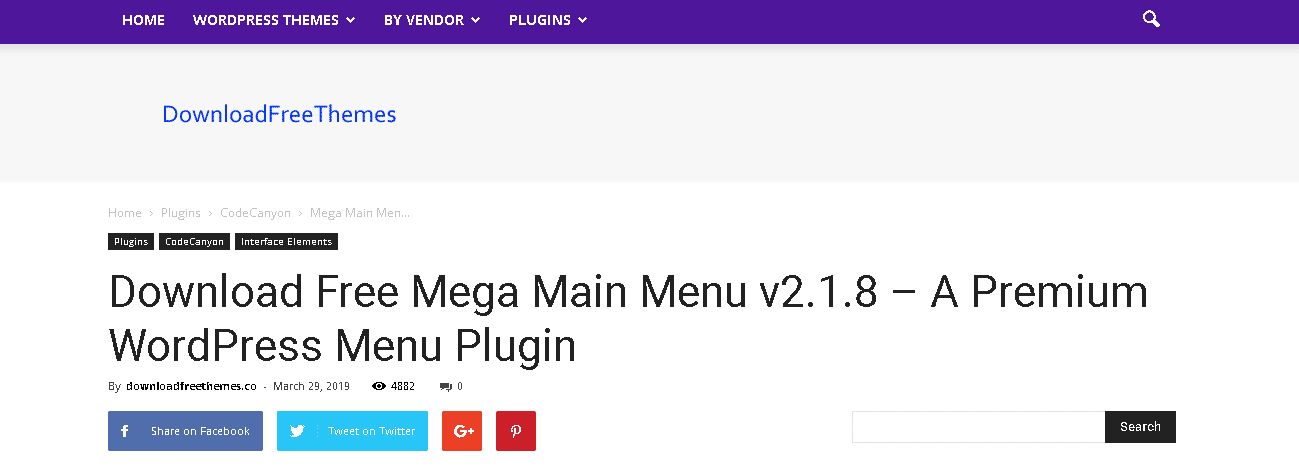
Mega Main Menu is still actively sold on CodeCanyon, with thousands of sales and a strong review history, and it was last updated in December 2024. One thing worth flagging: its listed WordPress compatibility tops out around version 5.9, well behind current WordPress releases, and its old dedicated product site no longer resolves. That doesn’t necessarily mean it’s broken on a current install, plenty of well-built plugins keep working past their tested-up-to version, but it’s worth testing thoroughly on staging before committing a production menu build to it, and reaching out to the author to confirm current compatibility before buying.
Why the Header Deserves More Attention Than It Usually Gets
Most redesign projects spend the bulk of their attention on the homepage hero and barely glance at the header, even though the header is the one element that appears on literally every page a visitor sees. A confusing or cluttered header undermines every other page on the site at once, while a well-built one quietly reinforces navigation and branding on every single pageview without the visitor consciously noticing it’s working.
Performance matters here too. A header plugin that loads extra scripts or stylesheets on every page load has an outsized effect on site speed compared to a plugin that only runs on a handful of pages, precisely because the header renders everywhere. That’s one more reason update history and code quality matter more for header plugins specifically than for plugins confined to a single page type or admin screen.
There’s also a trust dimension that’s easy to overlook. Visitors form an impression of a site’s credibility within the first few seconds, and the header is usually the first thing their eyes land on before any body content loads. A cluttered header crammed with too many competing elements, a broken sticky animation that jitters on scroll, or a promo bar that never dismisses properly all chip away at that first impression before a visitor has read a single word of actual content. None of that requires a design overhaul to fix; it usually just requires picking header tools that are built well and kept current rather than layering on more features than the site actually needs.
Accessibility deserves a mention too, since it’s the piece most header plugin comparisons skip entirely. A sticky header that overlaps focus outlines when a keyboard user tabs through navigation links, or a mobile menu toggle with no accessible label for screen readers, creates real barriers regardless of how good the plugin looks visually. Before settling on any header tool, it’s worth tabbing through the resulting navigation with a keyboard and checking that focus states remain visible and that nothing gets hidden behind a sticky element.
Common Mistakes When Choosing a Header Plugin
- Picking based on feature count instead of maintenance status. A plugin with fifty settings you’ll never touch isn’t better than a leaner one that’s actively patched and compatible with current WordPress.
- Stacking multiple sticky-element plugins at once. Installing two plugins that both try to control sticky behavior on the same header is a common cause of janky scrolling and layout shifts that are hard to diagnose later.
- Ignoring mobile behavior. A sticky header that eats a large chunk of a small phone screen on every scroll can do more harm to the mobile experience than having no sticky header at all.
- Never testing after a WordPress core update. Header plugins interact directly with theme templates, which makes them more likely than average to break silently after a major WordPress or theme update if nobody checks.
- Assuming “free” and “actively maintained” are the same thing. Several of the free plugins on this list are excellent and current; others, as covered above, haven’t been touched in years despite still being listed in the directory.
How to Vet Any Header Plugin Before You Install It
The corrections above aren’t unique to this particular list, they’re the pattern every plugin roundup runs into eventually, because plugins get abandoned, rebranded, and occasionally pulled for security reasons faster than most articles get updated to reflect it. A few checks take less than a minute and catch most of the risk:
- Check “Last updated” on the plugin’s WordPress.org page. Anything more than twelve to eighteen months old deserves a second look, and anything over two or three years is a real caution flag.
- Check “Tested up to.” If it lists a WordPress version several major releases behind the current one, the developer likely isn’t actively verifying compatibility with recent core updates.
- Search the plugin’s exact name plus “closed” or “security” before installing anything from an older article. It takes seconds and would have caught the WP Stick Anything situation immediately.
- Read the most recent reviews, not just the average rating. A 4.5-star average built from three years ago can hide the fact that the last dozen reviews are all reporting the same unresolved bug.
- Test on staging first, especially for anything touching the header, since a broken header can take your entire navigation down site-wide rather than failing quietly on one page.
Frequently Asked Questions
Is it safe to keep using a plugin that hasn’t been updated in a few years?
Not automatically unsafe, but riskier. An unmaintained plugin won’t get security patches for newly discovered vulnerabilities, and it may start conflicting with WordPress core updates over time. If an actively maintained alternative exists that does the same job, like Sticky Menu & Sticky Header instead of the abandoned Fixed & Sticky Header, switching is the lower-risk choice.
What should I do if I already have WP Stick Anything installed?
Remove it and replace it with an actively maintained alternative. Since it was closed specifically for a security issue rather than simple abandonment, leaving it active on a production site carries more risk than a plugin that was just quietly discontinued.
Do premium header plugins from marketplaces like CodeCanyon get the same scrutiny as WordPress.org plugins?
Not exactly the same process. WordPress.org plugins go through a public review team and can be closed for security issues, as happened with WP Stick Anything. Marketplace items rely more on author reputation and buyer reviews, so checking recent comments and the changelog matters even more before buying.
Should I just build a custom header instead of using a plugin?
For a highly specific design, sometimes yes, but most sites don’t need that level of custom work for standard functionality like sticky navigation or a promo bar. A well-maintained plugin usually gets you there faster and with less ongoing maintenance burden than custom code you’ll have to keep updated yourself.
Can a sticky or animated header hurt Core Web Vitals scores?
It can, if the plugin loads heavy scripts or triggers layout shifts as it activates on scroll. A header element that jumps or resizes as the page loads contributes directly to Cumulative Layout Shift, one of Google’s core performance metrics. Test any sticky header plugin with a performance tool after installing it, not just visually, since a header that looks fine can still be quietly hurting load performance.
How many header-related plugins is too many on one site?
More than one plugin controlling the same behavior, sticky positioning, header code injection, is usually one too many. It’s fine to run separate plugins for genuinely separate jobs, a code snippet manager alongside a sticky header plugin, for instance, but layering multiple tools that all try to manipulate the same header element is a common source of conflicts that are frustrating to debug.
What if none of these plugins fit my specific header design?
Most modern WordPress themes, including block themes built around the Site Editor, now handle a surprising amount of header customization natively through theme.json and template parts, without needing a dedicated plugin at all. It’s worth checking what your theme already supports before adding another plugin purely for something the theme might already do out of the box.
A Real Example of Why the Update Date Matters
Picture a site owner who found a version of this exact list from a few years back, installed WP Stick Anything because it looked like a solid free option with the features they needed, and never thought about it again. That plugin sat active on their site for months after it was pulled from the WordPress repository for a security issue, quietly exposed and unpatched, simply because nobody re-checked a plugin that had already been “working fine.” That’s not a hypothetical edge case, it’s exactly the scenario stale plugin roundups create when nobody goes back and verifies the recommendations still hold up.
The fix isn’t complicated. A five-minute check of each plugin’s current status before installing, and a habit of glancing at “last updated” dates every so often for plugins already running, catches almost all of this risk before it becomes a real problem. It’s a small amount of ongoing attention against a header element that touches every single page on the site.
Choosing the Right Header Plugin for Your Site
The right header plugin depends on what you’re actually trying to solve: a custom header image on specific pages, a sticky navigation bar, a promotional announcement strip, or ad placement. What matters more than any single feature list is picking something currently maintained, since an abandoned plugin touching your site’s header is a bigger liability than an abandoned plugin tucked away in a less visible part of the site. Check the update date, check for closures, and test on staging before it ever touches your live header.
Interesting Reads:
Best WordPress Helpdesk Plugins to Manage WordPress Support