Easy Digital Downloads Addons You Need to Sell Services (and Which to Skip)
The Easy Digital Downloads addons a service store needs, the ones that depend on how you sell, and the ones to skip. Tested on EDD 3.7.2 with EDD Sell Services 4.3.0, with plan prices checked on 18 October 2026.

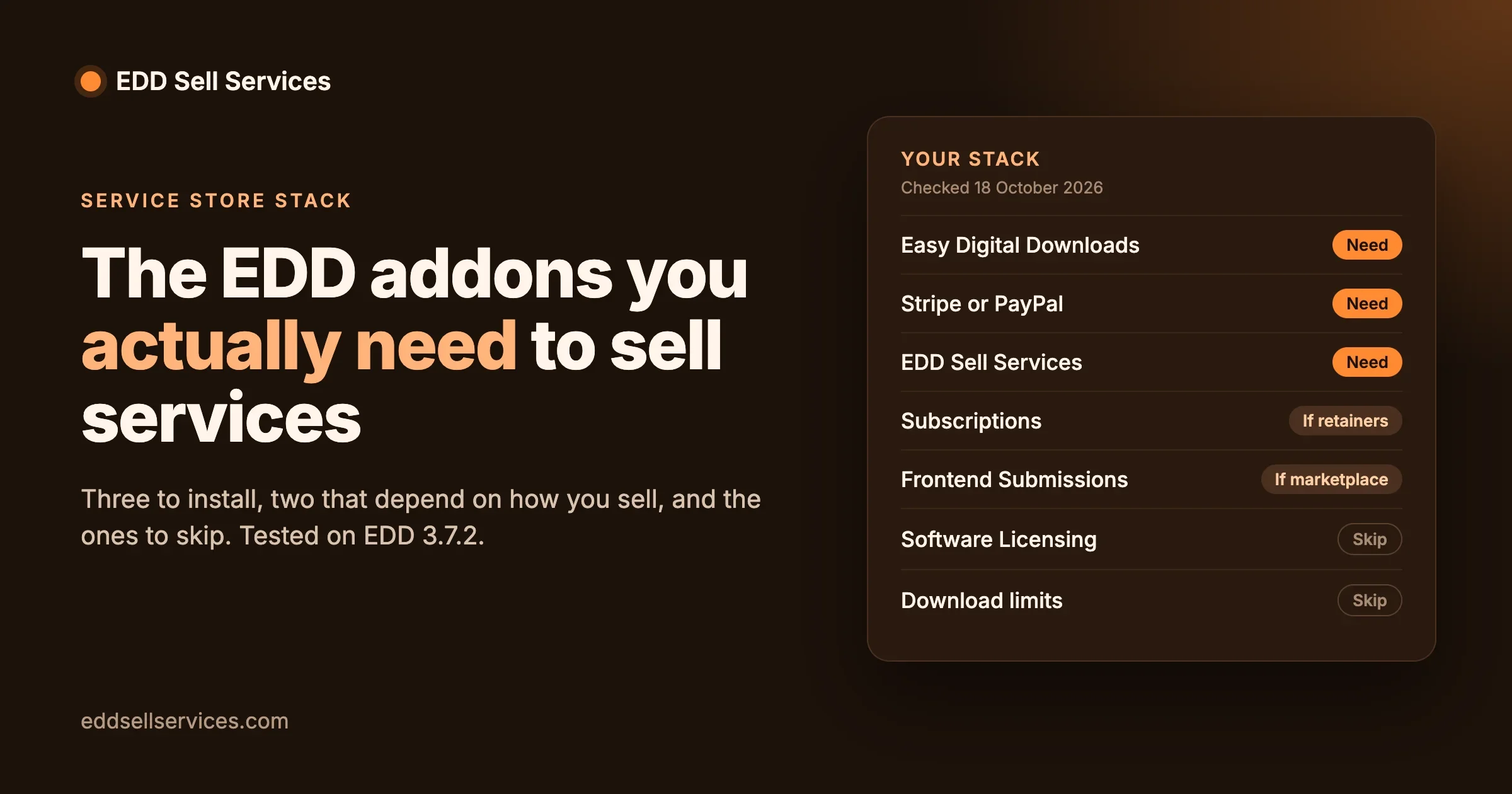
Easy Digital Downloads has a long list of addons, and most of them were built for selling files: software keys, download limits, content locks. If what you sell is your time (a logo, a website audit, a month of SEO work), you need far fewer of them than the catalog suggests. This guide lists the Easy Digital Downloads addons a service store actually needs, the ones that depend on how you sell, and the ones you can skip, with what each costs on the day we checked.
We also tested the core of the stack on current versions before recommending it, and found one setting that decides whether your buyers can even reach their order. That is near the top, because it matters more than any addon.
The short answer
- You need three things: Easy Digital Downloads itself (free), a way to take payment (Stripe and PayPal are built in), and a service layer that collects the buyer’s brief and runs the order. That last part is what EDD Sell Services adds.
- You might need two more: subscriptions, if you sell monthly retainers, and Frontend Submissions, if other freelancers will sell on your site.
- You can skip the rest for a service store: software licensing, download controls and separate review addons are built for products, not services.
- Change one setting: Downloads, Settings, Payments, Customer Registration: set it to “Automatically register new user accounts”. Without an account, a buyer can pay but cannot open their order to send you their requirements.
We tested the stack first
On 18 October 2026 we installed the current versions on a clean test site and ran a complete order as a buyer would:
Component | Version tested |
|---|---|
WordPress | 7.1.3 |
Easy Digital Downloads | 3.7.2 (released 14 October 2026) |
EDD Sell Services | 4.3.0 |
Payment | EDD’s built-in test gateway, in test mode |
We created a service (“Logo Design Package”, $49, delivery in 3 days, one required question: “What is your business name?”) and bought it. Here is what happened at each step:
Step | What we saw |
|---|---|
Product page | Normal EDD product page with the price and a Purchase button |
Checkout | Email, first name and last name only. Order completed. |
Receipt | The service shows as Processing, not complete, which is right for work still to be delivered |
Buyer’s order page | Status Waiting For Requirement, a delivery due date three days out, and a “Provide Requirements” button |
Requirements sent | Status moved to Order Started, the delivery date was confirmed, and a message box opened on the order |
Order tracker | Six steps shown to the buyer: Placed Order, Provide Requirements, Order in Progress, Approve Final delivery, Order Completed, Review the Delivery |
So the service flow works on the current release of Easy Digital Downloads. We did not test final delivery, reviews or Frontend Submissions in this run.
The one setting that matters more than any addon
Symptom: a buyer pays, then emails you asking where to send their brief, or never sends it at all.
Check: our first test purchase was made as a guest. The order went through, but the order page asked the buyer to log in, and a guest has no account to log in with. They had paid and had no way to reach the requirement form or the conversation.
Fix: in the WordPress admin, go to Downloads, Settings, Payments and find Customer Registration. It has three options:
Option | What the buyer experiences | For a service store |
|---|---|---|
Allow customers to place orders without an account | Pays as a guest, then cannot open the order page | Avoid |
Customers must log in or create an account to purchase | Has to register before paying | Works, but adds a step before payment |
Automatically register new user accounts | Checks out with just email and name, then is logged in and sees the order | Recommended |
We tested the automatic option: the checkout form stayed exactly the same (email, first name, last name), and after paying, the buyer was logged in and their order page showed Waiting For Requirement, ready for the brief.
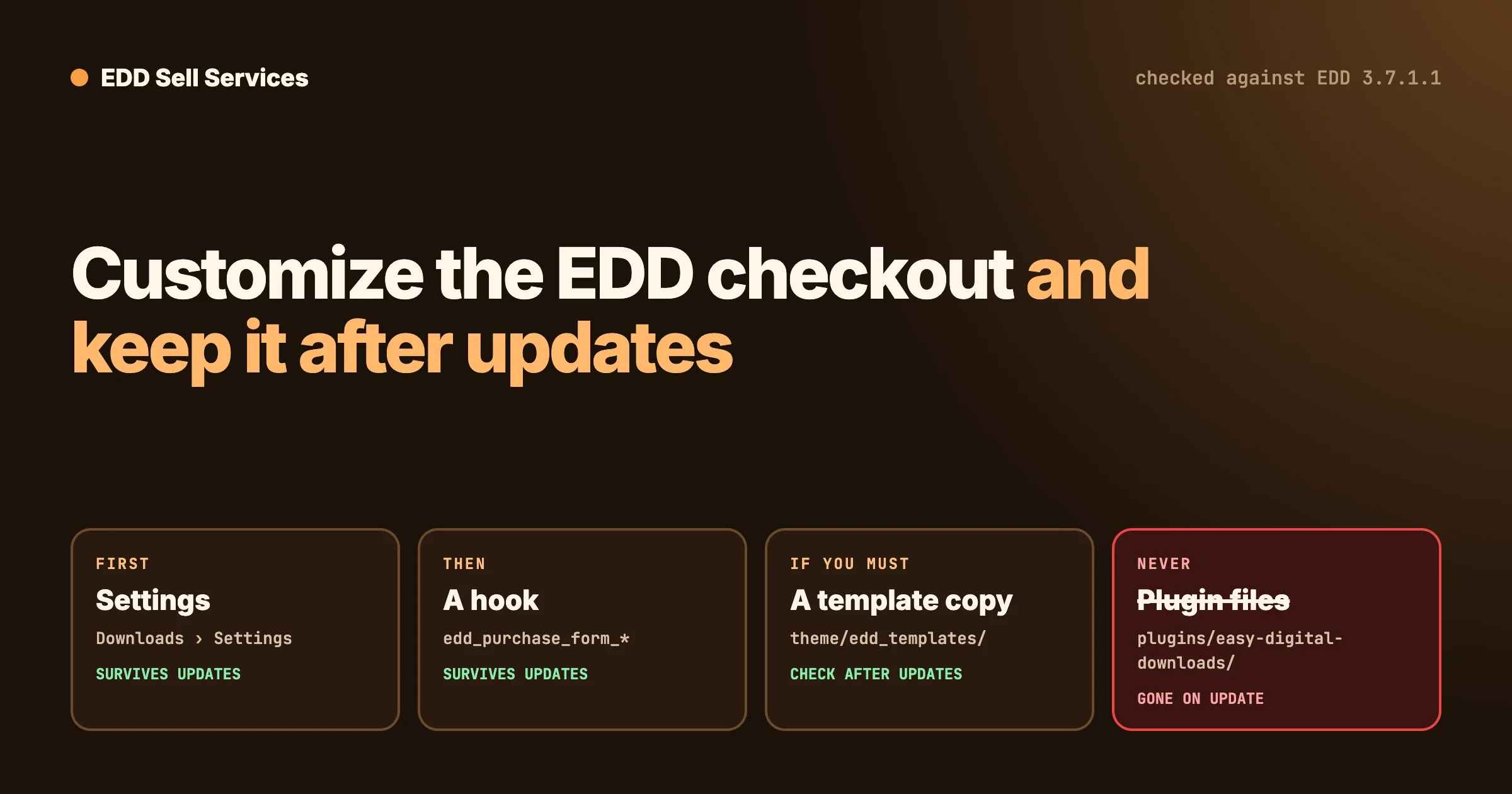
Prevent: after any change to checkout settings, buy one of your own services in test mode and make sure you can open the order page as the buyer. Our guide to customizing the EDD checkout page safely covers other checkout changes worth testing the same way.
The stack, addon by addon
Prices and plan details below were read on easydigitaldownloads.com and wbcomdesigns.com on 18 October 2026. Easy Digital Downloads shows sale prices next to its normal prices; we list both.
Need it
Piece | What it does for a service store | Cost |
|---|---|---|
Easy Digital Downloads (Lite) | The store itself: products, cart, checkout, customers, receipts, reports | Free on WordPress.org |
A payment gateway | Takes the money. Stripe and PayPal are built into Easy Digital Downloads. | Included. On the free version, Stripe payments carry an extra 3% per transaction on top of Stripe’s own fees; EDD’s pricing removes it on the Extended plan and above. |
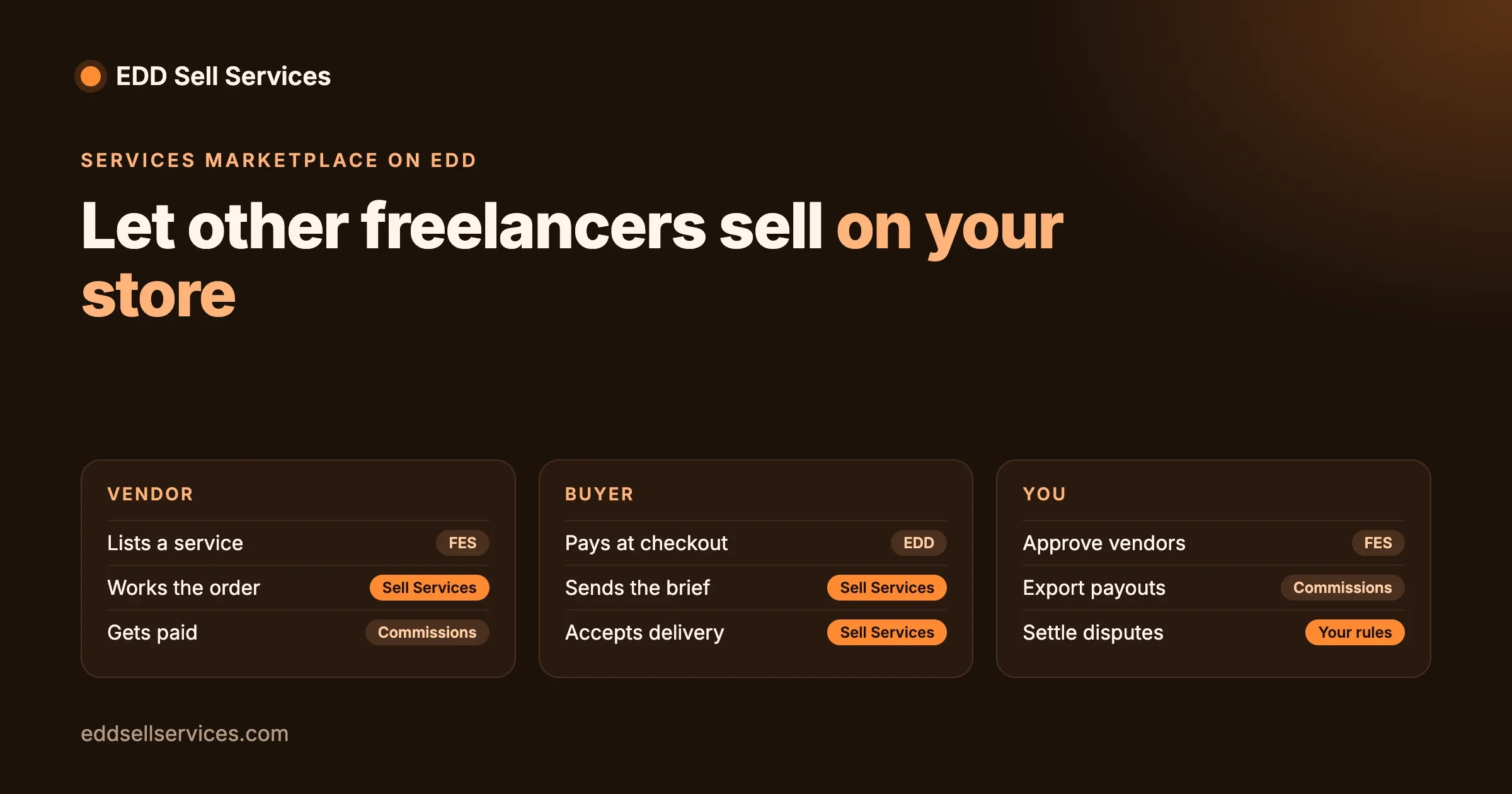
EDD Sell Services | Turns a product into a service: requirement questions after payment, an order conversation with shared files, a status tracker, delivery and review | From $59 a year or $199 lifetime for one site. Every plan has every feature; the plan only sets the number of sites. |
Depends on how you sell
Addon | Get it if | Where it comes from |
|---|---|---|
Subscriptions (EDD lists it as “Subscriptions & Free Trials”) | You sell recurring work: a monthly maintenance plan, a retainer, ongoing content | Included in every paid EDD plan, from Personal up |
Frontend Submissions | Other freelancers or agencies will list and sell their own services on your site | Comes with EDD’s Professional Pass (current version 2.8.2). EDD Sell Services works with it, so each vendor manages their own service orders. |
An email marketing integration | You want buyers added to a mailing list | EDD’s comparison lists Mailchimp, ConvertKit, ActiveCampaign and others; check which plan includes the one you use |
Skip it (for services)
Addon | Why a service store does not need it |
|---|---|
Software Licensing | Issues license keys for software. Services have no key to issue. |
Customer Reviews | EDD Sell Services already asks the buyer to review the delivery at the end of each order. |
Download limits and file protection addons | Built to control how often a file can be downloaded. A service delivery is a one-off file on the order. |
Content restriction addons | Built for selling access to pages. A service is delivered on the order, not behind a locked page. |
Which piece does what in one order?
It helps to see the stack as a relay: each piece hands the order to the next. This is the order from our test, step by step, with the piece doing the work at each point.
Moment in the order | Piece doing the work | What the buyer sees |
|---|---|---|
Buyer finds the service | Easy Digital Downloads (product page, price) | A normal product page with a Purchase button |
Buyer pays | Easy Digital Downloads checkout and your gateway | A short form: email, first and last name, then payment |
Account is created | Easy Digital Downloads (Customer Registration set to automatic) | Nothing extra; they are simply logged in |
Order waits for the brief | EDD Sell Services | Status “Waiting For Requirement” and a Provide Requirements button |
Buyer answers your questions | EDD Sell Services | Your questions, with your help text under each one |
Work starts | EDD Sell Services | “Order Started”, the due date, and a message box on the order |
You deliver | EDD Sell Services | The final file on the order, and a step to approve the delivery |
Buyer reviews | EDD Sell Services | A review step at the end of the tracker |
Two things stand out. First, Easy Digital Downloads only does the first three rows; everything after payment is the service layer. That is why a store with plenty of EDD addons but no service layer still ends up running orders through email. Second, the receipt shows the service as Processing rather than complete, so a buyer is never told a job is finished before you deliver it.
Where does the delivery date come from?
From the estimated delivery time you set on each service. Our test service was set to 3 days, and the order page showed a due date three days after purchase. Set it to the time you need after you have the buyer’s answers, not from the moment of payment, and leave room for a slow reply.
What can you ask buyers before you start?
The brief is where most service orders go wrong: the buyer pays, then you spend two days chasing logo files and login details. EDD Sell Services lets you ask for what you need right after payment, and the order does not start until the answers are in. The question types we saw in the service editor:
Question type | Good for |
|---|---|
Text box | Short answers: business name, website address, preferred colour |
Text area | Longer answers: what the business does, who the customers are |
Simple text area | Plain notes without formatting |
Upload | Existing logos, brand guides, photos, documents |
Dropdown | One choice from a long list, such as a page count or style |
Checkboxes | Several choices at once, such as which social networks to cover |
Radio buttons | One choice from a short list, such as “modern” or “classic” |
Each question can carry help text shown under it and can be marked required. If you sell several similar services, save the question set once and reuse it on the next service instead of typing it again.
A good rule of thumb: ask only what you need to start the work today. Everything else can wait for the order conversation, where the buyer already trusts you because the job has begun.
Choosing an Easy Digital Downloads plan
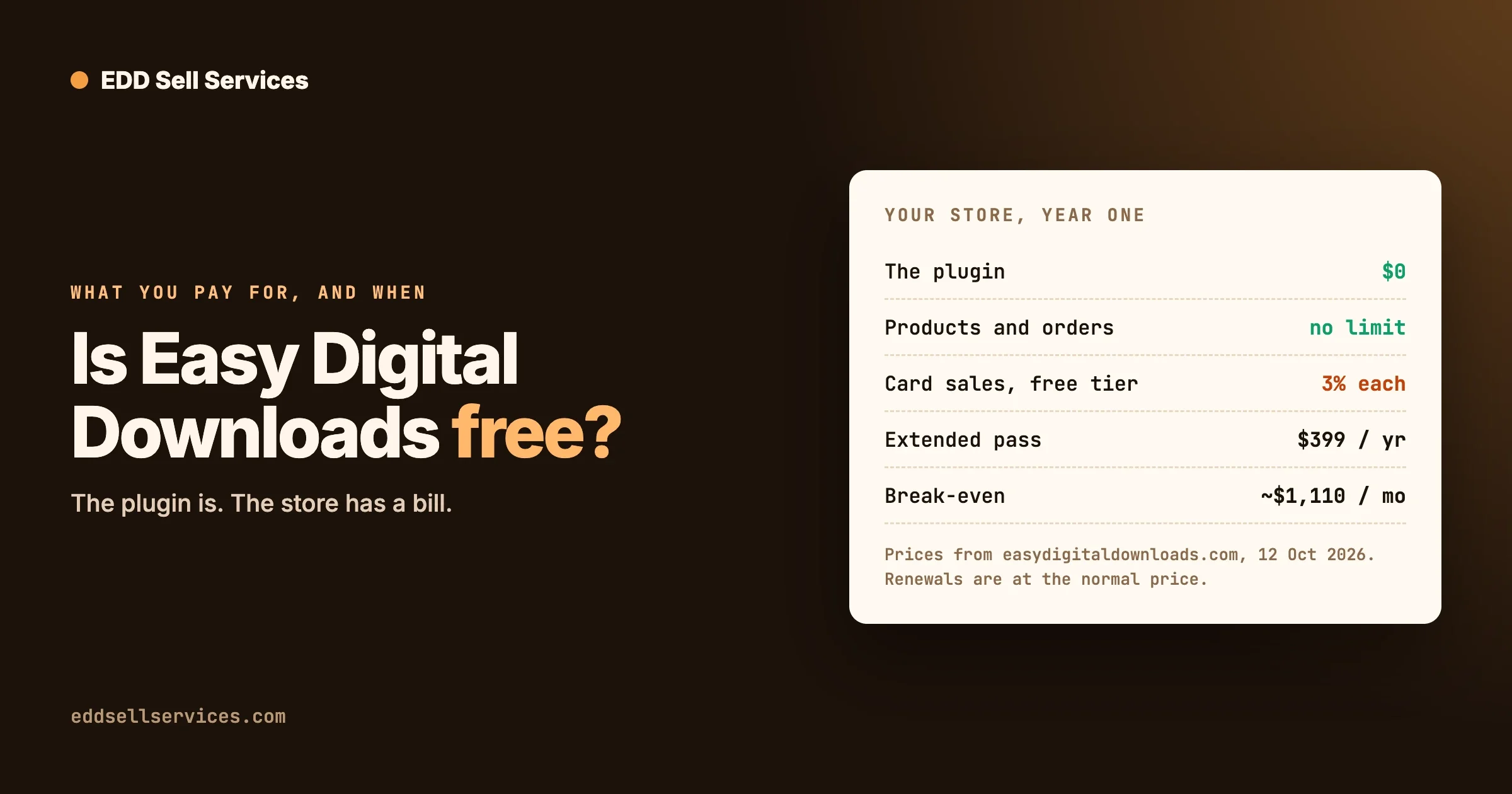
You can run a service store on the free version. The paid plans matter for two reasons: the 3% Stripe fee, and subscriptions. These are the plans as listed on 18 October 2026:
EDD plan | Sale price per year | Normal price | Sites | Notes for a service store |
|---|---|---|---|---|
Lite | Free | Free | Any | Stripe adds 3% per transaction |
Personal | $99.50 | $199.00 | 1 | Includes subscriptions |
Extended | $199.50 | $399.00 | 1 | No platform fees, subscriptions |
Professional | $299.50 | $599.00 | 2 | Adds Frontend Submissions and Software Licensing |
All Access | $499.50 | $999.00 | 3 | Everything |
EDD’s pricing page lists “No Platform Fees” on Extended, Professional and All Access. Check the Personal plan’s terms on the day if the Stripe fee matters to you.
When does a paid plan pay for itself?
Simple arithmetic on the 3% fee:
- At the Extended sale price ($199.50 a year), the plan costs the same as the fee on about $6,650 of yearly card sales ($199.50 ÷ 0.03).
- At its normal price ($399.00), the break-even is about $13,300 a year.
Below that, the free version is cheaper, even with the fee. Above it, Extended saves money every month. If you need subscriptions or other sellers on your site, the decision is made for you by the feature, not the fee.
Three example stacks
Who | What they sell | Stack | Software cost per year (prices on 18 Oct 2026) |
|---|---|---|---|
A freelance designer starting out | One-off logo and brand packages | EDD Lite, Stripe, EDD Sell Services Personal | $59, plus 3% on Stripe payments |
A small agency with retainers | Monthly SEO and maintenance plans plus one-off audits | EDD Extended, Stripe, EDD Sell Services Personal | $258.50 at EDD’s sale price ($199.50 + $59), no platform fee |
A marketplace for other freelancers | Services listed and delivered by many vendors | EDD Professional (Frontend Submissions), EDD Sell Services | $358.50 at EDD’s sale price ($299.50 + $59 for one site) |
Lifetime options change the picture over several years: EDD Sell Services is $199 once for one site. EDD’s own plans are yearly on its pricing page.
Running a marketplace with other sellers needs more planning than an addon list: vendor approval, commissions, payouts and support. Our EDD service marketplace development page covers how we build those.
Set it up in this order
- Install Easy Digital Downloads and turn on test mode under Downloads, Settings, Payments.
- Set Customer Registration to “Automatically register new user accounts”.
- Connect Stripe or PayPal, still in test mode.
- Install EDD Sell Services. On activation it creates a Manage Order page, where buyers see their orders.
- Create your first service: set the product type to Service, the price, the estimated delivery time and your requirement questions. Questions can be text boxes, text areas, uploads, dropdowns, checkboxes or radio buttons, and you can save a set to reuse on the next service.
- Buy it yourself in test mode, as a new buyer, and walk the whole order: requirements, a message, a delivery.
- Add subscriptions or Frontend Submissions only if your model needs them.
- Turn off test mode and make one small real purchase to confirm money arrives.
For the full walkthrough of the service side, see how to sell services with Easy Digital Downloads.
Troubleshooting a new service store
These are the problems a new service store usually meets in its first week, each with what to look at and how to fix it.
The buyer paid but cannot find the order
Check: did they buy as a guest? Open Downloads, Customers and see whether the customer has a WordPress user attached. Fix: set Customer Registration to automatic for new orders. For the order already placed, create a WordPress user with the same email address the buyer used. Easy Digital Downloads links their past orders to the new account and asks them to confirm the email address first; once they click the link in that email, the order appears on their Manage Order page. We tested this with a guest order and it showed up, still waiting for requirements. Prevent: test checkout as a new buyer after any settings change.
The order is stuck on “Waiting For Requirement”
Check: the order page shows which step it is on. If it is still waiting, the buyer has not sent the answers. Fix: send them the order link with a one-line reminder of what you need. Prevent: keep the required questions short; every extra required field is a reason to put the form off until later.
You were not told about a new order
Check: EDD Sell Services sends an email to the seller on each new order, so if nothing arrived, test whether your site can send email at all. Many hosts block or junk WordPress mail. Fix: set up an SMTP or transactional email service and send a test. Prevent: make one test purchase a month and confirm both the buyer’s and your own emails arrive.
Card payments fail at checkout
Check: are you still in test mode with a live card, or live with a test card? Both fail. Fix: match the mode to the card, and reconnect Stripe under Downloads, Settings, Payments if the connection shows an error. Prevent: after turning test mode off, make one small real purchase and refund it.
The due date is wrong
Check: the estimated delivery time on the service itself, not a site-wide setting. Fix: edit the service and set the time you need after the brief arrives, then place a test order to see the new date.
Common mistakes
- Buying a bundle before you know your model. Start with the free version and add a plan when a specific need (retainers, vendors, the Stripe fee) appears.
- Leaving guest checkout on. Buyers pay and then cannot send their brief. Use automatic registration.
- Testing as the admin. An administrator can see everything, so problems buyers hit stay hidden. Test as a new customer, in a private browser window.
- Asking too many questions. Each required question is a step between payment and starting work. Ask only what you need to begin.
- Using a product addon for a service job. If an addon talks about license keys, download limits or file access, it was built for products.
If you are still deciding between platforms, our comparison of Easy Digital Downloads vs WooCommerce for services covers when each fits, and is Easy Digital Downloads free? goes deeper on what the free version includes.
Frequently asked questions
Which Easy Digital Downloads addons do I need to sell services?
Easy Digital Downloads itself (free), a payment gateway (Stripe and PayPal are built in) and a service layer such as EDD Sell Services for requirements, order conversation and delivery. Add subscriptions only for recurring work and Frontend Submissions only for a multi-vendor marketplace.
Does EDD Sell Services work with the latest Easy Digital Downloads?
Yes. We tested EDD Sell Services 4.3.0 with Easy Digital Downloads 3.7.2 on WordPress 7.1.3 on 18 October 2026: purchase, requirements, order start and the order conversation all worked.
Can buyers check out as guests?
They can pay as guests, but they then cannot open their order page to send requirements. Set Customer Registration to “Automatically register new user accounts” so checkout stays short and buyers can reach their order.
Is the free version of Easy Digital Downloads enough for a service store?
For many stores, yes. The main costs of staying free are an extra 3% per transaction on Stripe payments and no subscriptions. A paid plan becomes worthwhile once the fee outgrows its price or you need recurring billing.
Do I need Frontend Submissions?
Only if other people will sell their own services on your site. For a store where you or your team deliver every order, you do not.
Do I need a reviews addon?
No. EDD Sell Services asks the buyer to review the delivery as the last step of every order.
Can I sell monthly retainers?
Yes, with EDD’s subscriptions feature, which is included in its paid plans from Personal up. Set the service up as a recurring product.
How we tested this
On 18 October 2026 we installed WordPress 7.1.3, Easy Digital Downloads 3.7.2 and EDD Sell Services 4.3.0 on a local test site, created a service with a required question, and bought it three times: as a guest, as a logged-in customer and with automatic registration turned on. We then recovered the guest order by creating an account with the buyer’s email. Every step listed above is from those purchases. Plan prices and features come from easydigitaldownloads.com and the EDD Sell Services product page on the same day, and may change.
Ready to sell services with Easy Digital Downloads? See what EDD Sell Services does, compare plans and pricing, or get EDD Sell Services.